 DocumentFlow Desk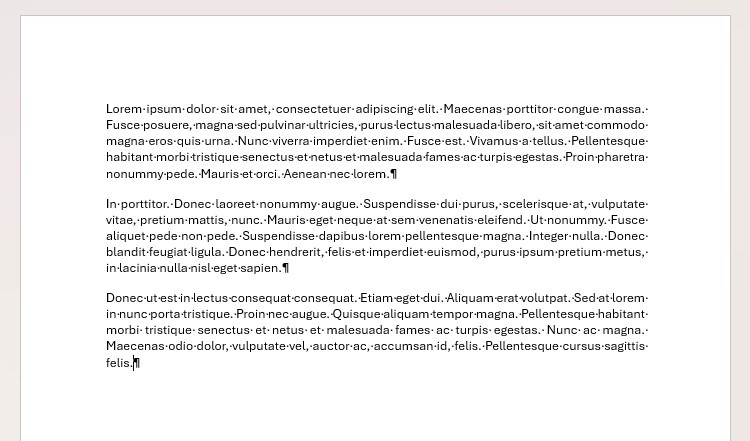
Expose the empty paragraphs behind a fragile page transition
The article demonstrates how repeated Enter presses can push a chapter onto a new page only temporarily. Adding text earlier or changing font size shifts those empty paragraphs, creating unwanted gaps or moving the heading away from the top. Turn on Show/Hide to inspect the underlying paragraph marks before making corrections. The clean view can conceal a long sequence of empty lines that merely imitates a structural page transition. Remove unnecessary spacing carefully while preserving any deliberate paragraph separation that belongs to the text itself.
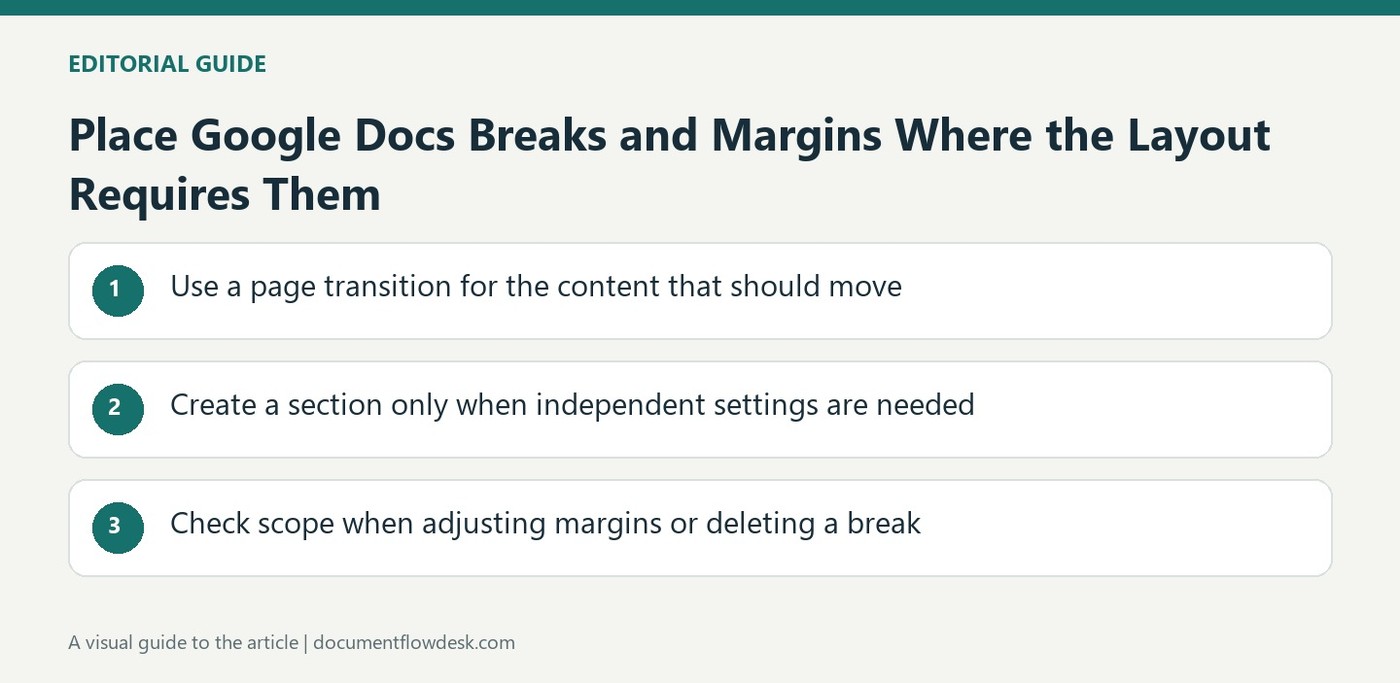
Use a page break for the next page in the same section
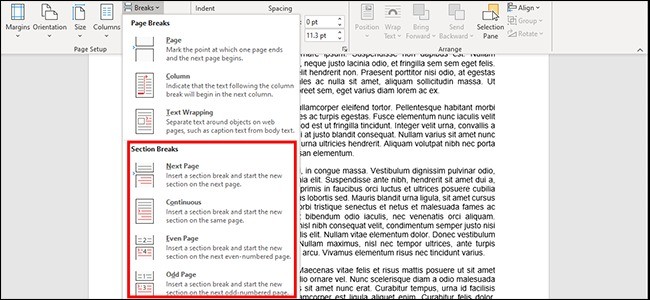
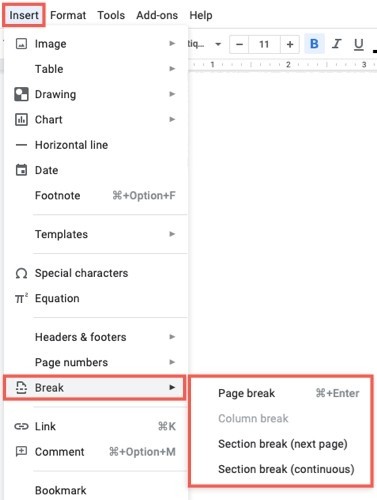
A page break moves subsequent content to the next page while maintaining the current section's overall layout context. Place it at the intended transition rather than at an approximate point chosen to compensate for the current text length. The source locates the command through Layout, Breaks, Page in its interface. Review the chapter heading after earlier text is edited to confirm the transition still behaves as intended. A genuine break expresses where the next page should begin without depending on a fixed number of manually inserted empty paragraphs.
Use a section break for independent layout requirements
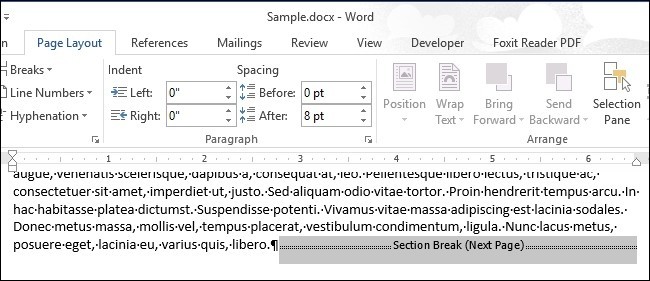
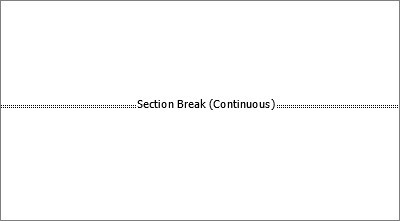
A section boundary is appropriate when the following part needs settings such as a different numbering scheme or layout. Next Page begins that section on another page, while Continuous begins it within the current page. Choose according to the required structure, not simply to create visual space. Inspect the surrounding headers, numbering and margins afterward, since a section is more than a stronger page break. The article's broader lesson is to assign layout jobs to the controls designed for them so a longer document remains easier to revise and explain to another editor.
Use formatting marks to identify what is pushing the heading down
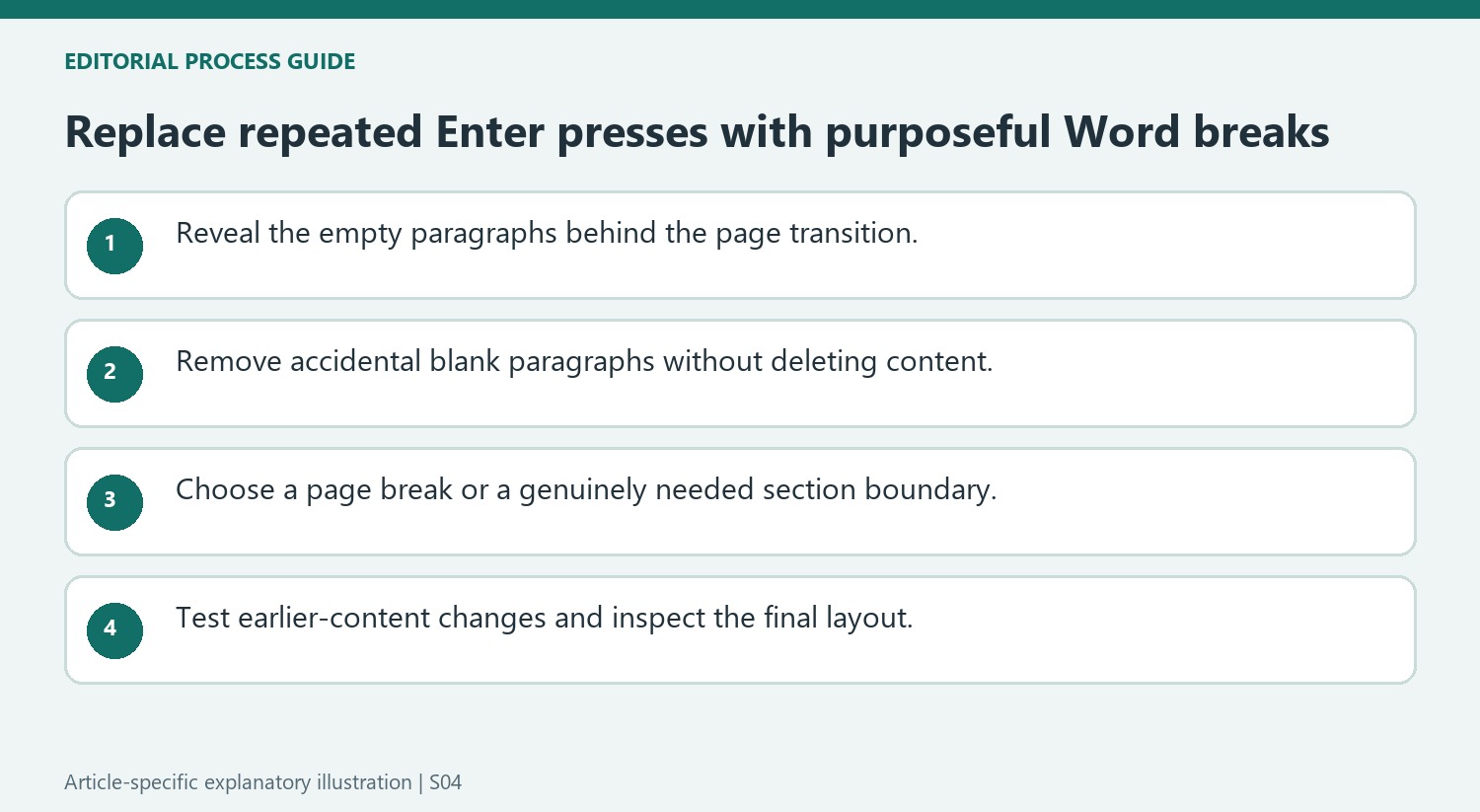
A heading near a new page can be preceded by many empty paragraph marks rather than a genuine break. Turn on Show/Hide and inspect the area before changing its appearance. Each empty paragraph participates in the document flow, so its height can change when fonts or spacing change. That explains why a transition built from repeated Enter presses can move after an otherwise unrelated formatting revision.
Remove unnecessary empty paragraphs carefully, keeping any actual text and intended paragraph relationships intact. Then insert the appropriate break at the real transition. Compare the heading position after a small earlier text change and restore the wording afterward. The structural break should continue to express the intended new page without needing a fresh count of blank lines every time the previous chapter grows.
Choose a section only when the following region needs its scope
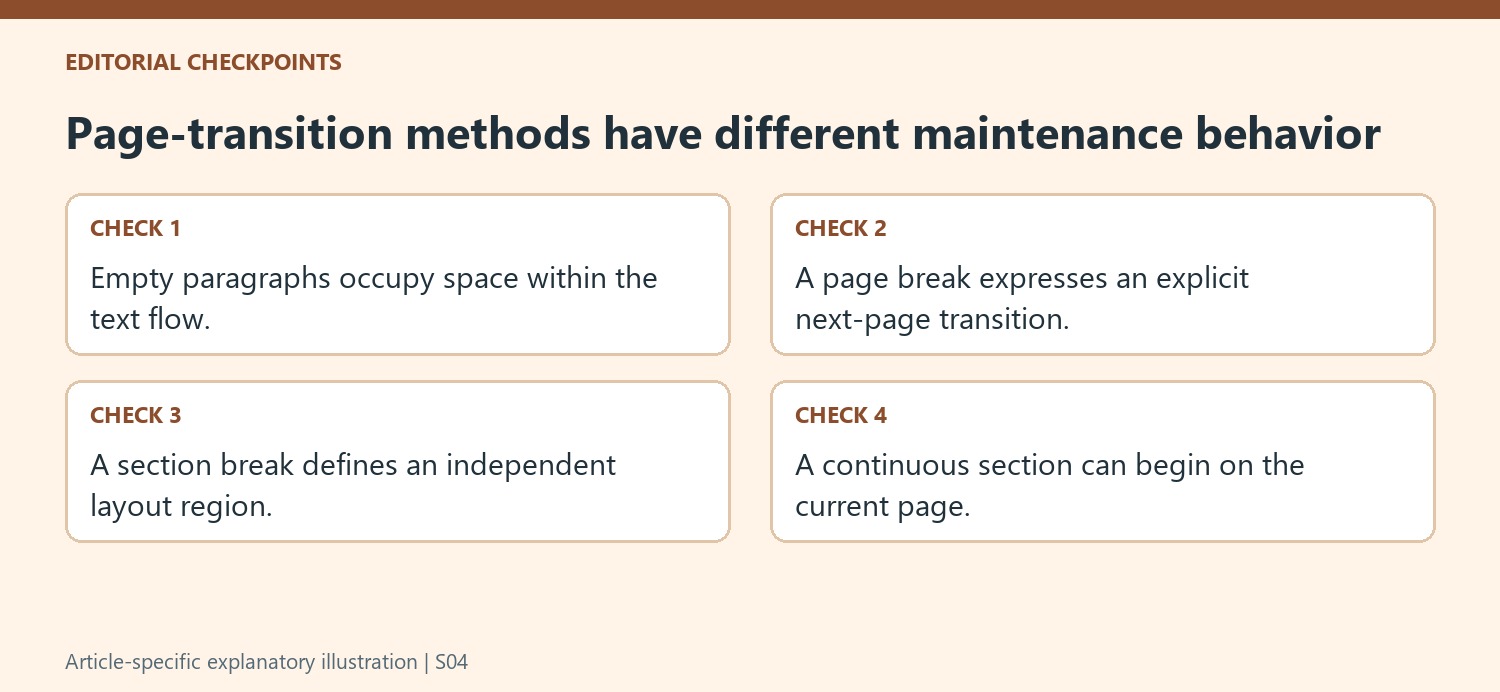
A page break moves following content to the next page while retaining the current section context. A section break defines another layout region. Choose the latter when the document needs independent section-based treatment, such as a different numbering arrangement or columns. Do not treat it simply as a stronger version of the page break because both can initially place text on a new page.
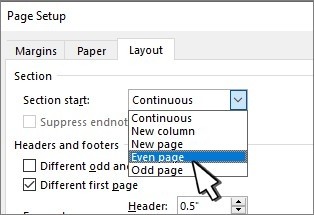
The source contrasts Next Page with Continuous starts. A local layout region within a page can use a continuous boundary, while a new section that must begin later can use a page-starting choice. Review the material on both sides after insertion. A section can carry dependencies for running elements and numbering, so its purpose should remain clear to another editor reading the document structure.
Review stability after revisions rather than only the initial appearance
Inspect the transition after representative changes to earlier content and after adjusting a relevant font or spacing setting. A well-placed break preserves the intended relationship even though the total page count can still change. Check headings, nearby captions and running elements in the final page view. If additional gaps remain, investigate their cause with the marks visible instead of immediately adding more empty paragraphs. The goal is a document whose page transitions have explicit jobs and whose later revisions do not require repeated manual positioning repairs.
References
- Don't Spam Enter in Word: Use Page and Section Breaks Instead. How-To Geek; Tony Phillips.


Comments
0