 DocumentFlow Desk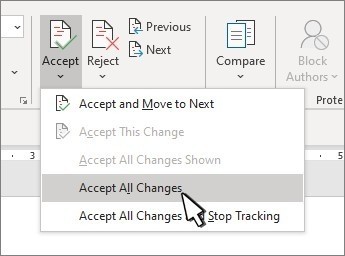
Review the actual changes rather than only the display
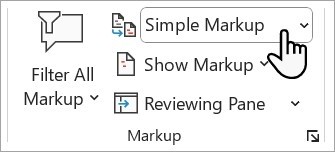
Microsoft warns that selecting No Markup is not a way to remove tracked changes. Those proposals remain in the document and can become visible again to another reader. Begin a final review with the relevant changes displayed and inspect any reviewer filters that limit the view. Preserve an approval copy when the earlier revision record is still needed. A final document should be defined by decisions about its content, rather than by whichever markup setting makes the current page appear most finished.
Choose between sequential and selected-change review
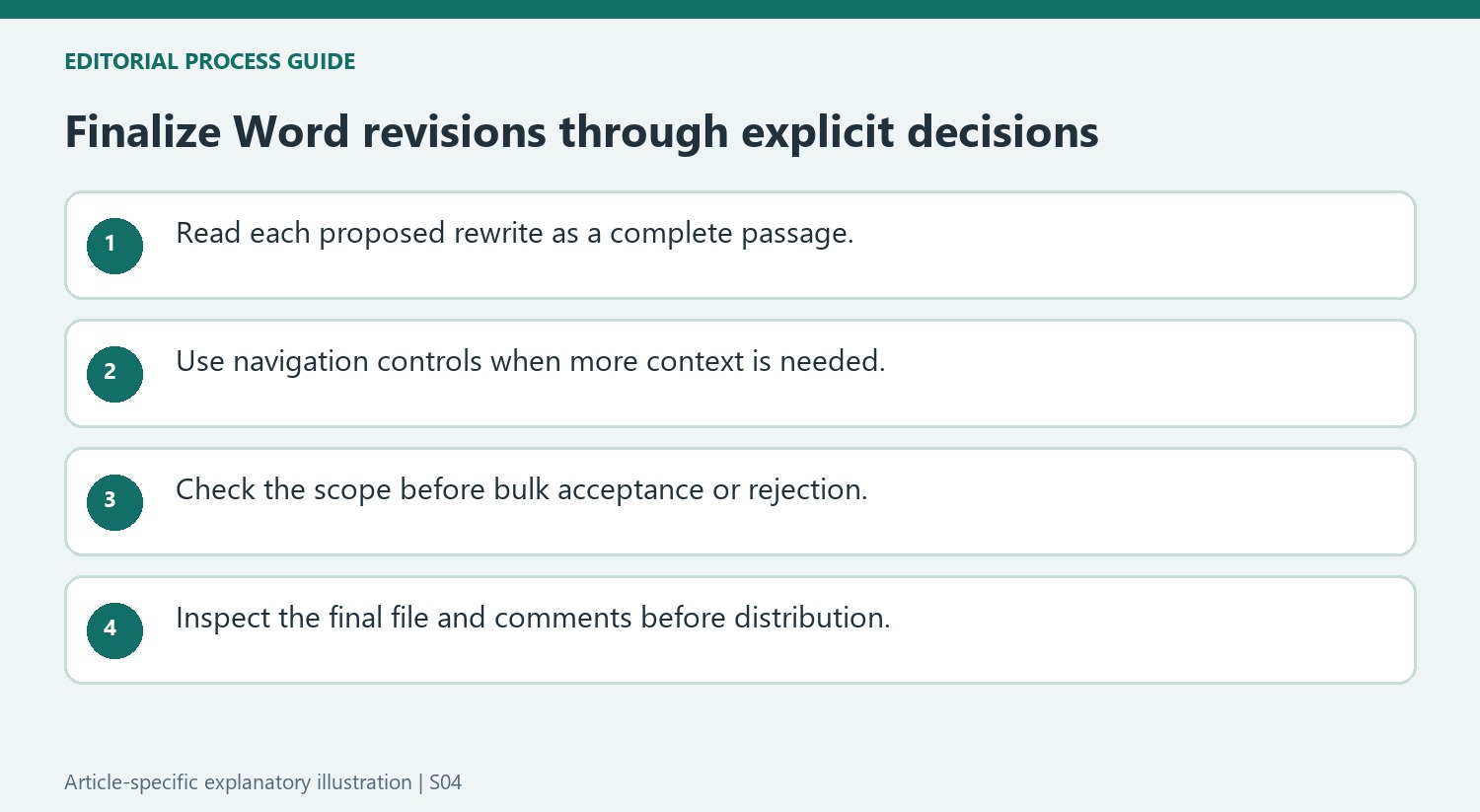
Starting at the beginning, use Accept or Reject to resolve proposals in order. Previous and Next can move through changes without deciding them, which is useful while gathering context. An individual change can also be selected and resolved directly where supported. Read the complete passage when a rewrite consists of several marks, since accepting only one portion can leave an unintended sentence. Check the result after each substantial edit. The goal is not merely to reduce the number of visible marks but to retain wording that reflects the intended reviewed meaning.
Check broad decisions and other review material
Accept All and Reject All apply document-wide decisions, while options referring to shown changes can respect a narrower visible subset. Inspect the scope before acting. Microsoft also identifies Document Inspector as a final check for material such as tracked revisions, comments and certain document properties in supported desktop versions. Comments require separate handling from text revisions, so a completed change pass may still leave discussion threads. Review the final text and relevant review material before distribution, keeping any historical copy separate from the clean version intended for the recipient.
Evaluate a proposed rewrite as a meaningful passage
A tracked correction may consist of a deleted phrase and inserted replacement words. Inspect both parts together before deciding. Accepting only one can leave a sentence that neither the original author nor the reviewer intended. Read the surrounding paragraph after a substantial decision to confirm that grammar, references and meaning remain coherent rather than judging success by the disappearance of colored marks.
Previous and Next allow the editor to inspect proposals without deciding them. Use that distinction when context is needed from another page. A review does not have to convert uncertainty into an immediate acceptance merely to advance through the file. Preserve an appropriate review copy if the proposal history is still needed, then resolve the final version through deliberate content decisions.
Match a bulk decision to the actual visible and stored scope
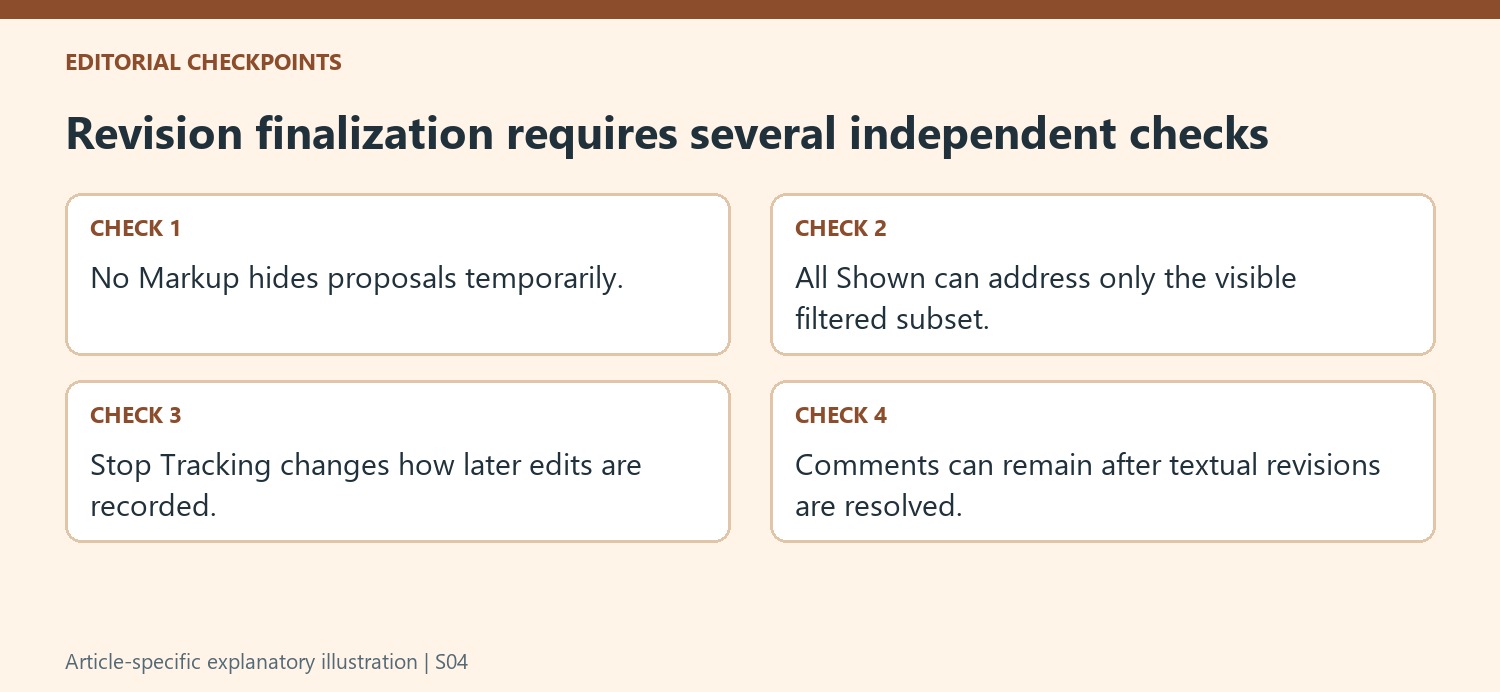
The source describes commands for all changes and, on supported interfaces, all changes shown. A reviewer filter can make those scopes different. Inspect the active view before applying a broad command, and consider whether proposals outside that view also need review. A result with no visible marks can still contain hidden proposals if only the displayed subset was addressed.
Commands that also stop tracking combine a content decision with a setting for future edits. Confirm both outcomes are intended. Stopping tracking alone does not resolve earlier proposals, while resolving proposals does not necessarily determine how the next contributor's edits will be recorded. Keep these actions clear when handing the file from review to final editing or to another round of collaboration.
Inspect the final file rather than only a clean preview
No Markup temporarily hides revisions, and Microsoft explicitly says it is not a removal action. Use the supported final inspection workflow where available, including Document Inspector in desktop Word, to examine relevant review material and document information. Read the chosen final text after accepting or rejecting changes, then review comments separately. A comment thread can remain after the wording proposal has been settled. Keep the historical copy distinguishable from the distribution copy so readers receive the intended reviewed version rather than a file that only looked finished under one temporary markup display setting on the editor's computer.
References
- Accept or reject tracked changes in Word. support.microsoft.com.


Comments
0