 DocumentFlow Desk
 -
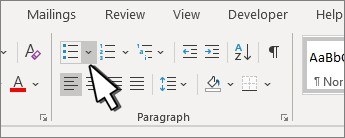
Format a Word Checklist for Clear Digital or Printed Use
Microsoft's official guidance separates interactive checklists from lists intended only for printing.
-
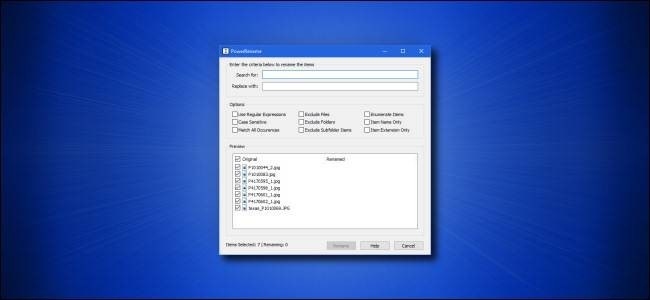
Standardize a Team File Batch With PowerRename | Document Naming Examples
Microsoft PowerToys includes PowerRename for changing many filenames from one dialog.
-

Add Consistent Project Labels With Finder Batch Rename | Document Naming Examples
Finder includes a batch rename tool that can make a group of documents follow a shared pattern.
-
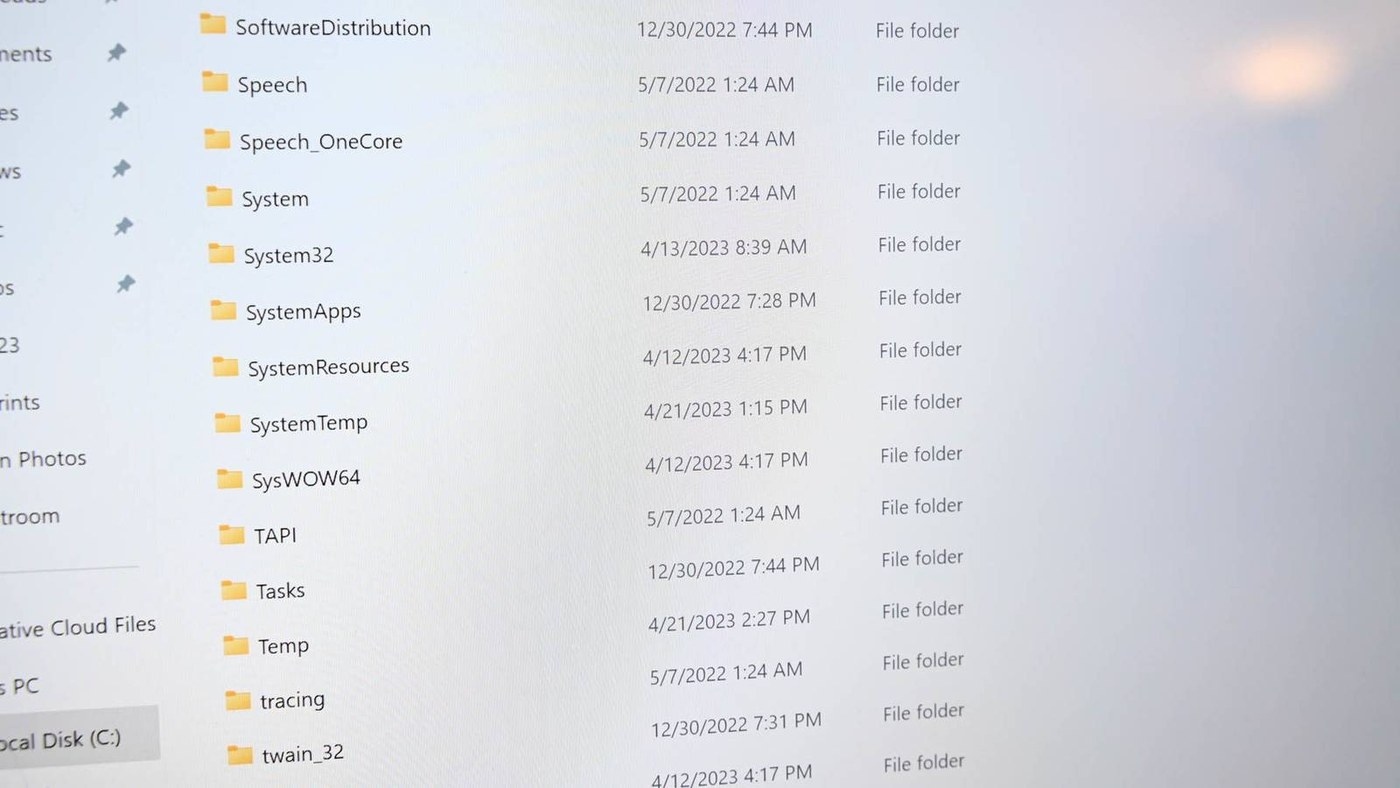
Apply Team Filename Rules With Windows Rename Tools | Document Naming Examples
A team's naming convention becomes useful only when people can apply it consistently.
-

Make Mac Document Names Clear Before Filing Them | Document Naming Examples
A Mac becomes difficult to search when documents and screenshots land in unrelated places.
-
Pair a Shared Naming Rule With Predictable Windows Folders | Document Naming Examples
A useful document system gives every file a predictable home.
-

Structure Study Notes with the Cornell Method
A Cornell notes template divides the page into a narrow left column for cues or questions, a wider right column for detailed notes and a summary area at the bottom.
-
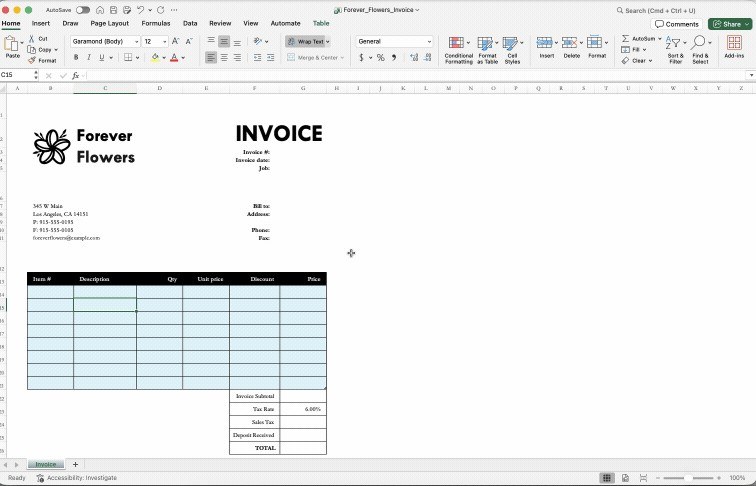
Prepare an Excel-Based Form Before PDF Conversion
Smallpdf recommends setting the worksheet's print area, orientation, margins and gridlines before converting an Excel form layout to PDF.
-
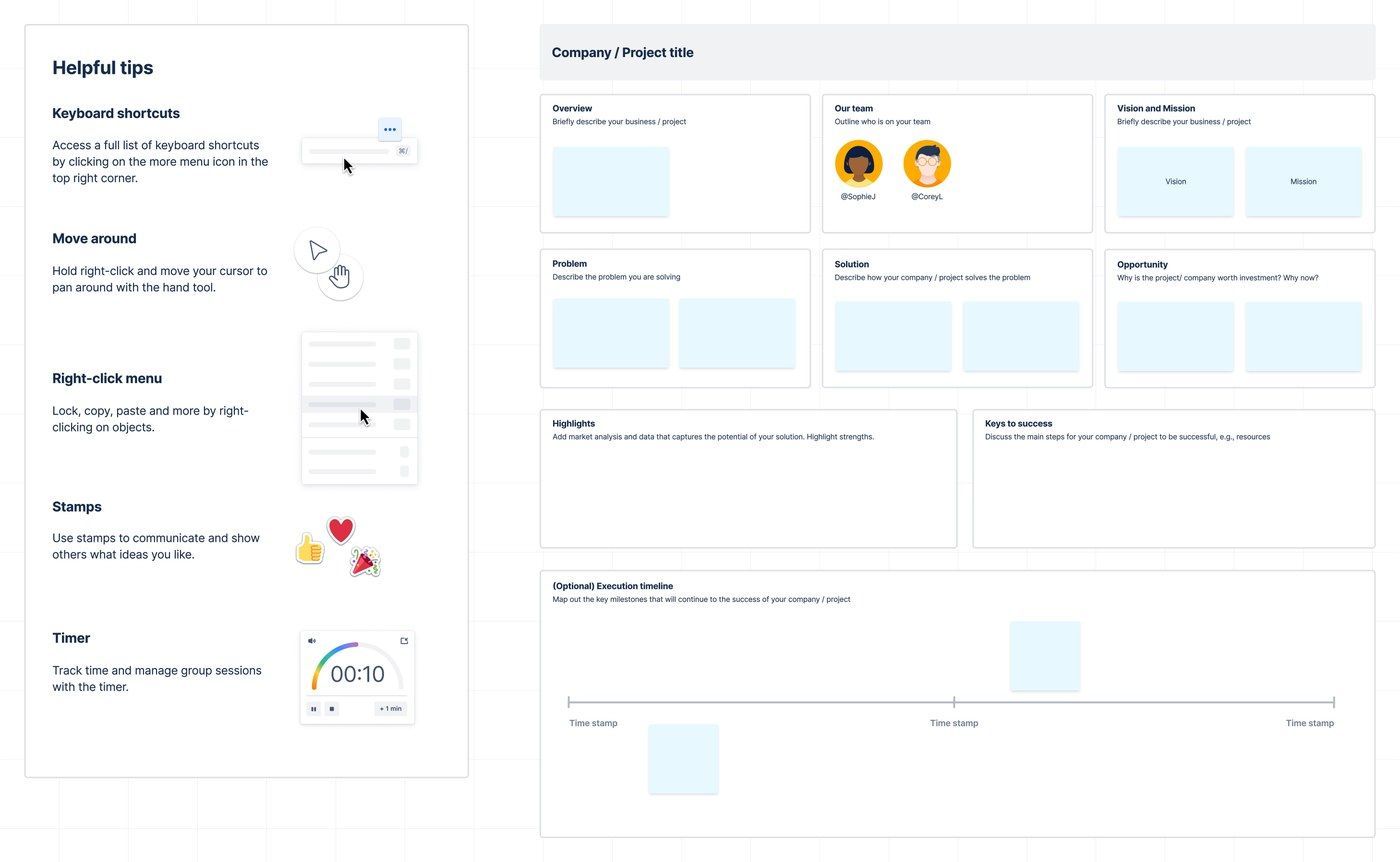
Summarize a Larger Proposal for Executive Readers
An executive summary template distills the key points of a larger document or report.
-

Give Employee Training a Repeatable Planning Structure
A training plan template organizes the skills, knowledge and competencies employees need to develop.
-
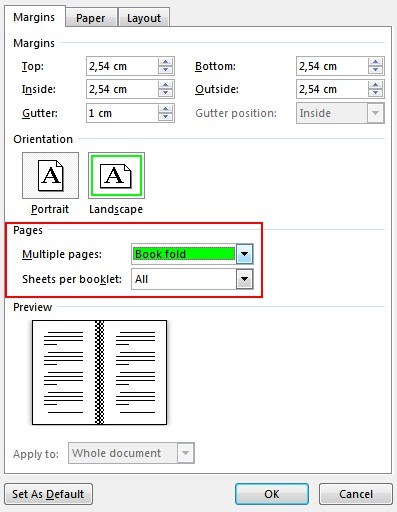
Set Up Word's Book Fold Layout Before Writing
Word's Book Fold setting arranges pages for a folded booklet.
-
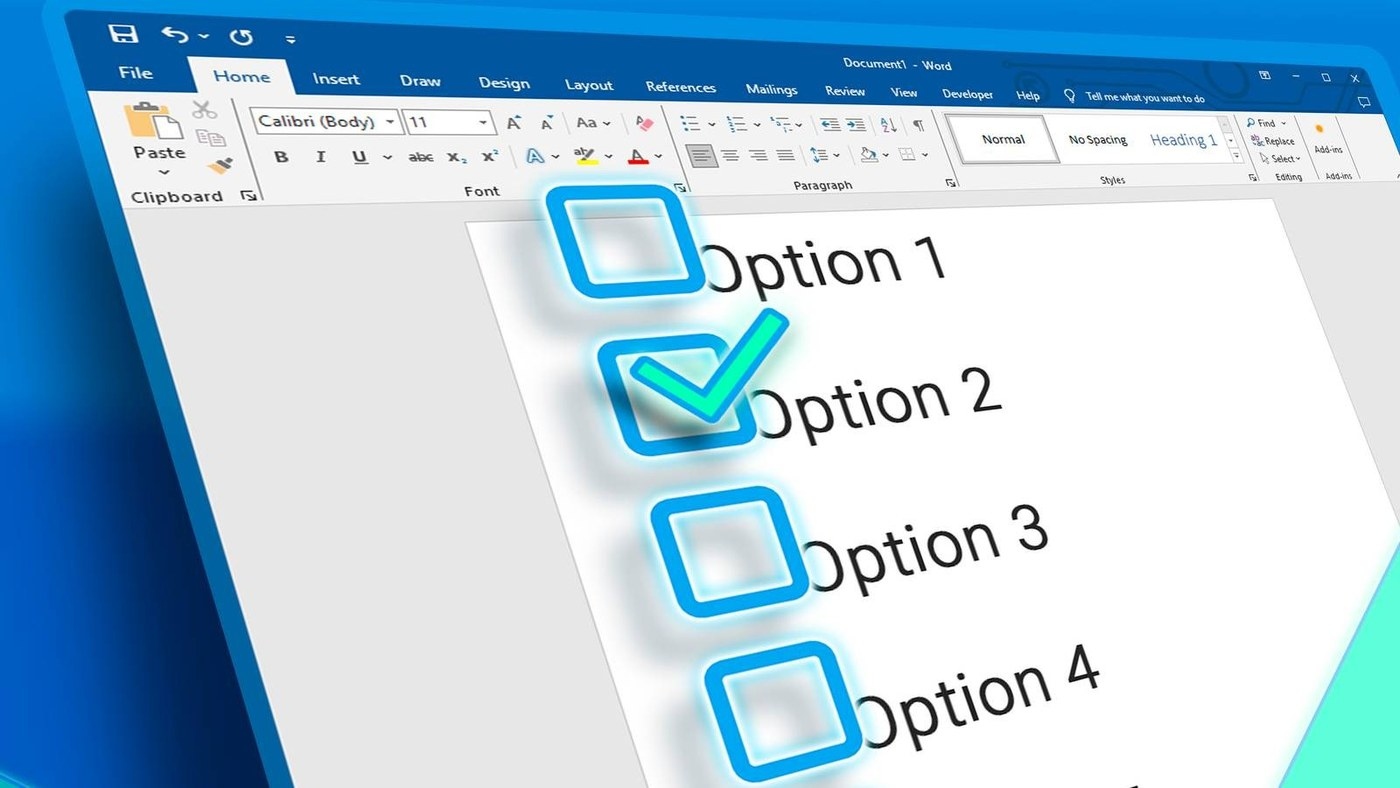
Choose Interactive or Printable Boxes for a Word Checklist
A Word checklist needs a different kind of box depending on how people will use it.
-
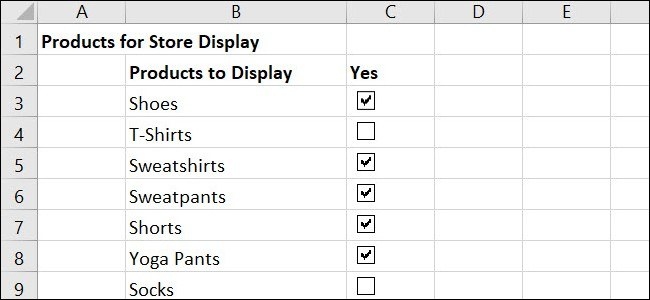
Build an Excel Checklist With Linked Completion Values
An Excel checklist can combine visible task labels with completion values that formulas can use.
-
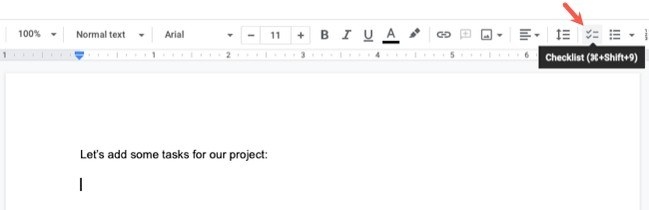
Add Owners and Dates to a Google Docs Checklist
A shared checklist is easier to act on when each responsibility has an owner.
-
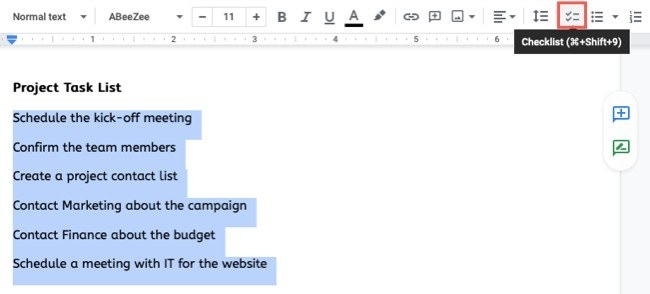
Create a Reusable Checklist Layout in Google Docs
Google Docs provides a checklist tool that works much like its other list formats.
-
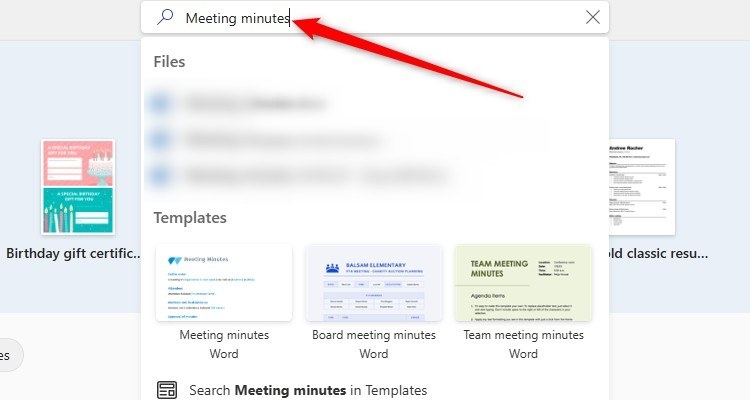
Prepare a Word Minutes Template Before the Meeting Starts
A meeting minutes document is easier to complete when its layout is ready beforehand.
-

Customize a Built-in Word Cover Page
Word provides cover-page layouts through Insert, Cover Page.
-
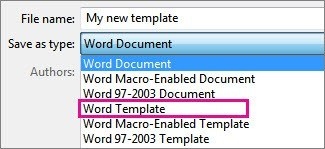
Save and Maintain an Office Template for Recurring Documents | How To Create Reusable Word Templates
A template preserves a useful starting point while separate outputs hold the details of each report or project.
-

Create a Reusable Word Template from an Existing Layout | How To Create Reusable Word Templates
Save recurring text, styles, and page settings as a template while keeping each new document separate.
-
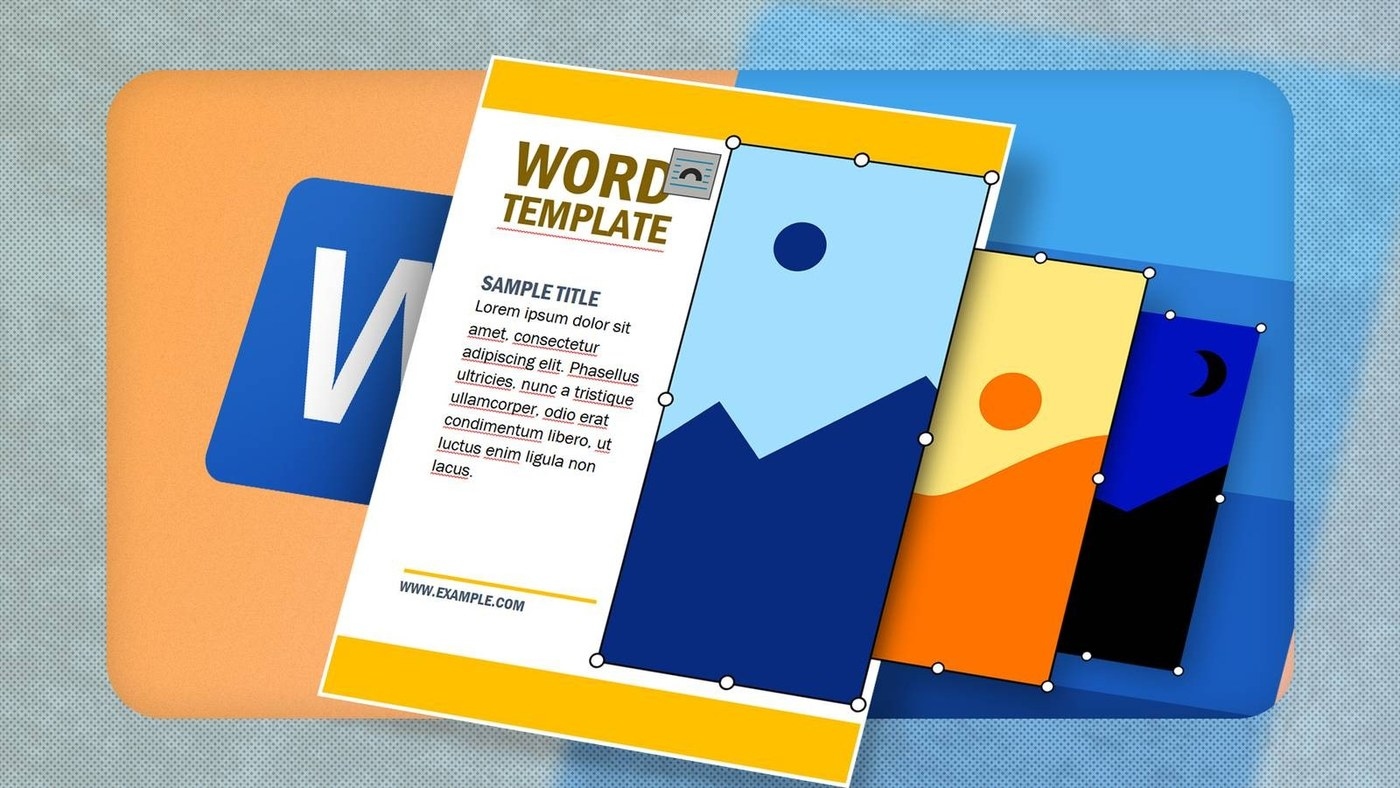
Inspect a Word Template Before Replacing Its Pictures
Hidden tables and non-printing marks can explain why an image behaves unexpectedly inside a ready-made layout.

