 DocumentFlow Desk
 -
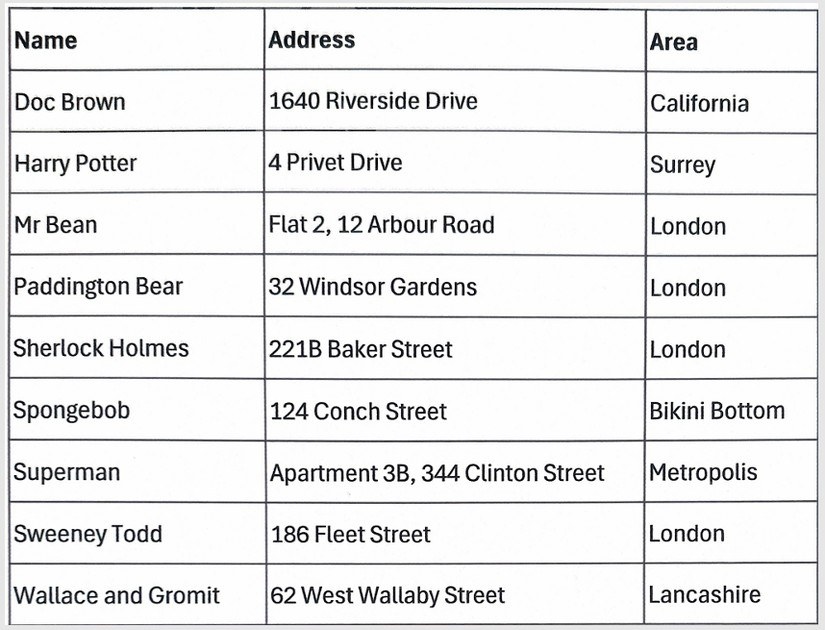
Recognize Text from an Image through Google Drive OCR
A clear scan can be converted into editable text before its contents are moved into another document or spreadsheet.
-

Add PDF Highlights and Review Notes in Microsoft Edge
Edge’s PDF toolbar can provide drawing, highlighting, and comments without a separate annotation extension.
-
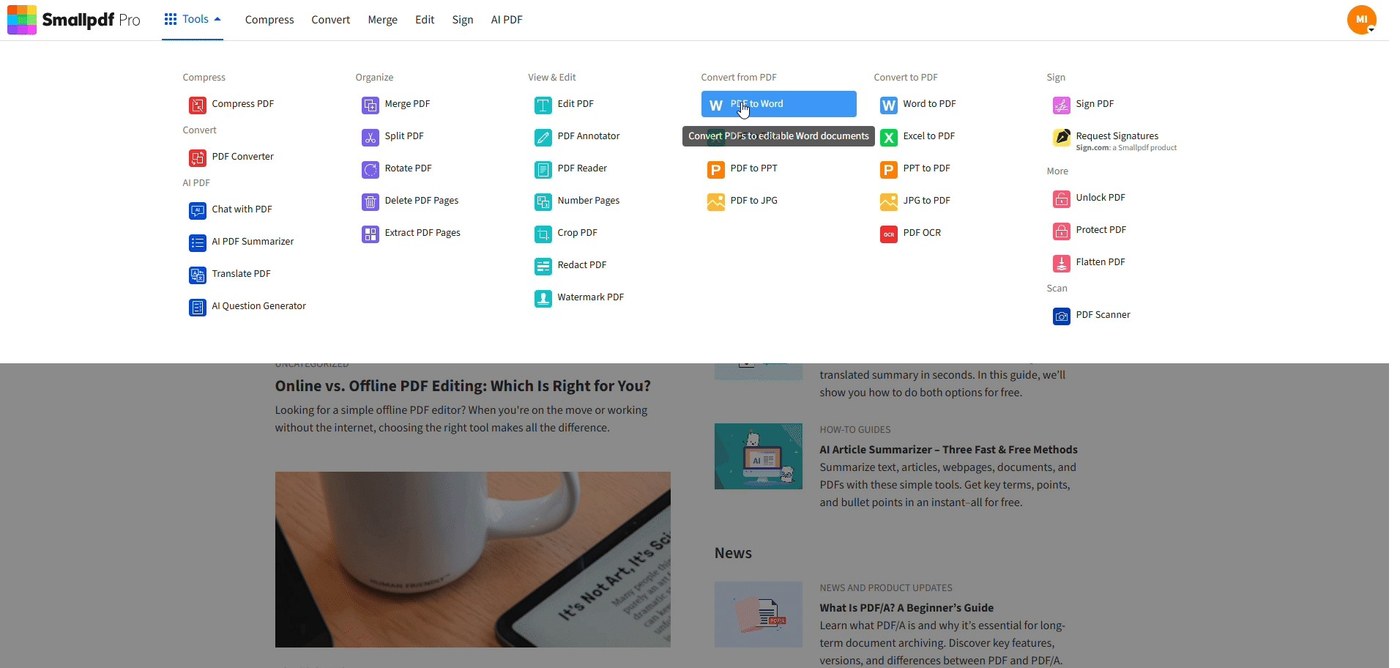
Preserve Table of Contents Links During PDF Export
Smallpdf's navigation guide starts with Word heading styles and an automatic table of contents from the References tab.
-
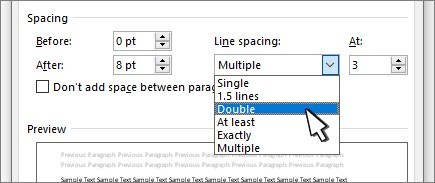
Investigate Font Glyphs When a PDF Shows Empty Squares
Smallpdf's font guide connects empty boxes in PDF text with missing or incorrectly embedded fonts and unsupported glyphs.
-
Mark Up a PDF with Chrome's Available Annotation Tools
The browser's PDF workspace can provide drawing, highlighting, and saving controls in supported versions.
-
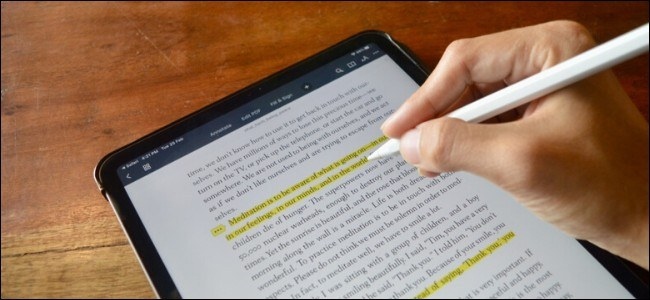
Annotate a PDF on iPad with Text Highlights and Notes
An annotation application can mark up a PDF without requiring the original authoring document.
-

Create a PDF from an Office File on Mobile
Microsoft's mobile guide describes saving an Office file through the print interface.
-
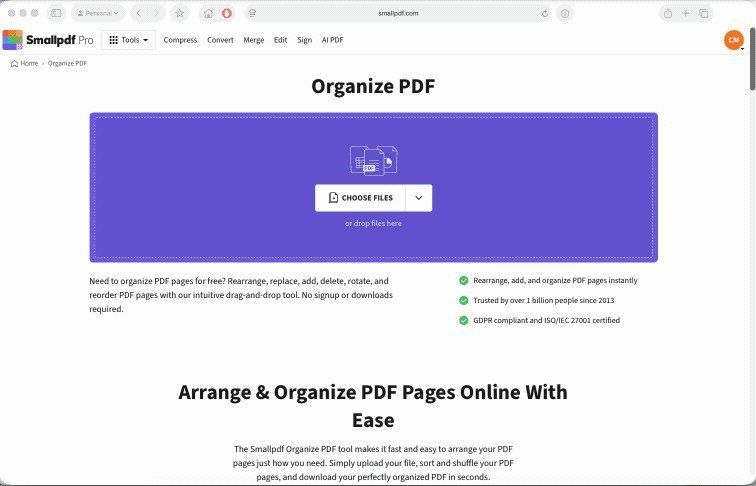
Duplicate Selected PDF Pages Without Copying the Whole File
Smallpdf's Organize PDF workflow displays page thumbnails so individual pages can be duplicated and dragged into the required order.
-
Choose a PDF Compression Method That Preserves the Needed Layout
A dedicated compressor and Word export offer different routes to a smaller file on Windows.
-
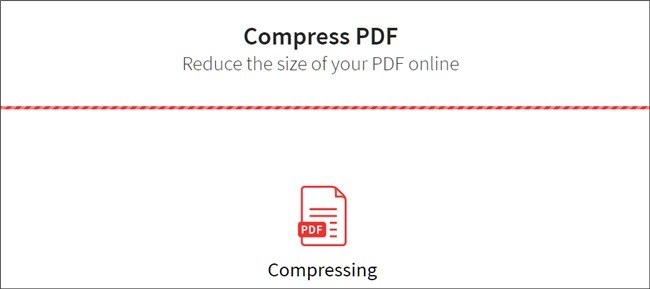
Compress a PDF while Keeping a Recoverable Original
Desktop export settings and compression tools offer different routes to a smaller document.
-
Reduce an iPhone PDF with Actual PDF Compression
Smallpdf's iPhone guide distinguishes PDF compression from the Files app's Compress command, which creates a ZIP archive.
-
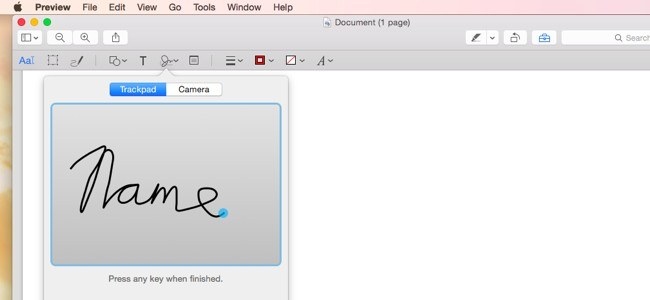
Scan Paper into a Searchable PDF with Acrobat
Acrobat’s scanner workflow combines capture settings with text recognition for a more useful digital document.
-
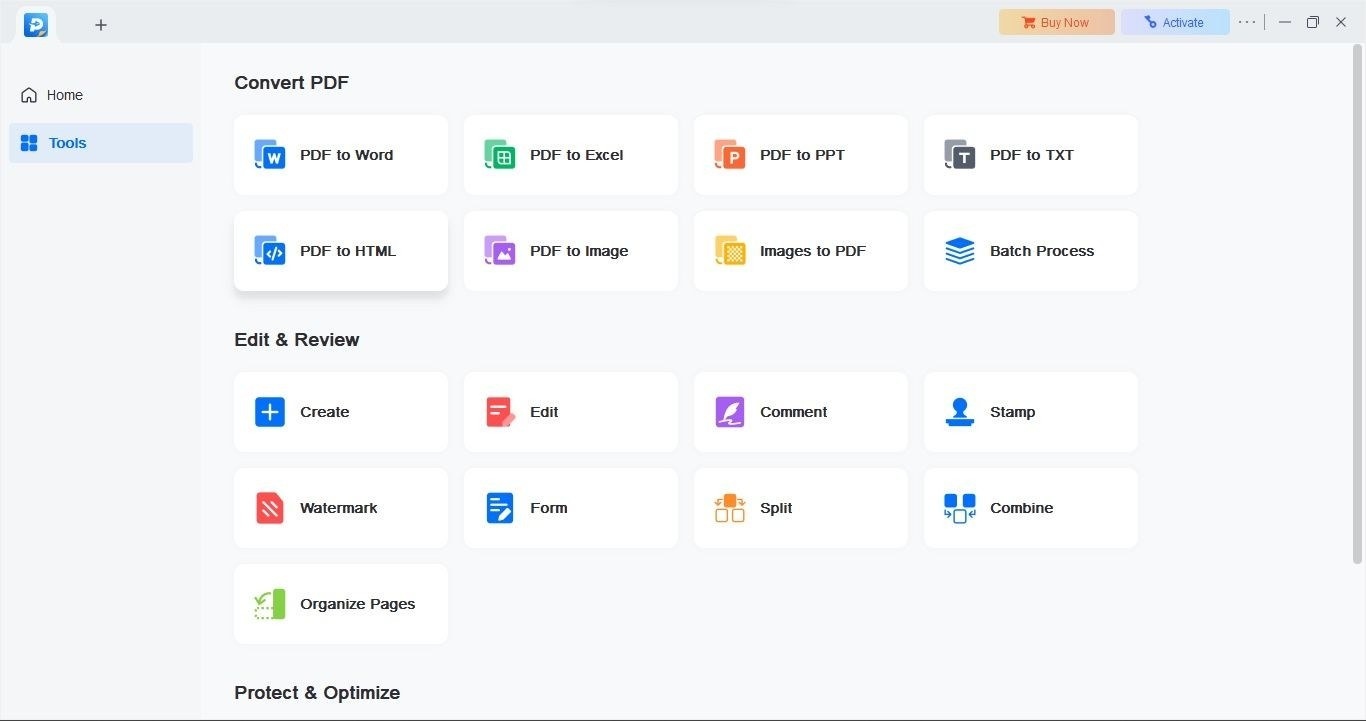
Recognize Scanned Text with EaseUS PDF Editor
The reviewed OCR workflow requires a PDF input and settings for recognition language and output format.
-
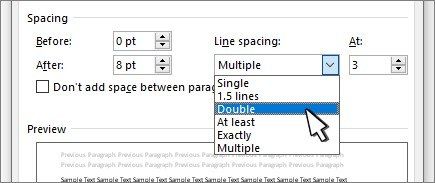
Test Selectable Text Before Troubleshooting PDF Search
Most PDF readers search with Ctrl and F on Windows or Command and F on Mac.
-
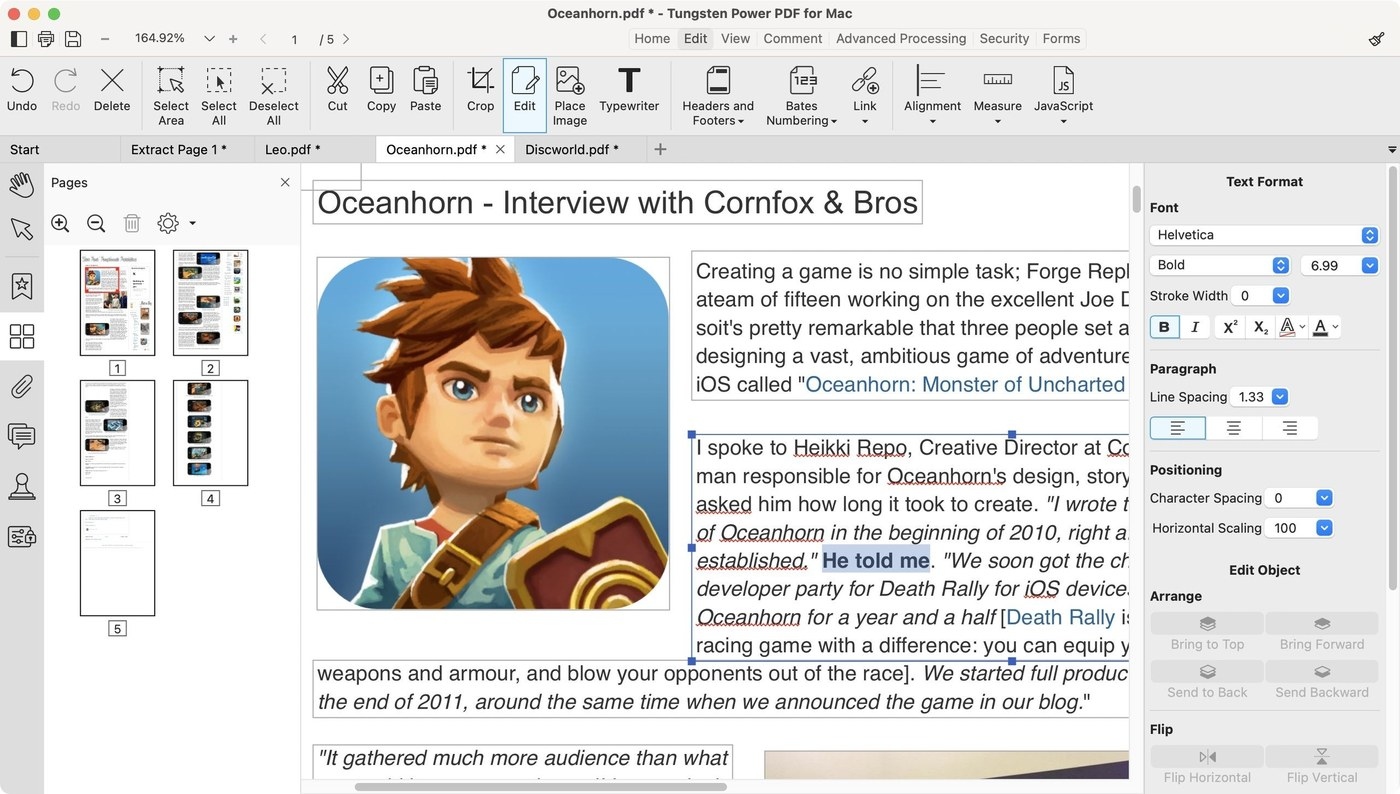
Evaluate Power PDF for Searchable and Reviewed Documents
The reviewed Power PDF tools include OCR, annotation, conversion, and page organization, with differences between editions.
-
Combine Scanned Images into One Ordered PDF on Windows
The image order in File Explorer influences the sequence of pages created through Microsoft Print to PDF.
-
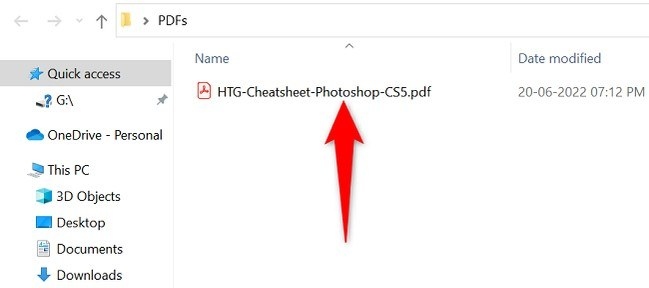
Check Layout Carefully When Opening a PDF in Word
Word converts PDFs into editable documents, and that conversion can change the original formatting.
-
Use PDF Export to Preserve a Word Document’s Presentation
PDF is useful for distributing a finished layout, while the editable Word file remains the source for later changes.
-
Prepare a PDF Attachment Directly from an Office File
Supported Office sharing controls can create the PDF copy without a separate manual attachment workflow.
-
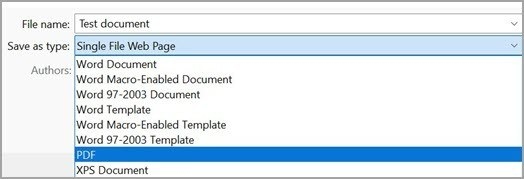
Export Office Documents to PDF with the Right Output Settings
Built-in Office conversion provides a PDF copy, with options that balance printing quality and file size.

