 DocumentFlow Desk
 -

Organize Shared Information in Confluence Databases
Confluence databases hold structured information in a shared repository rather than scattering it across unrelated applications.
-
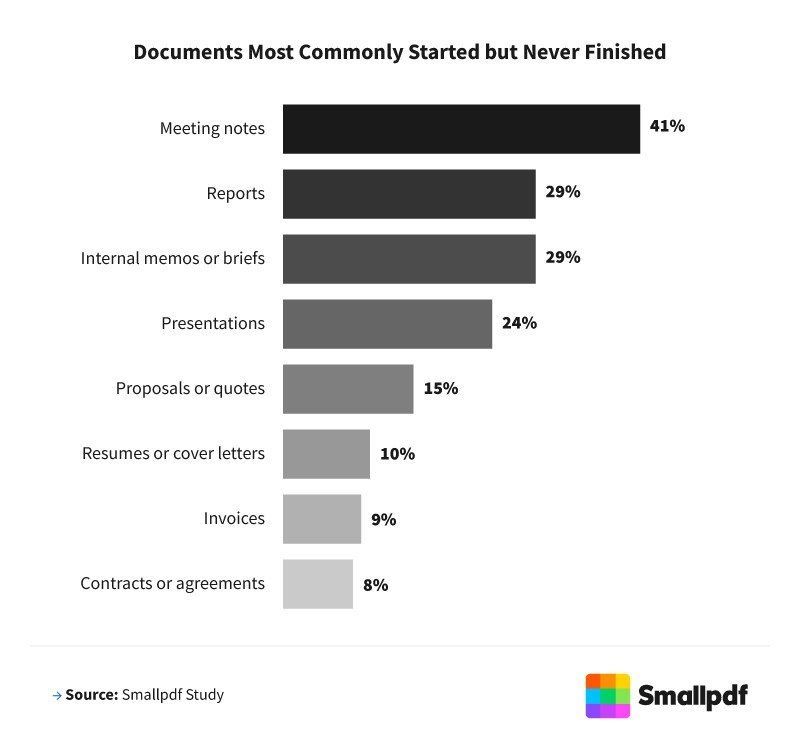
Review the Work Hidden in Unfinished Documents
Documents that are started, edited, and then abandoned can consume significant working time.
-
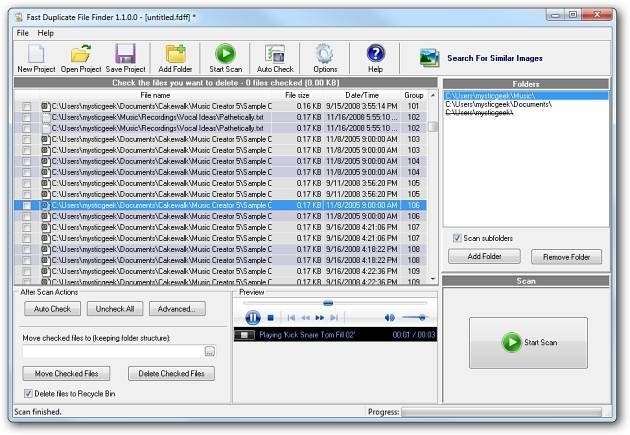
Inspect Duplicate File Matches Before Removing Copies
An earlier How To Geek review of MindGems Fast Duplicate File Finder describes adding folders, scanning their contents and inspecting the matching files.
-
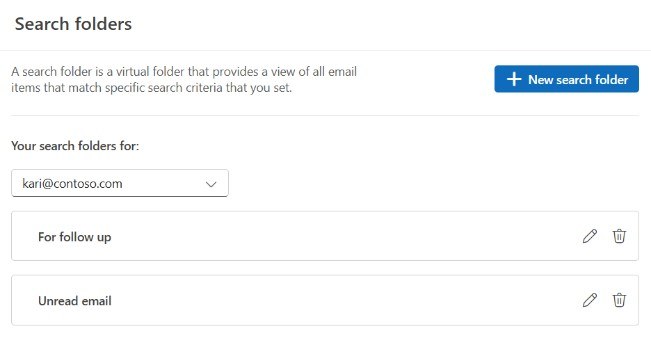
Find Related Outlook Items Without Moving the Originals
Outlook Search Folders are virtual collections that display messages matching selected criteria.
-

Review Repeated Document Downloads on Android
Documents downloaded several times can occupy space on an Android device without adding useful information.
-
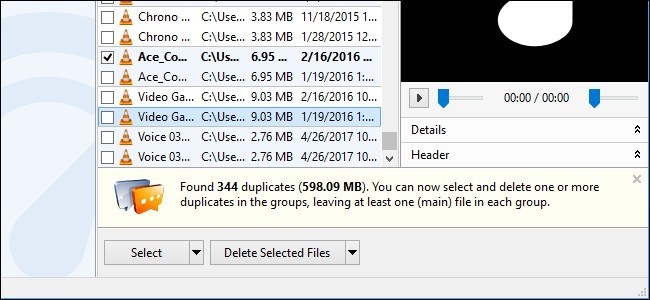
Find Duplicate Windows Documents With a Scoped Review
Duplicate finders can help identify repeated documents, but not every repeated file is unnecessary.
-

Plan Document Management Around the Entire Lifecycle
Microsoft's legacy SharePoint Server overview defines document management across creation, review, publication, retention and disposal.
-
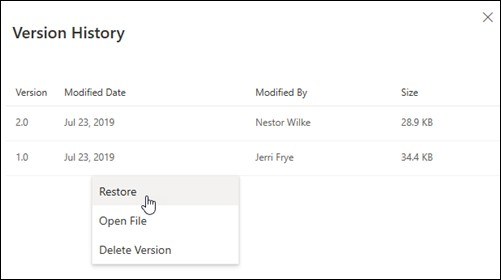
Restore an Earlier File Version from OneDrive
OneDrive and SharePoint version history can show earlier versions of many file types, including Office documents, PDFs, photos, and other supported material.
-
Mark Spreadsheet Milestones With Named Versions
Google Sheets records changes in version history, giving collaborators a way to inspect earlier states of a workbook.
-
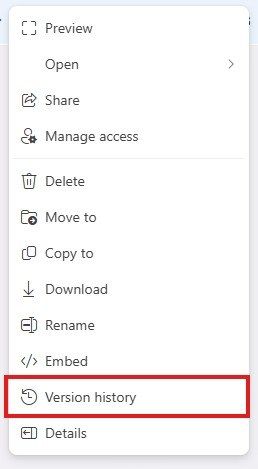
Try an Earlier Workbook Version When Excel Cannot Open It
An Excel for the web error about corruption or a changed extension may be resolved by restoring a previous version.
-
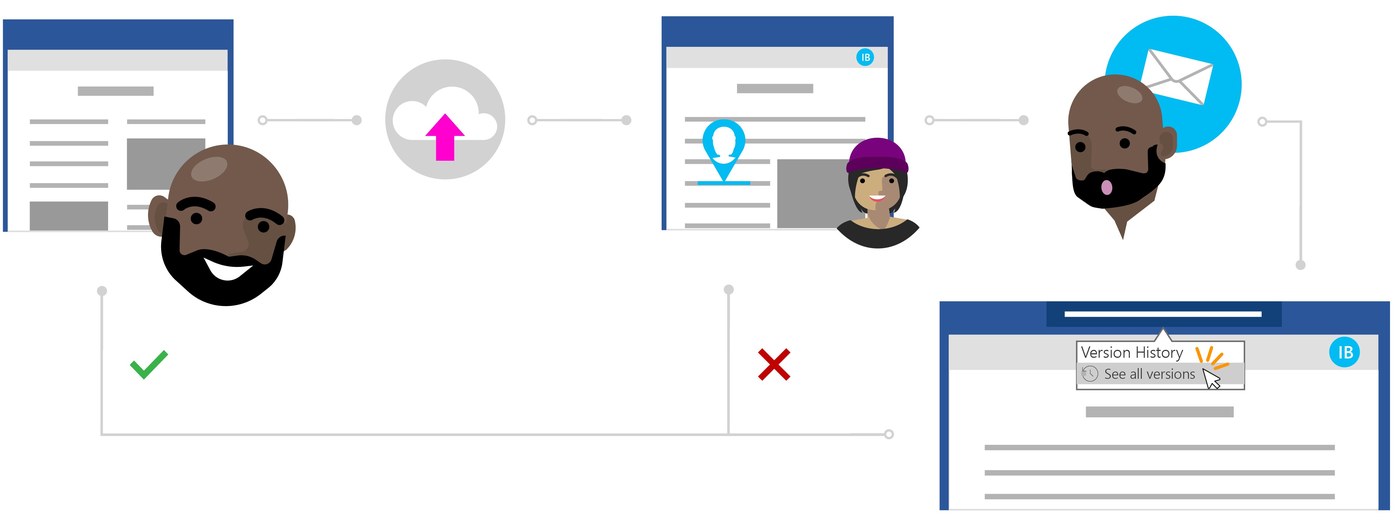
Undo Unwanted Office Edits with Version History
Files stored in OneDrive or SharePoint Online can be returned to an earlier version when recent edits are unwanted.
-

Use Drive Shortcuts to Keep One Working Document
A file visible in two Drive locations is not necessarily two independent documents.
-
Upload Documents Into the Intended Shared Folder
Google Drive's upload process is easier to manage when the destination folder is chosen first.
-
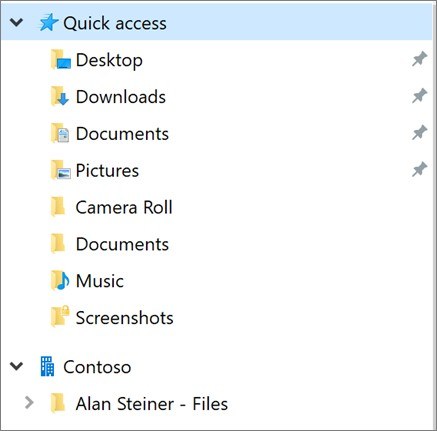
Organize Authorized Files from a Colleague's OneDrive
When a Microsoft 365 administrator grants access to another person's work or school OneDrive, the recipient can use the supplied link to manage authorized files.
-
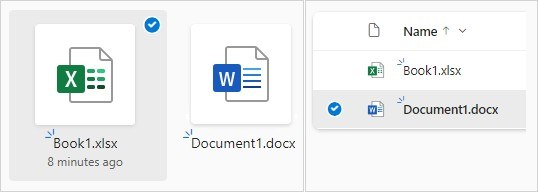
Select Complete Folders When Downloading Shared Files
Microsoft's OneDrive and SharePoint guide downloads selected files or folders from the website.
-
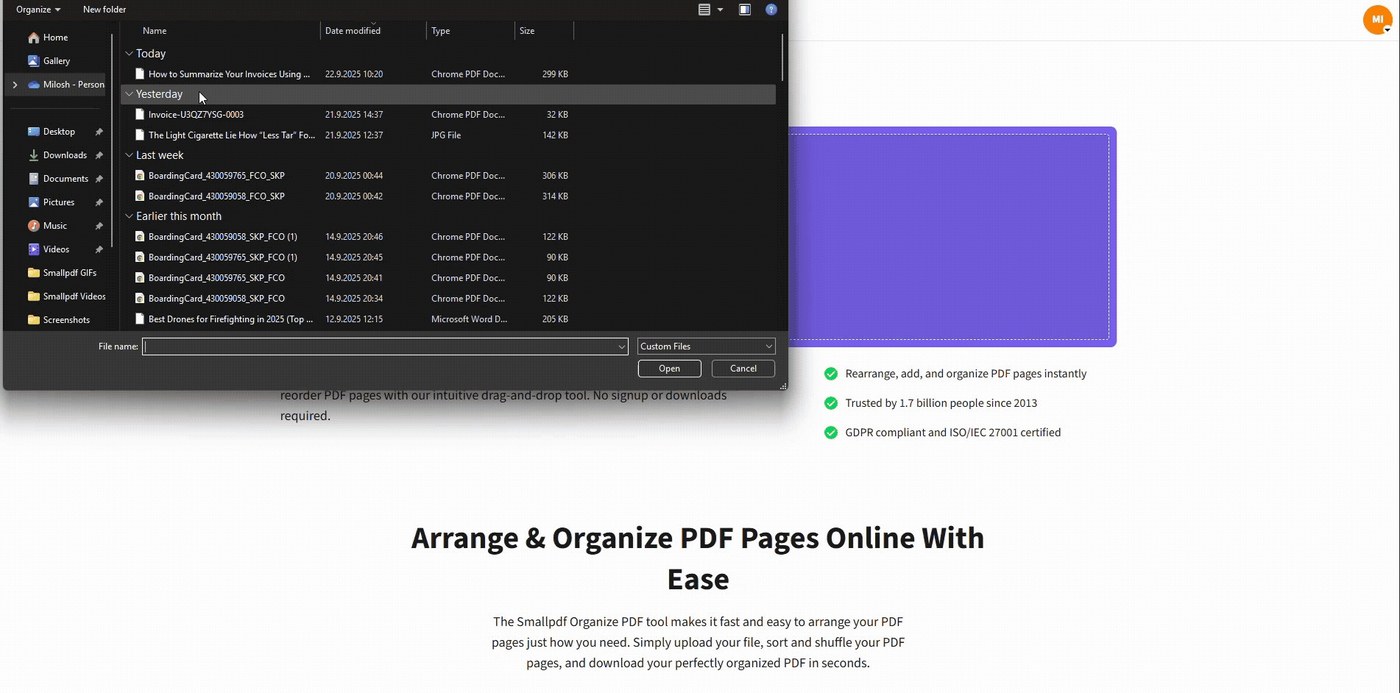
Give Each Tax Year a Searchable Document Home
Smallpdf's tax organization guide starts with a master folder for the tax year and subfolders matched to the documents being collected.
-
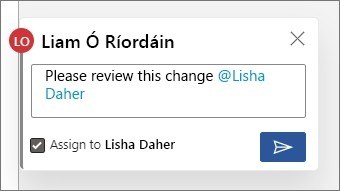
Collect Project Records in One Documentation Hub
Project documentation includes plans, requirements, status reports, meeting notes, and the other written records created during delivery.
-
Export a Drive Project as a Local Archive Snapshot
Google Drive can package a folder into a ZIP download, providing a local copy of its contents.
-
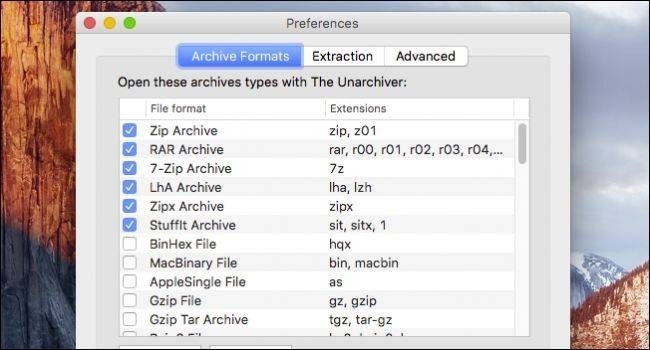
Extract an Archived Project Into a Clear Mac Folder
An archived project may arrive as a 7z, RAR or another format rather than a familiar ZIP file.
-

Locate Project Documents Inside a Tar Archive
A large archive can contain many folders, making full extraction an inefficient way to locate one document.

