 DocumentFlow Desk
 -
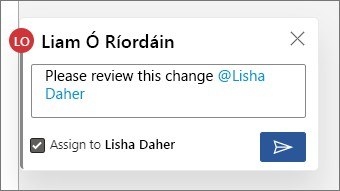
Use Mentions to Direct Document Review Tasks
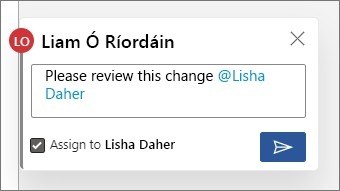
Mentioning a colleague in a document comment connects feedback to the person who needs to respond.
-

Choose OneDrive Sharing Permissions Before Sending a Link
OneDrive files remain private until shared.
-
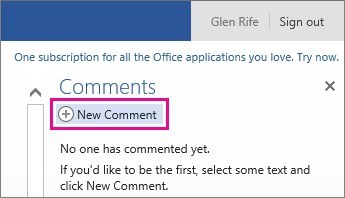
Keep Web Document Feedback Attached to the Text
Comments let reviewers discuss a document without placing every note in the main text.
-
Match Document Sharing Controls to the File's Sensitivity
Secure document sharing begins with checking the recipient, the information in the file, and the access required.
-
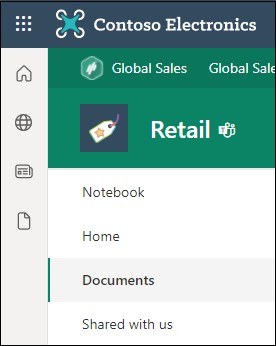
Collaborate on the Library Copy of a SharePoint Document
Microsoft's SharePoint guide opens a document from its library in the browser or the installed application.
-

Combine Shared Editing with Change Review in Word
Word provides sharing and review controls for teams working on a common document.
-
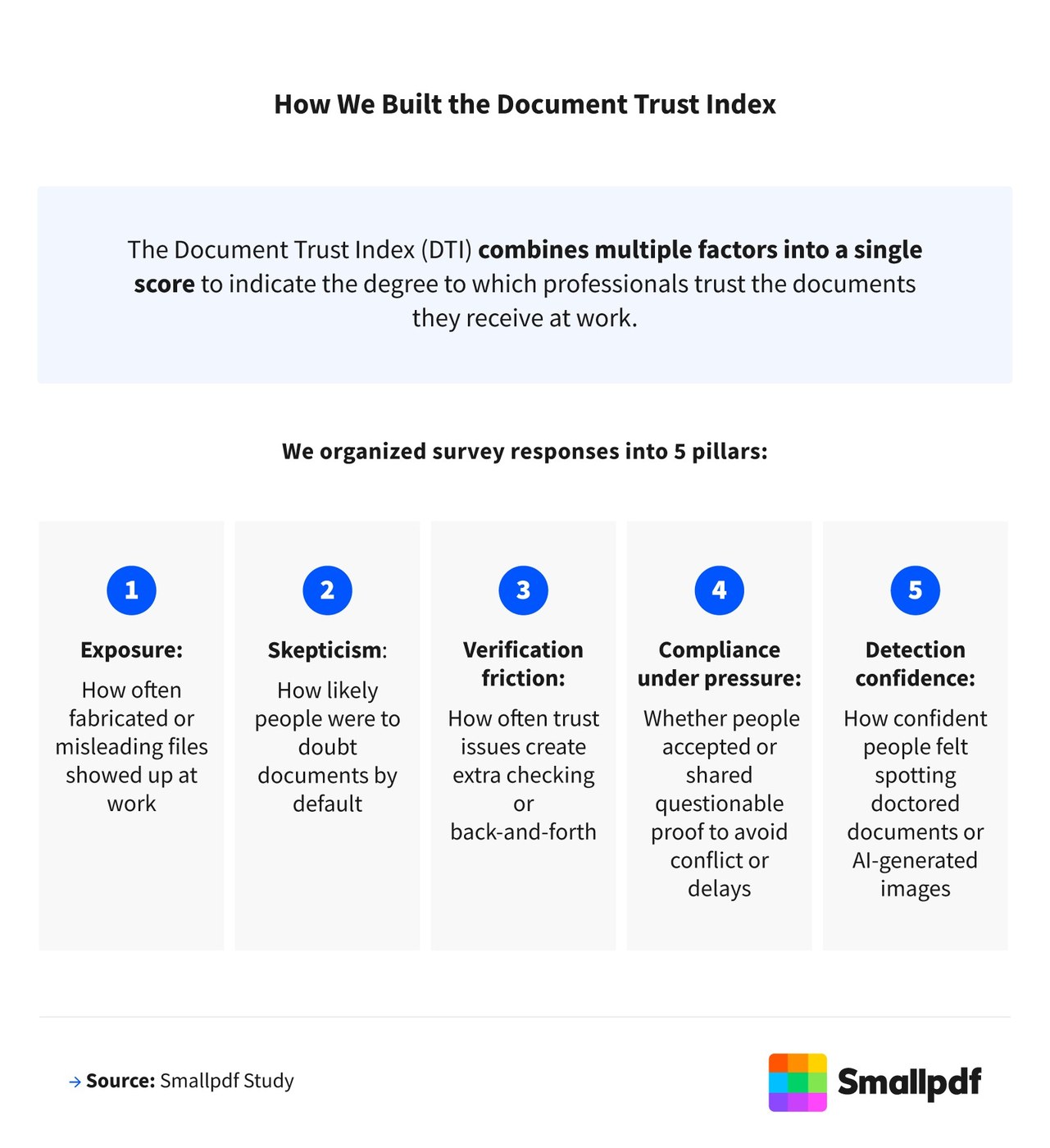
Invite Reviewers into One Shared Word Document
Sharing a Word document with editing permission lets contributors make changes in the same file.
-
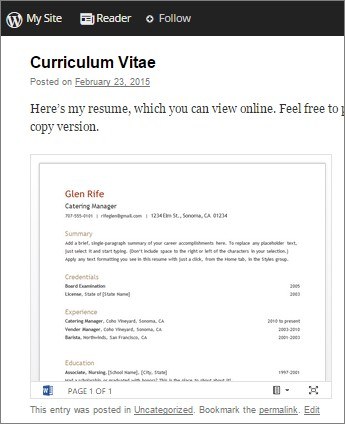
Publish a Live Word Document View on a Website
A Word document stored in OneDrive can be embedded in a blog or website so its displayed view updates when the file changes.
-
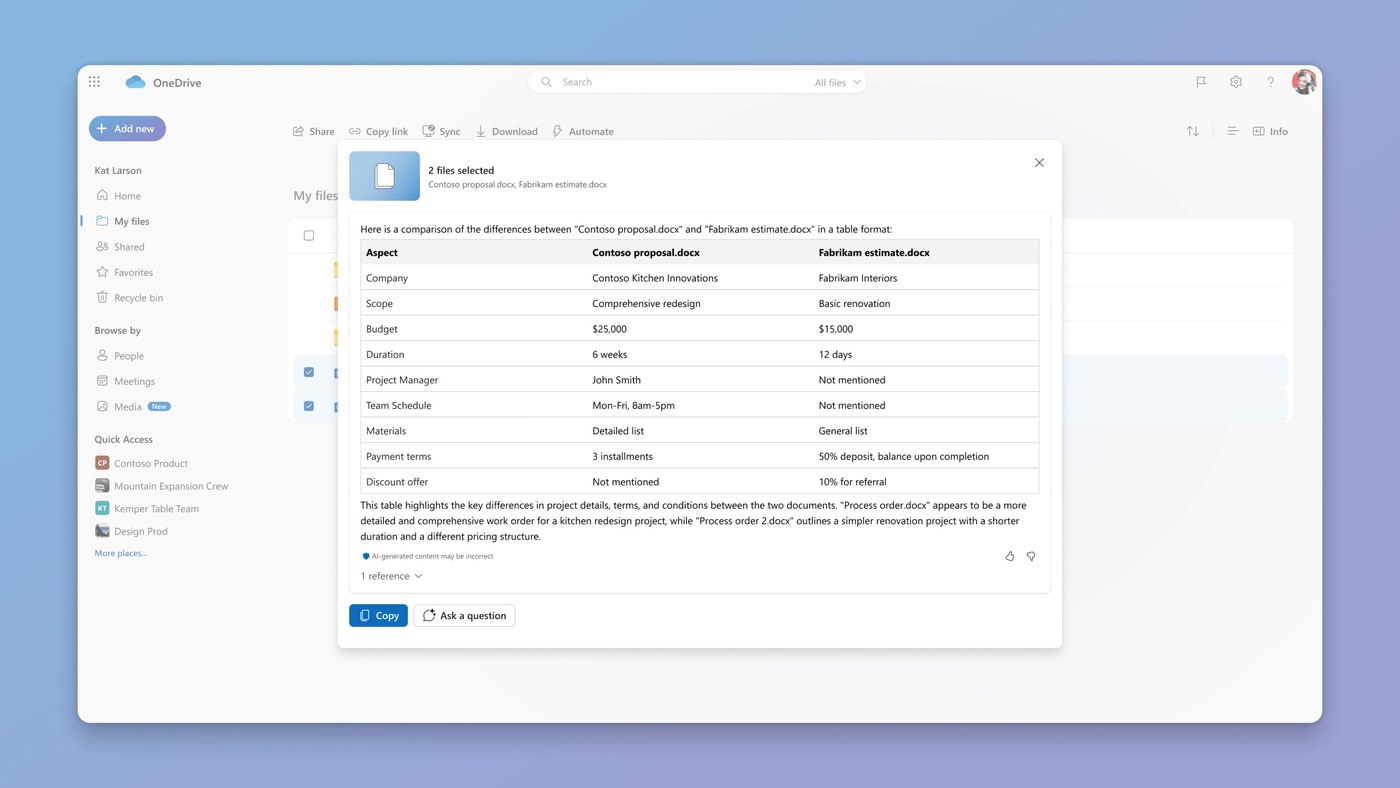
Compare Shared Document Versions with OneDrive Copilot
Copilot in OneDrive can compare up to five selected files, helping reviewers identify differences and similarities without opening each document separately.
-
Protect Client Information During Real Estate Document Handoffs
Real estate confidentiality extends to how client documents move through email, cloud storage, and digital signing tools.
-
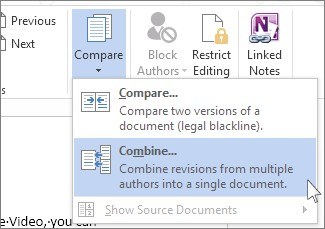
Combine Review Copies into a Separate Word Document
Word's Review, Compare, Combine command merges revisions from an original document and a reviewed copy.
-
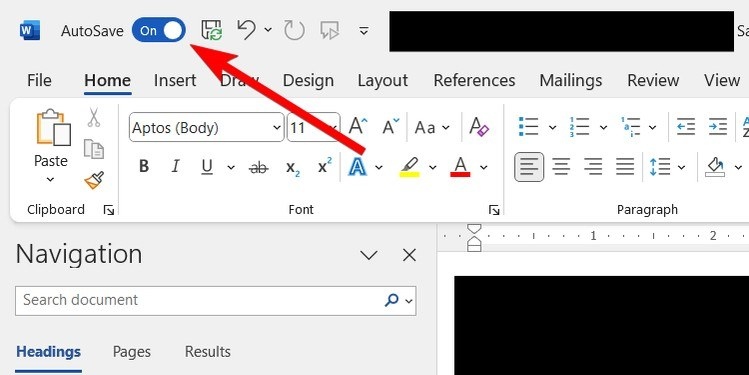
Coordinate Word Reviews with Shared Access and Comment Threads
A shared Word file works best when collaborators understand their permissions and how to record feedback.
-

Print Word Review Comments as a Separate Markup List
Word can produce a comments-focused printout when a review meeting needs feedback apart from the document pages.
-
Choose Between Hiding and Deleting Word Comments
Hiding comments changes the review display, while deletion removes a comment or its entire thread.
-

Use Word Comment Threads to Keep Review Discussions in Context
Comments attach feedback to selected material, while replies and resolution preserve the discussion around an issue.
-
Propose Google Docs Edits Without Replacing the Original Text
Suggesting mode separates proposed wording from direct edits during a shared document review.
-
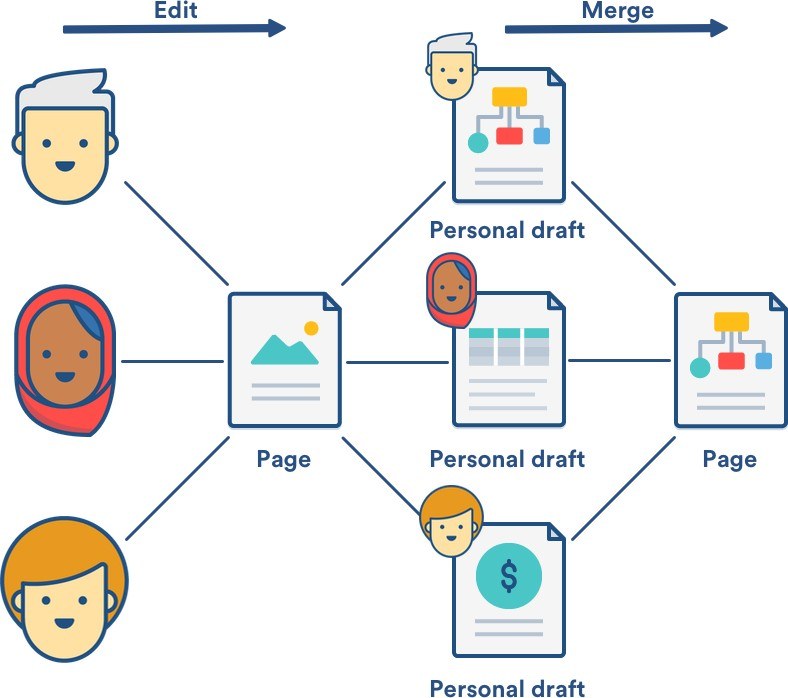
Understand Shared Drafts in Confluence Editing
Collaborative editing allows several people to work on a Confluence page or blog post at the same time.
-
Give Stakeholders One Reliable Place for Project Updates
Remote teams often rely on several tools, documents, and communication channels, making it difficult to identify the current version of a plan.
-
Inspect and Name Google Document Versions
Google’s version tools help editors review changes, restore an earlier state, or make a separate copy.
-
Create a Fresh Google Docs Copy for a New Review Baseline
Making a copy separates a new document from the original file’s accumulated revision history.

