 DocumentFlow Desk
Confirm that Suggesting mode is available
Google Docs distinguishes Editing, Suggesting, and Viewing. Check the mode control near the top of the document and choose Suggesting before proposing changes. If the option is unavailable, ask the owner for suitable access rather than assuming every shared link includes review permissions. In Suggesting mode, new wording appears differently from the original and deletions are crossed out, making the proposal visible to the reviewer.
Explain the proposal in its own discussion
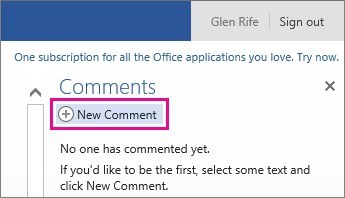
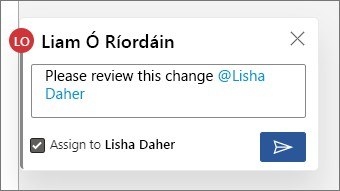
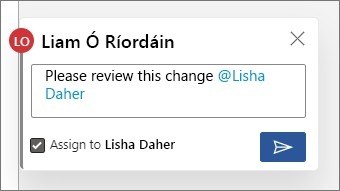
A suggestion has an associated comment area where you can explain why the wording should change. The document owner can accept or reject the proposal using the controls beside it. Keeping the reason with the suggested text helps the decision remain understandable when several changes are under discussion. Check the document mode again when returning to ordinary editing, because a direct edit and a suggestion have different effects on the shared file.









Comments
0