 DocumentFlow Desk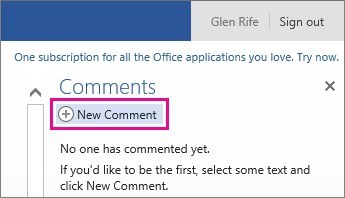
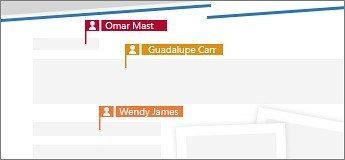
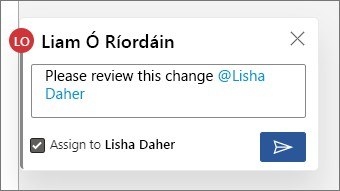
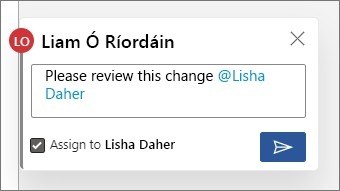
Comments let reviewers discuss a document without placing every note in the main text. Microsoft's Word Web App guidance describes selecting the relevant passage and creating a new comment, then replying to existing notes so the discussion remains connected to its context.
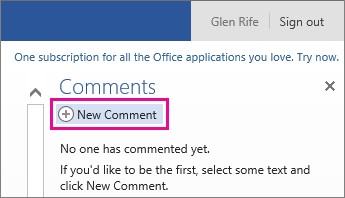
In the interface described, Reading View uses the Comments controls, while Edit View provides comment commands on Review. Reviewers can also view or delete existing comments. Because the article covers an older web interface, use the equivalent comments controls available in your current version of Word.







Comments
0