 DocumentFlow Desk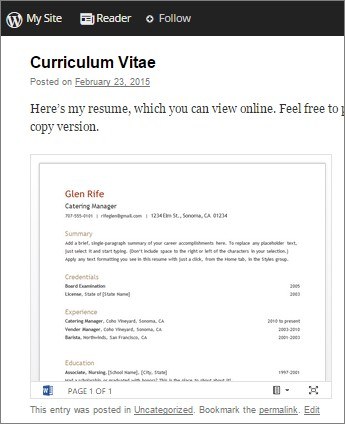
A Word document stored in OneDrive can be embedded in a blog or website so its displayed view updates when the file changes. In Word for the web, open File and Share, then choose Embed this document and generate the code.
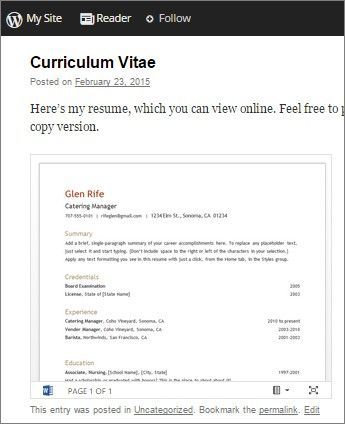
Review the interaction options and preview before copying the embed code into the website editor's HTML view. For example, the settings can control whether printing is offered in the embedded view. The website must support the supplied embed format, so check its editor requirements before publishing the page.













Comments
0