 DocumentFlow Desk
Hide feedback while concentrating on the text
The guide describes using Show Comments on Word’s Review tab to hide comment balloons while retaining indicators. No Markup in the review display hides comments together with other revision markup. Neither display choice is the same as removing feedback from the document. Use these options when you want a less distracting reading view but still need the discussion to remain available for later review.
Delete only the discussion that is no longer needed
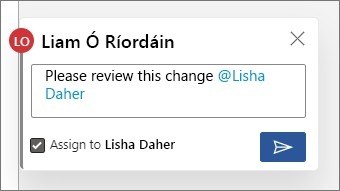
A selected comment or thread can be removed through its menu or the Review tab’s Delete controls. Deleting a thread also removes its replies. Word additionally offers commands for deleting all comments or, in supported versions, resolved comments. Review the scope before using a bulk command. Resolving a completed discussion is a separate option when retaining the record matters more than permanently removing it.

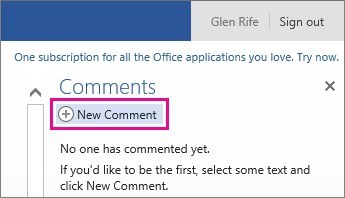


Comments
0