 DocumentFlow Desk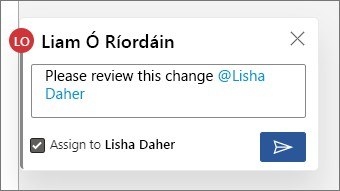
Connect a comment with the right colleague
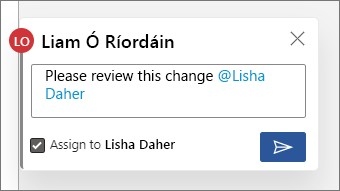
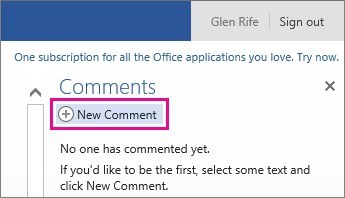
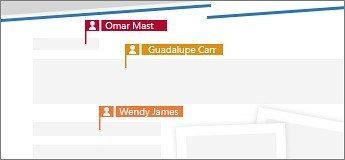
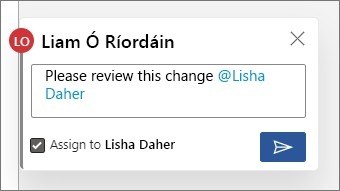
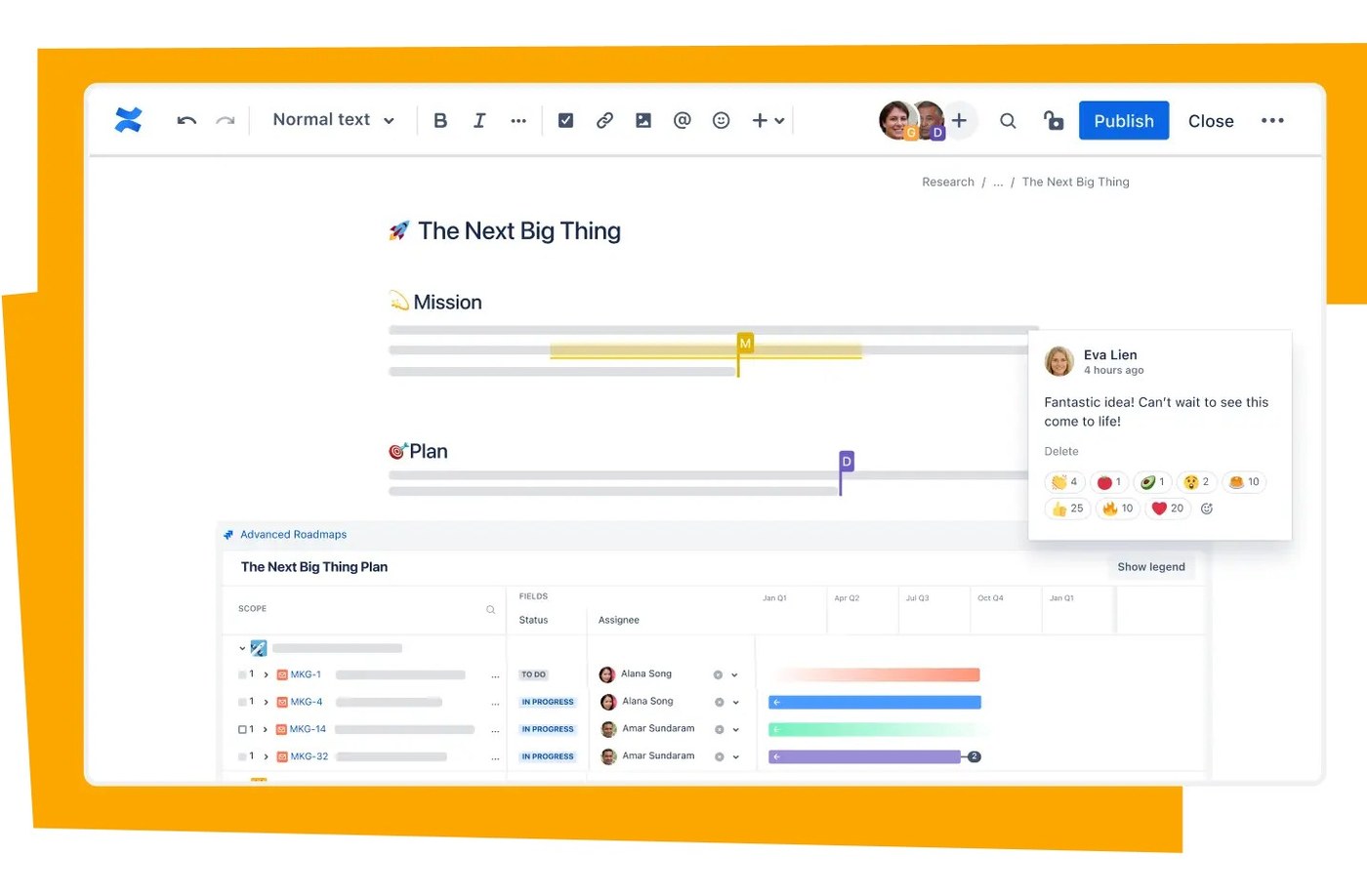
In a supported Microsoft 365 document saved to OneDrive or SharePoint, create a comment and type an at sign followed by the beginning of a colleague's name. Select the person from the suggestions to create a mention. If that person does not yet have access, the application may ask you to grant permission. A mention therefore connects a discussion to a specific reviewer rather than leaving a general note that someone might overlook.
Track the action through its comment thread
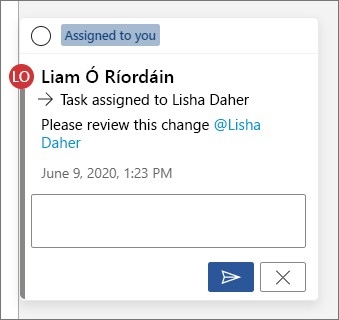
The same comment can be assigned as a task where the feature is available. Replies allow reassignment, and resolving the comment records completion while leaving a route to reopen the task if necessary. Mention notifications include a link back to the relevant document discussion. Keep the requested action clear so that the named reviewer can understand both the issue and what response is needed.



Comments
0