 DocumentFlow Desk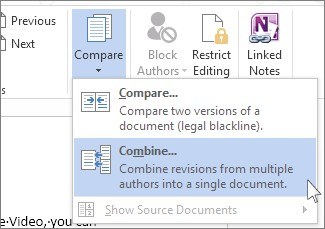
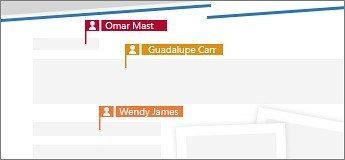
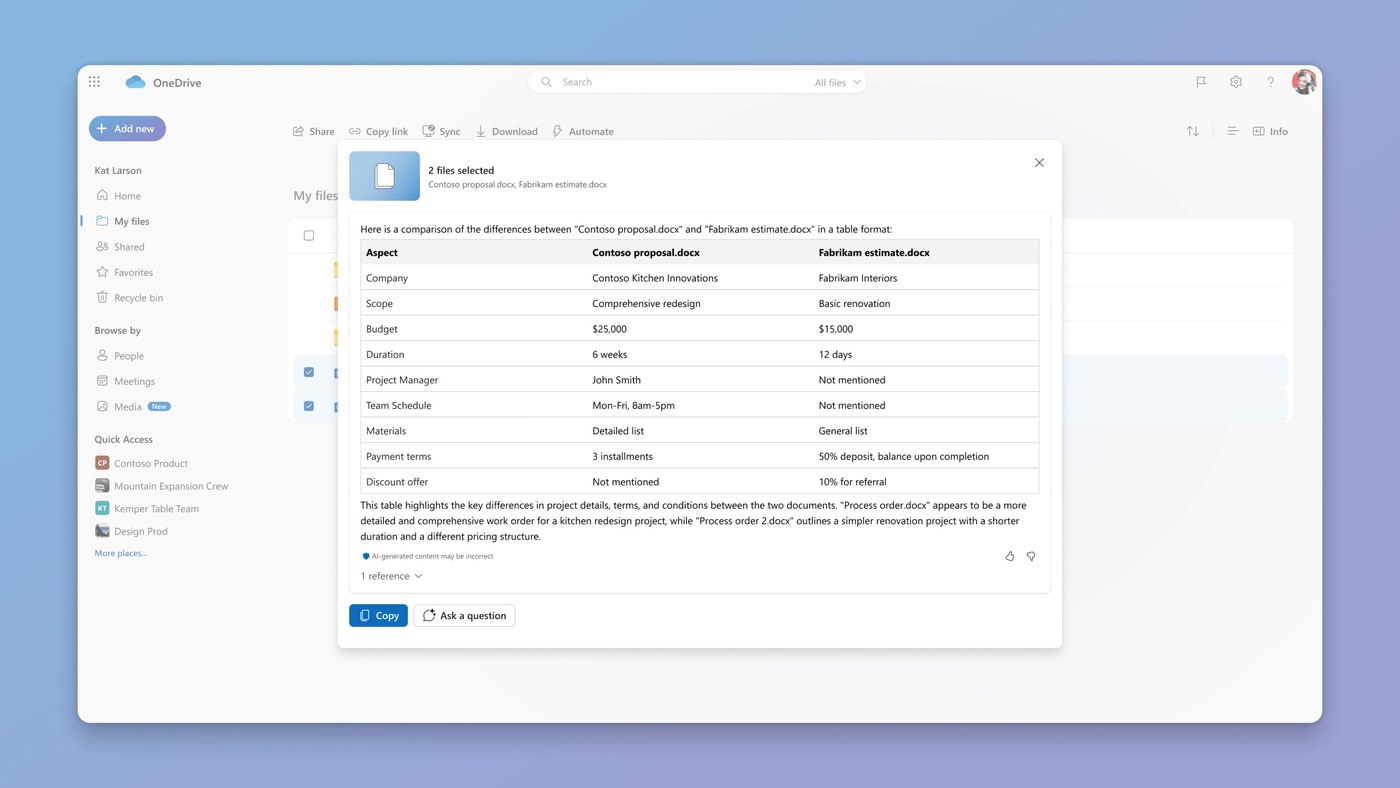
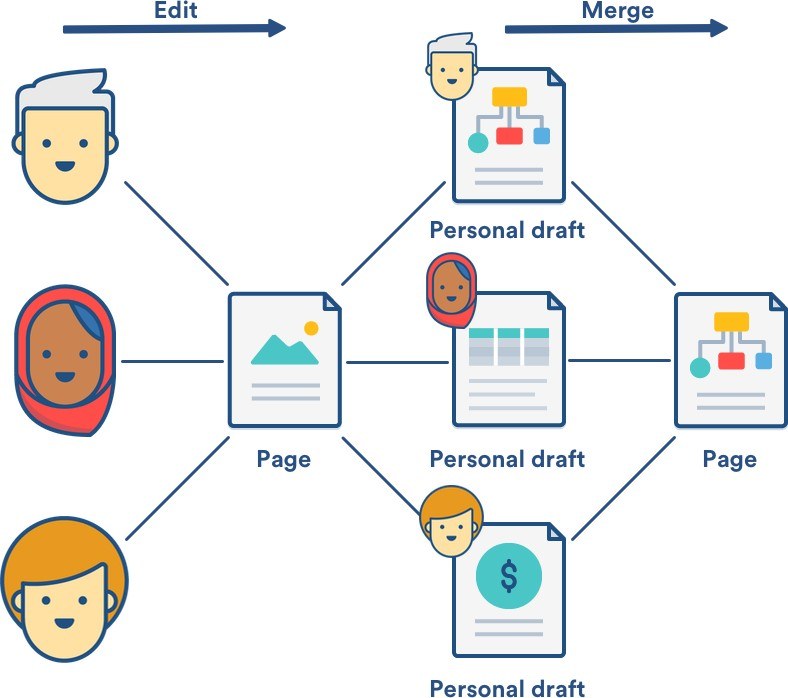
Word's Review, Compare, Combine command merges revisions from an original document and a reviewed copy. Microsoft's guide describes selecting both files and labeling unmarked changes so the contributor can be identified. Additional options control how differences are handled.
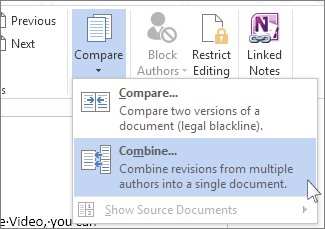
Choose New document for the combined result when preserving the input files is useful. The review interface then shows revisions alongside the merged document, giving the editor a clearer basis for working through returned feedback.

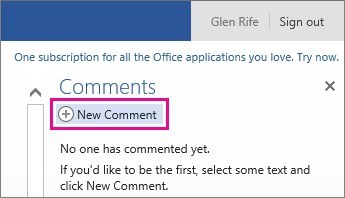



Comments
0