 DocumentFlow Desk
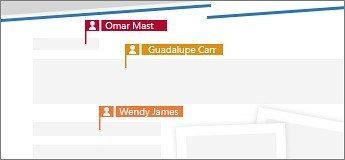
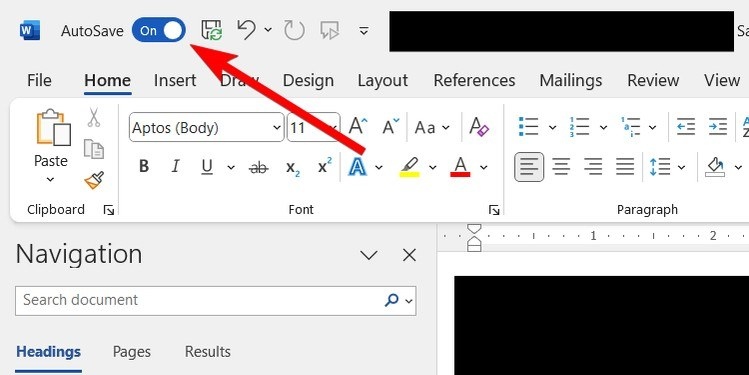
Sharing a Word document with editing permission lets contributors make changes in the same file. Save it to OneDrive first, or follow the upload prompt when using Share. Enter the names or email addresses of the people who need access.
Before sending, adjust their permissions to match the work they should do. An optional message can explain the review request. Recipients receive an email containing a link to the document, giving the group a common place to work rather than a separate attachment for every participant.

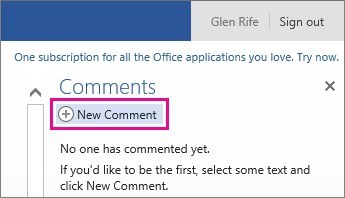





Comments
0