 DocumentFlow Desk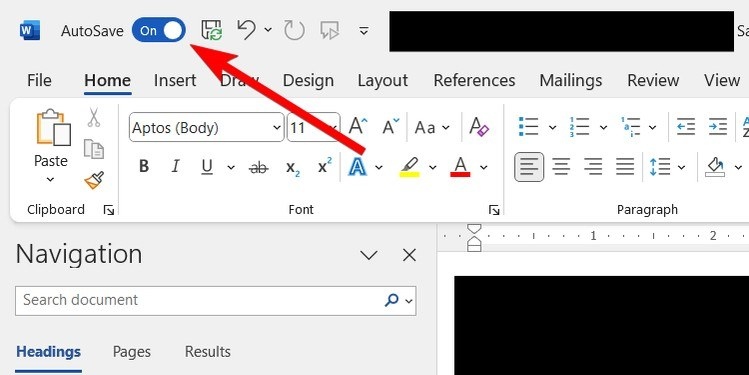
Share one working document with appropriate access
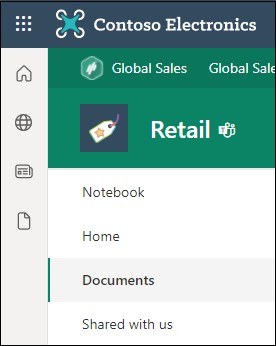
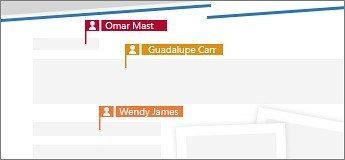
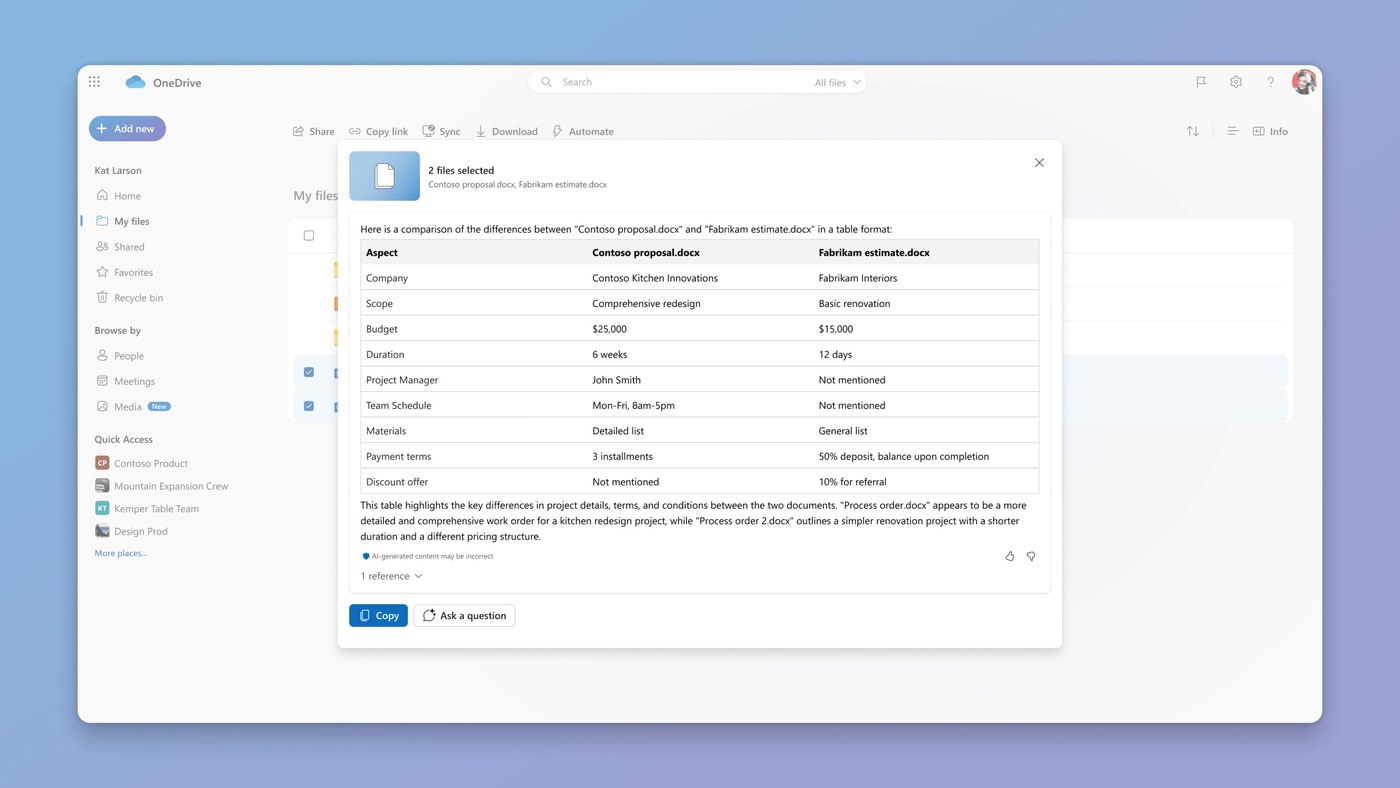
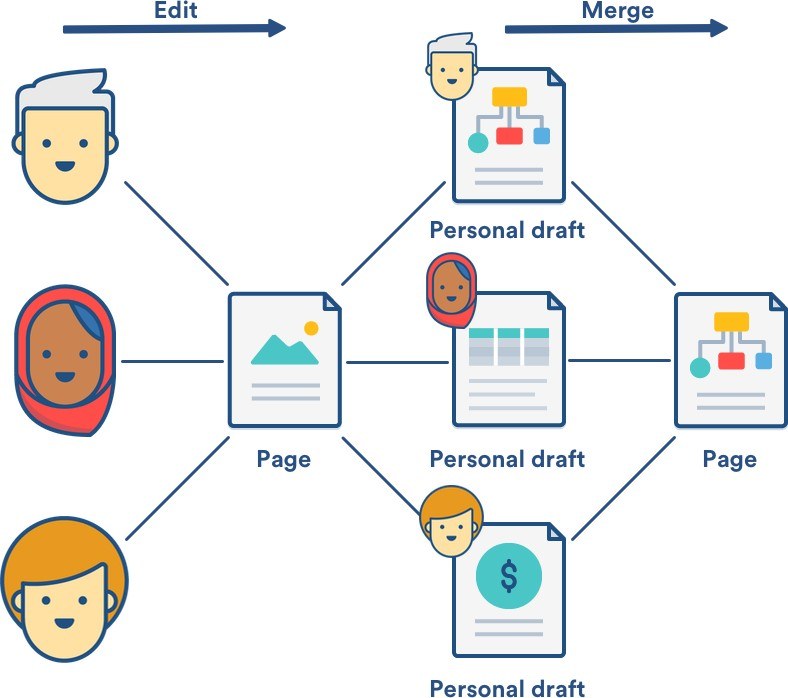
The guide describes placing a Word document in OneDrive and using Share to invite collaborators. Manage Access then provides controls for editing, viewing, or removing direct access. Setting those permissions deliberately gives each participant a clear role. A shared location supports real-time collaboration without requiring people to exchange a growing collection of unrelated attachments, provided everyone works in the intended document.
Keep discussions connected to the relevant passage
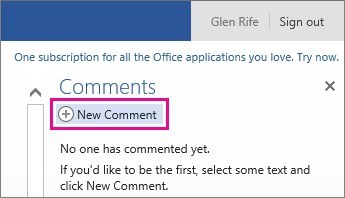
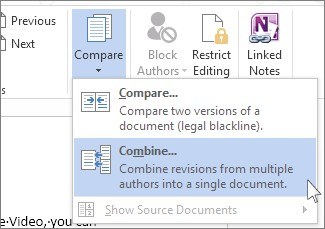
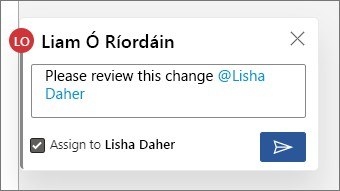
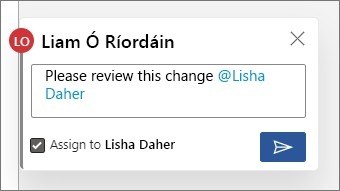
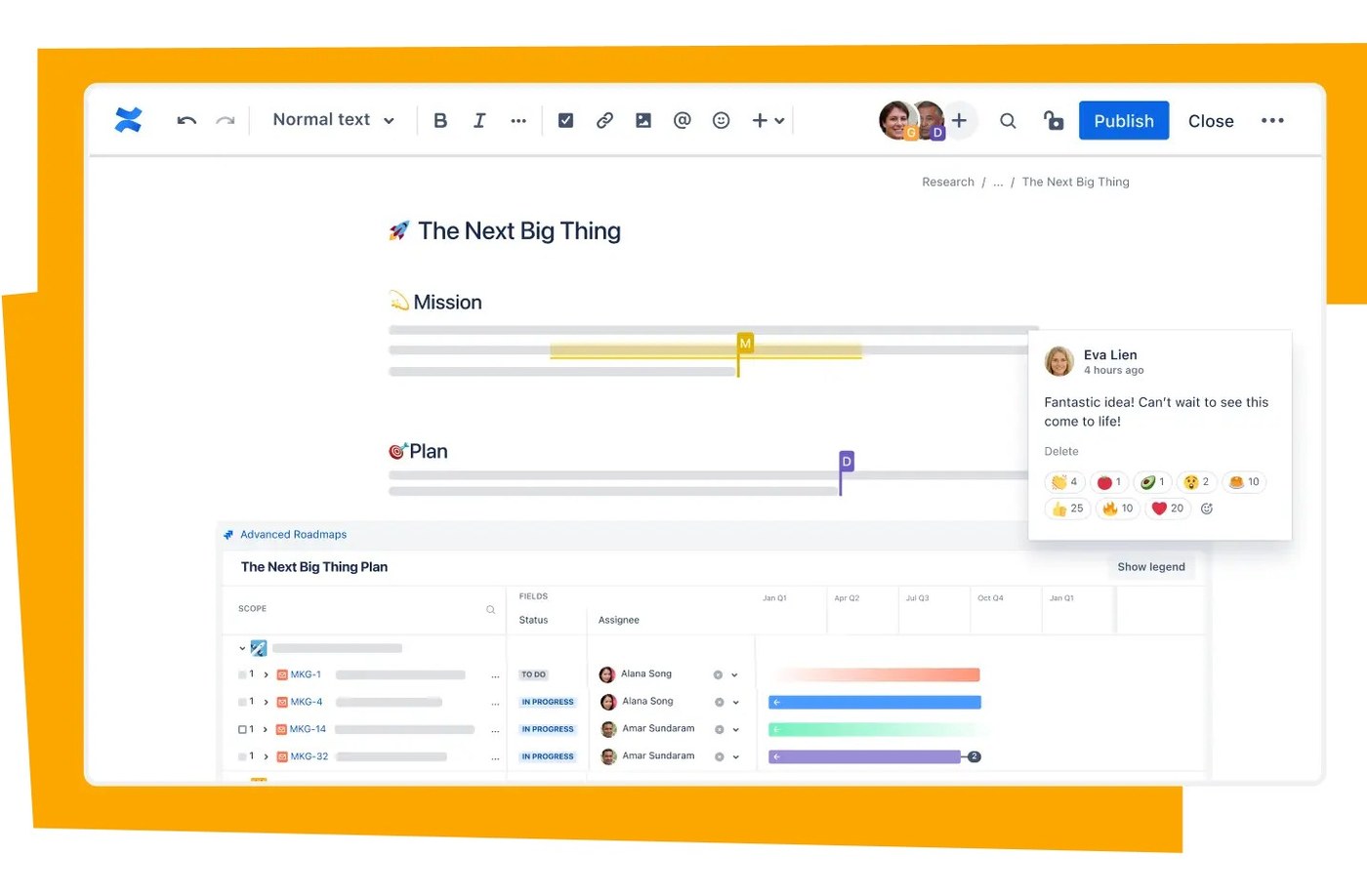
Select the text under review and create a comment from the Review tab. Replies keep the exchange together, and resolving a completed thread retains a useful record of the discussion. Track Changes provides a visible proposal for wording revisions rather than silently replacing text. Agree on how reviewers should use these tools, then check unresolved comments and outstanding revisions before treating the document as ready for distribution.








Comments
0