 DocumentFlow Desk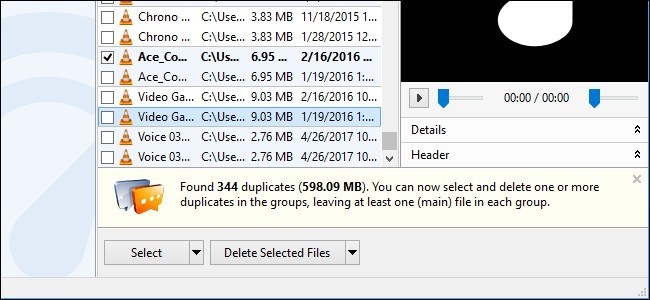
Limit the search to your own files
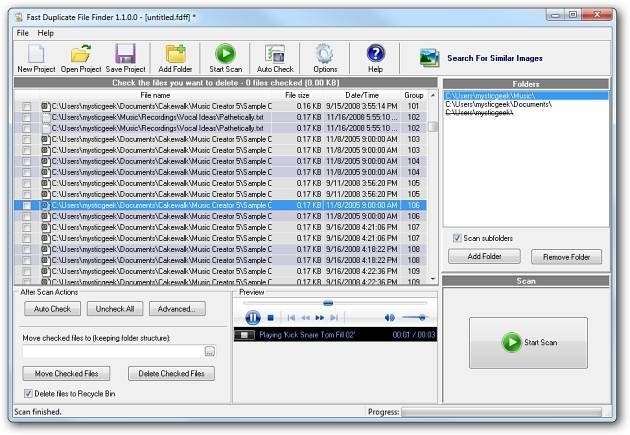
Duplicate finders can help identify repeated documents, but not every repeated file is unnecessary. How To Geek warns against removing duplicates from Windows or Program Files folders because applications may rely on copies stored in different places. Begin with a clearly chosen personal or project directory instead. Tools described in the guide offer folder selection and filters such as size, type or modification date to narrow the investigation.
Inspect the matches before deletion
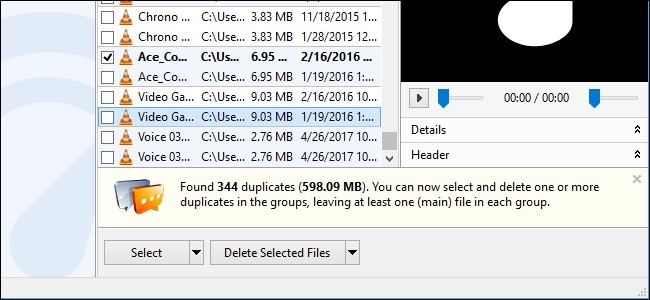
A duplicate report is a starting point for review, not a reason to delete every listed item automatically. Compare the locations and preview the content where the tool allows it. One copy may be part of an archive, a shared workflow or another deliberate arrangement. Check installer options if trying third party software, and assess current product availability rather than assuming an older recommendation remains unchanged. Remove only the copies you have confirmed are expendable, keeping a recoverable backup of important work before a broad cleanup.







Comments
0