 DocumentFlow Desk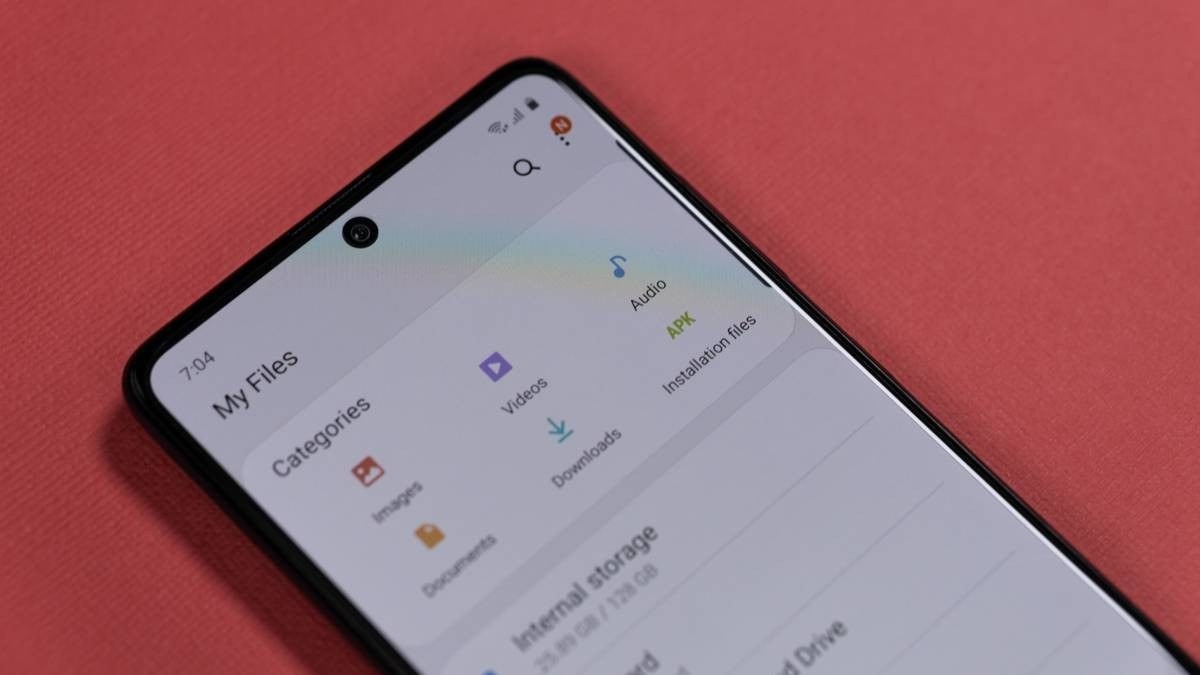
Open the duplicate cleanup view
Documents downloaded several times can occupy space on an Android device without adding useful information. How To Geek describes using Files by Google to inspect duplicate items through the app's cleanup tools. The app needs permission to access the relevant files before it can analyze them. Open the Clean section, locate the duplicate files card if it is available and review the items presented for selection.
Keep the intended original
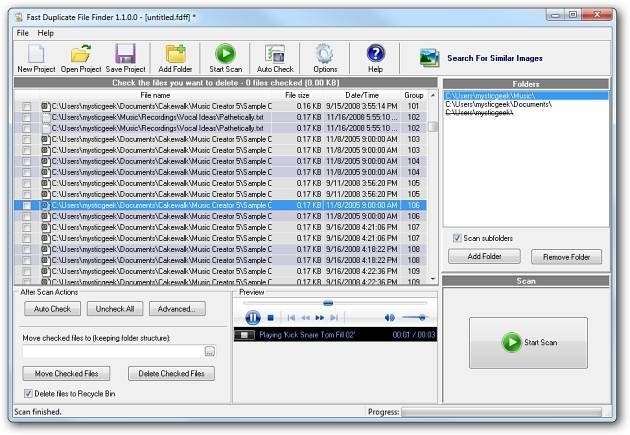
The duplicate view labels the original alongside additional copies, making it easier to decide what should remain. Rather than selecting every suggested item automatically, examine the documents and keep any copy that belongs to a separate workflow or location you still need. Confirm the move to trash only after reviewing the selection. The source describes a recovery period before trash is permanently removed, but check the current app's wording and settings before relying on that window. Duplicate cleanup is most useful when followed by a clearer download and filing routine.




Comments
0