 DocumentFlow Desk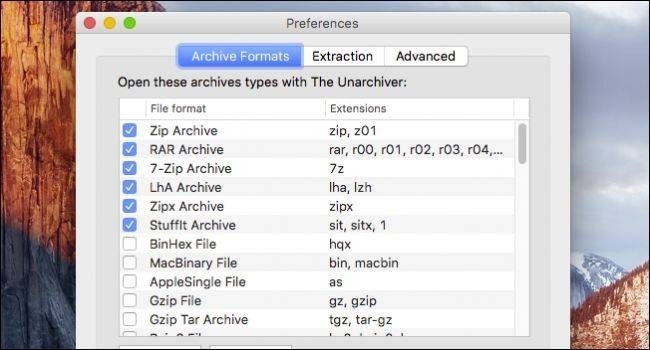
Choose a compatible extraction tool
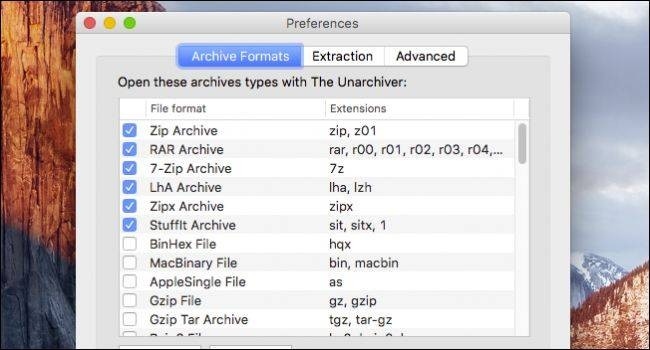
An archived project may arrive as a 7z, RAR or another format rather than a familiar ZIP file. How To Geek's Mac guide describes using The Unarchiver to handle a range of archive types. Its Archive Formats preferences determine which formats the application opens, while the Extraction settings control where recovered items are placed. Checking these choices helps keep a restored project from scattering across an already busy working folder.
Use a clear destination folder
When opening an archive, choose the requested destination or create a new folder for its contents. The guide notes options for creating extraction folders and managing what happens after successful extraction. The Unarchiver is intended for unpacking archives rather than creating new packages, so choose a different suitable tool when the task is to build an archive. After extraction, inspect the folder structure and open the needed documents before relying on the recovered material. Keep the original package available while checking the result.








Comments
0