 DocumentFlow Desk
Find the spreadsheet's edit log
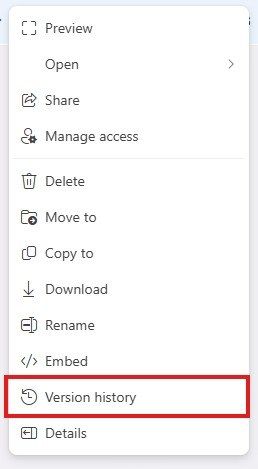
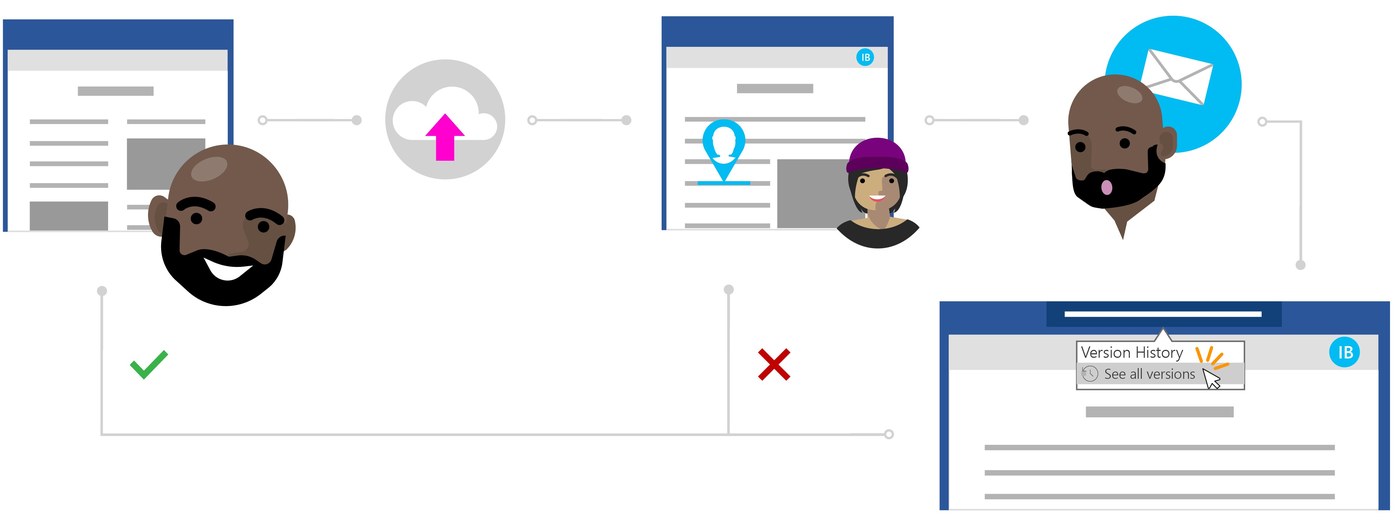
Google Sheets records changes in version history, giving collaborators a way to inspect earlier states of a workbook. How To Geek describes opening File, Version History and See Version History, or using the last edit link. Entries appear in a side panel grouped by date and time. Expand a group to inspect more detailed revisions when the first view does not show the state you need.
Label milestones rather than every edit
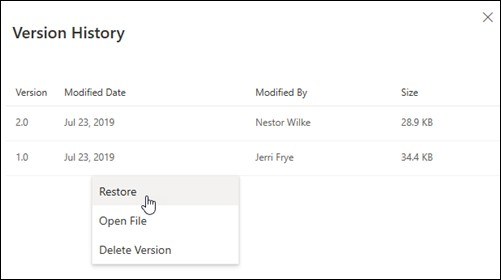
A timestamp alone can become difficult to interpret in a busy spreadsheet. Use a version's menu to assign a recognizable name when a major change or milestone matters. The Only Show Named Versions option then narrows the panel to those selected checkpoints and the recent state. To recover a previous workbook state, select the intended version and choose Restore This Version. Review the displayed contents first, since restoring affects the spreadsheet as a whole rather than merely changing the label on one cell.







Comments
0