 DocumentFlow Desk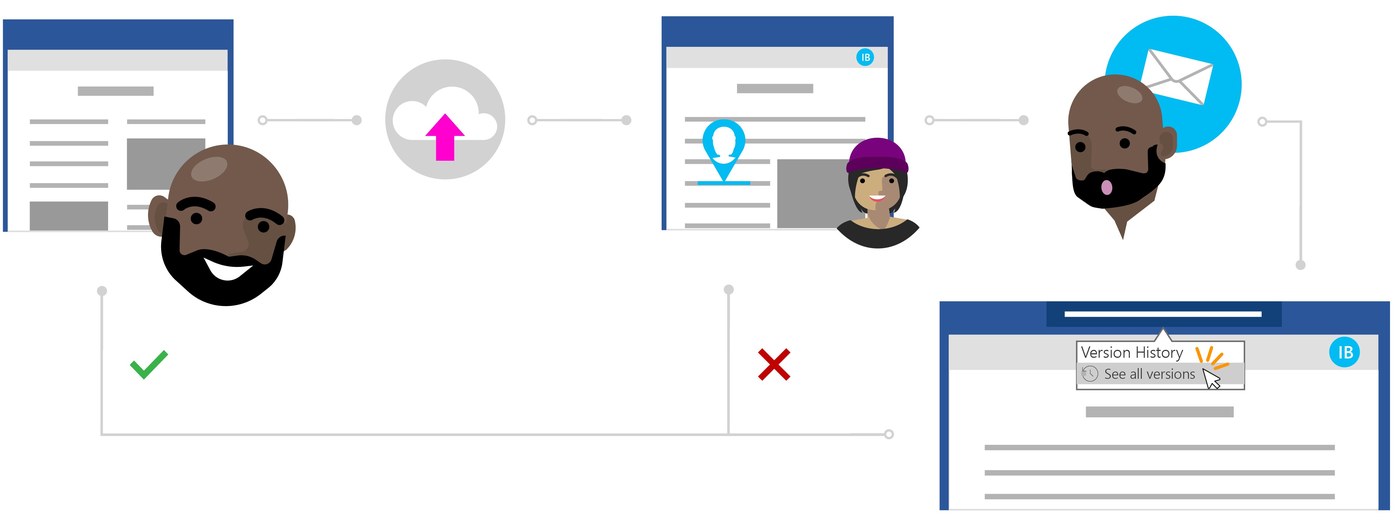
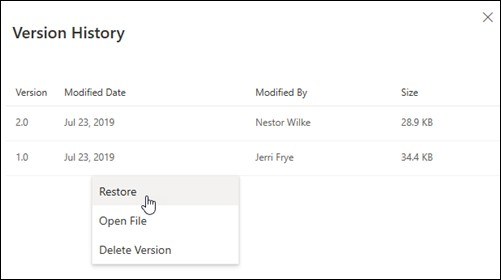
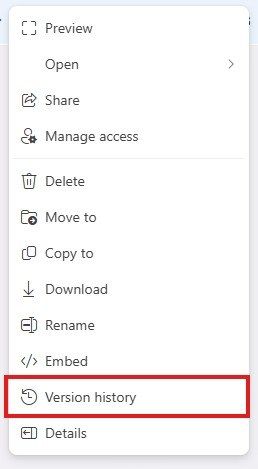
Files stored in OneDrive or SharePoint Online can be returned to an earlier version when recent edits are unwanted. In the Office application, open File and Info, then select Version History to see the saved versions available for that document.
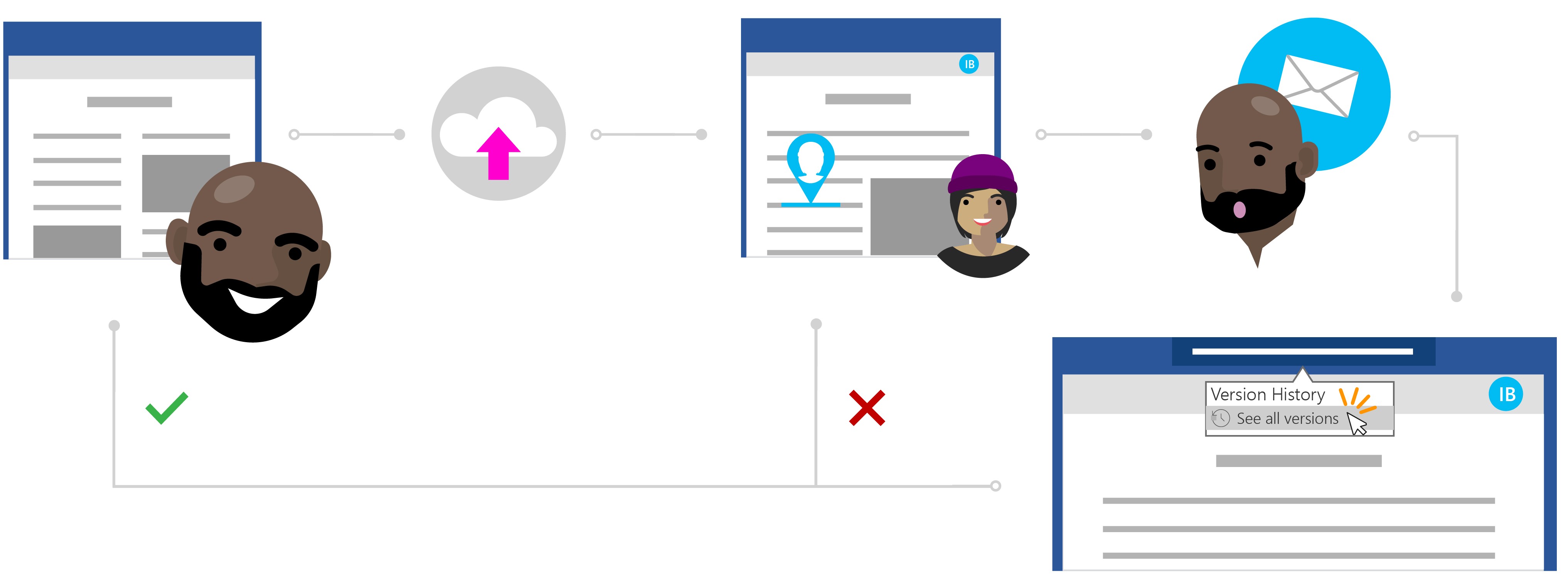
Open a version to inspect it before choosing Restore. This approach can recover earlier content without maintaining a separate attachment for every revision. Check the selected version carefully, since restoring it makes that earlier state the working document and affects edits made after it was saved.









Comments
0