 DocumentFlow Desk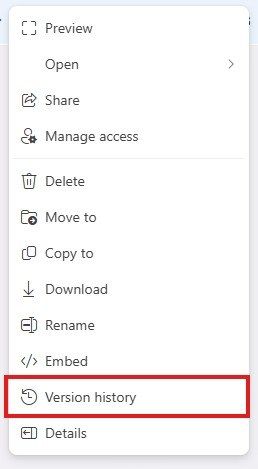
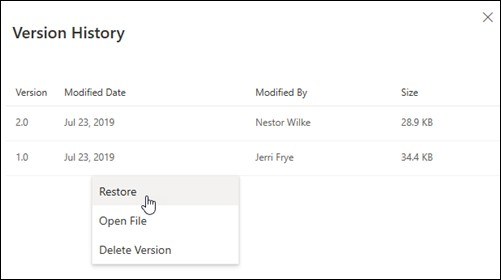
An Excel for the web error about corruption or a changed extension may be resolved by restoring a previous version. Microsoft recommends opening the file's location, right-clicking the workbook, and choosing Version history to inspect the saved dates and times.
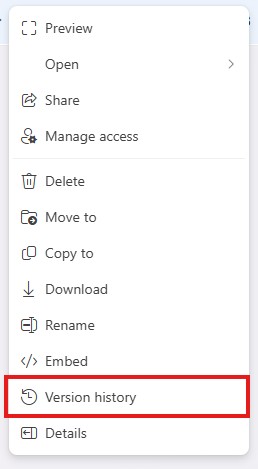
Select an older version and use its menu to restore it in place of the current file. The process removes updates made after the selected version, so compare the available history before proceeding. It is a recovery option for the affected workbook rather than a guarantee that every file error has the same cause.










Comments
0