 DocumentFlow Desk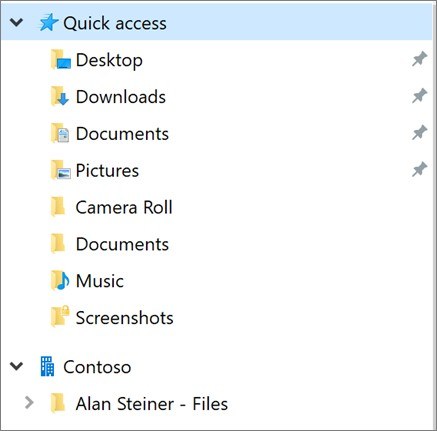
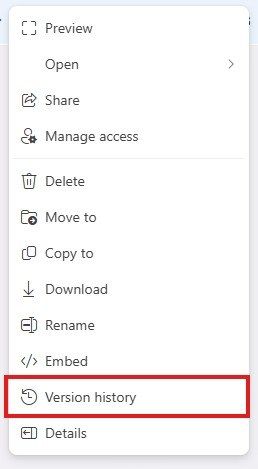
When a Microsoft 365 administrator grants access to another person's work or school OneDrive, the recipient can use the supplied link to manage authorized files. For a few items, select Copy to for another OneDrive or SharePoint destination, or Download for a local copy.
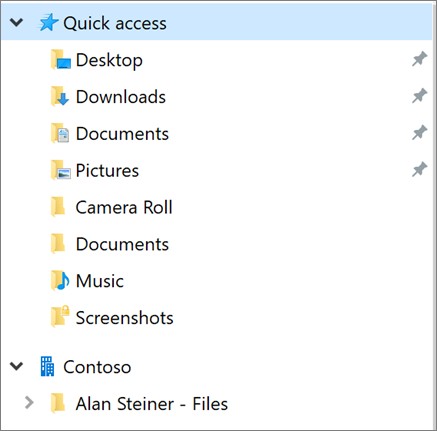
For larger collections, Microsoft recommends syncing through the OneDrive application so File Explorer or Finder can handle multiple folders. The shared location appears under the organization's name. Keep the destination and access arrangements clear so the transferred material remains available to the people who need it.








Comments
0