 DocumentFlow Desk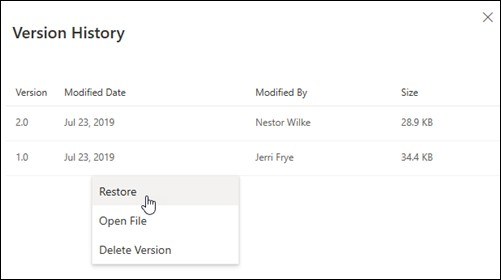
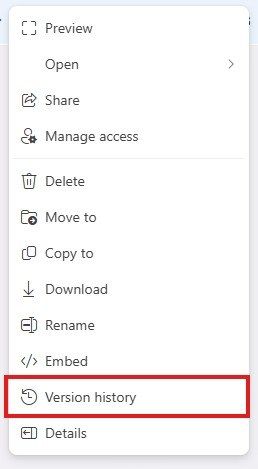
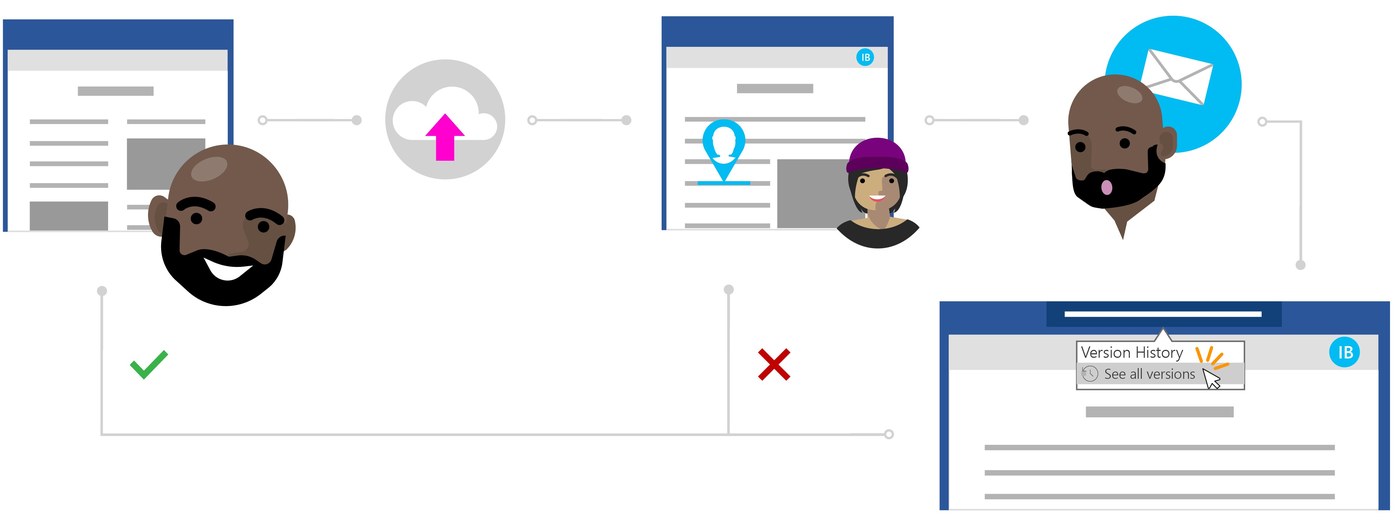
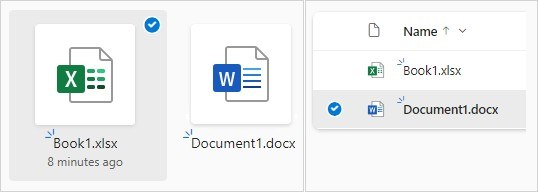
OneDrive and SharePoint version history can show earlier versions of many file types, including Office documents, PDFs, photos, and other supported material. On the OneDrive website, select the file, open its context menu, and choose Version history.
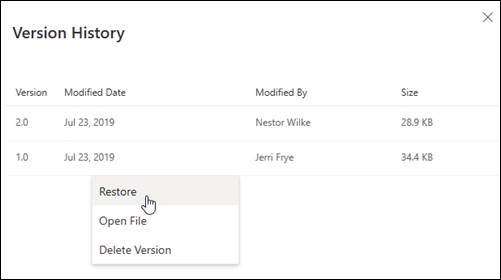
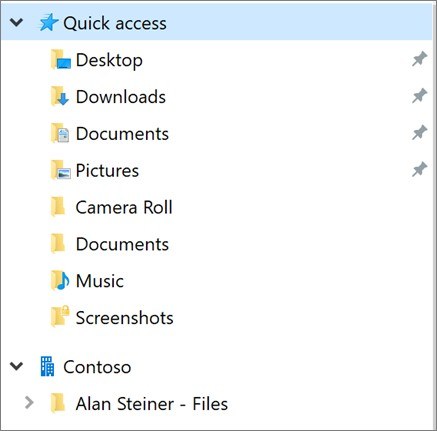
Use the menu beside the desired version to restore it. With the sync application installed, Windows File Explorer also offers a version-history route. The restored version becomes current while the formerly current one remains in the history. Availability depends on the applicable history settings, including organizational configuration for work or school files.










Comments
0