 DocumentFlow Desk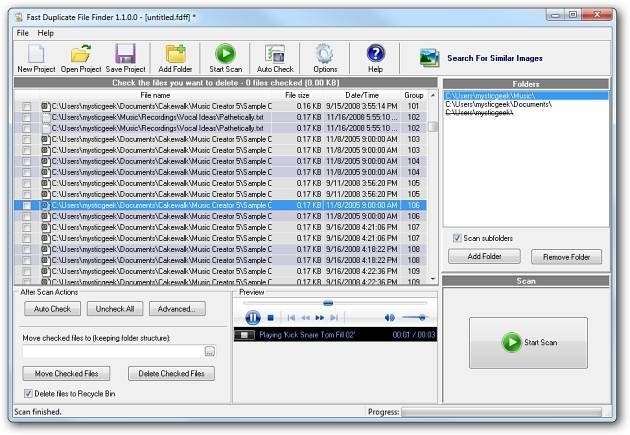
Use a scoped scan
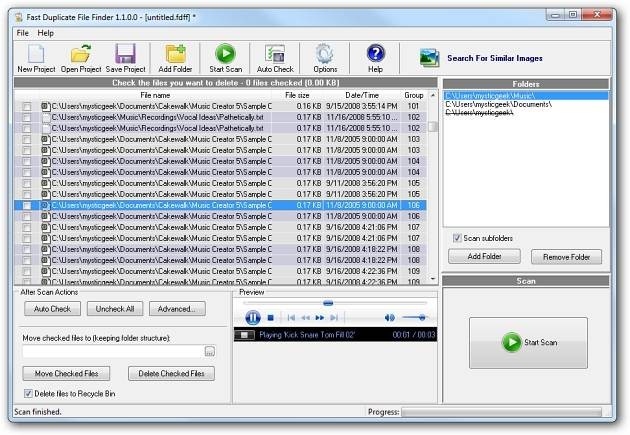
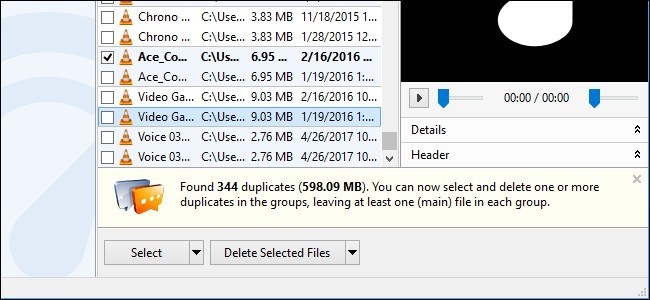
An earlier How To Geek review of MindGems Fast Duplicate File Finder describes adding folders, scanning their contents and inspecting the matching files. The useful workflow is to choose a limited project or document location before searching rather than treating every repeated item on a computer as disposable. The review also describes scans of removable media and network locations, where repeated copies may exist for an intentional reason.
Check a match before acting
The reviewed tool provided ways to open or preview results, including text documents, pictures and audio, and to locate the file in Explorer. Those checks help establish what a candidate duplicate actually contains and where it belongs. Because the article is an older product review, verify the current software's supported systems, licensing and features before installing it. Keep the cleanup decision separate from the detection step: a tool can identify matching data, while the user still needs to decide which copy is authoritative and which can safely be removed.





Comments
0