 DocumentFlow Desk
Open the destination before uploading
Google Drive's upload process is easier to manage when the destination folder is chosen first. How To Geek describes opening Drive in a browser, navigating to the intended location and selecting New followed by File Upload. Choose one or several files from the computer and wait for the upload status to complete. Keeping the browser open until completion reduces uncertainty about whether a document reached the shared workspace.
Preserve structure and format intentionally
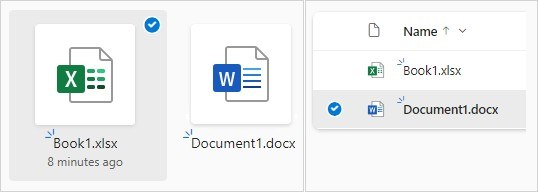
On a computer, Folder Upload can transfer a directory and its contents, while dragging files or folders into the Drive browser window provides another route. Check the destination after transfer so the uploaded material fits the existing project structure. The guide also covers automatic conversion of Microsoft Office documents into Google's editor formats. Decide whether that conversion suits the workflow before enabling it, especially when the original format matters to collaborators. Uploading creates cloud availability; it does not by itself establish appropriate sharing permissions or a retention policy.






Comments
0