 DocumentFlow Desk
Arrange the source images before printing
A collection of scanned JPEGs or other supported images can become one PDF through Windows' picture-printing workflow. First, sort the files into the sequence that the finished document needs. Numbered filename prefixes provide one straightforward way to make that order explicit. This preparation matters because the final PDF should follow the intended reading sequence rather than an accidental alphabetical arrangement.
Create and inspect the combined document
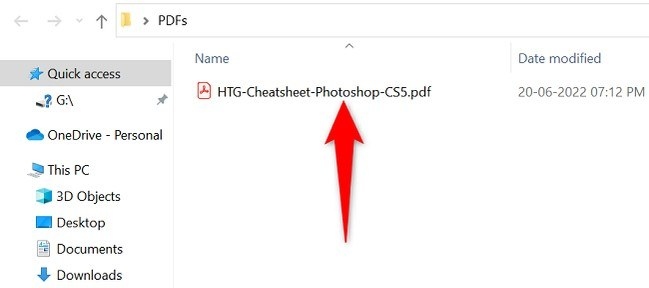
Select the images, open the Print command, and choose Microsoft Print to PDF as the printer. On some Windows 11 menus, the extended context menu is needed to reach the picture-printing option. Save the new PDF separately, then inspect its page order and presentation. The process creates a convenient combined document for sharing, but the resulting pages are still based on the images; it does not automatically turn scanned characters into searchable text.






Comments
0