 DocumentFlow Desk
Identify the PDF task before choosing an edition
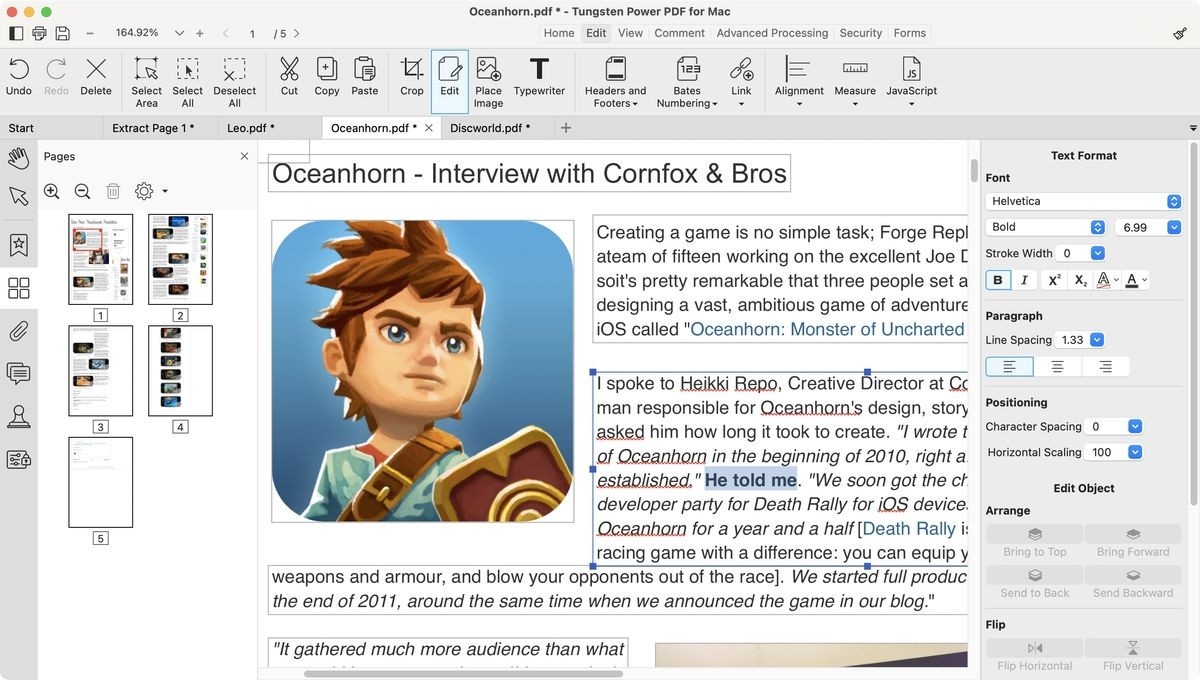
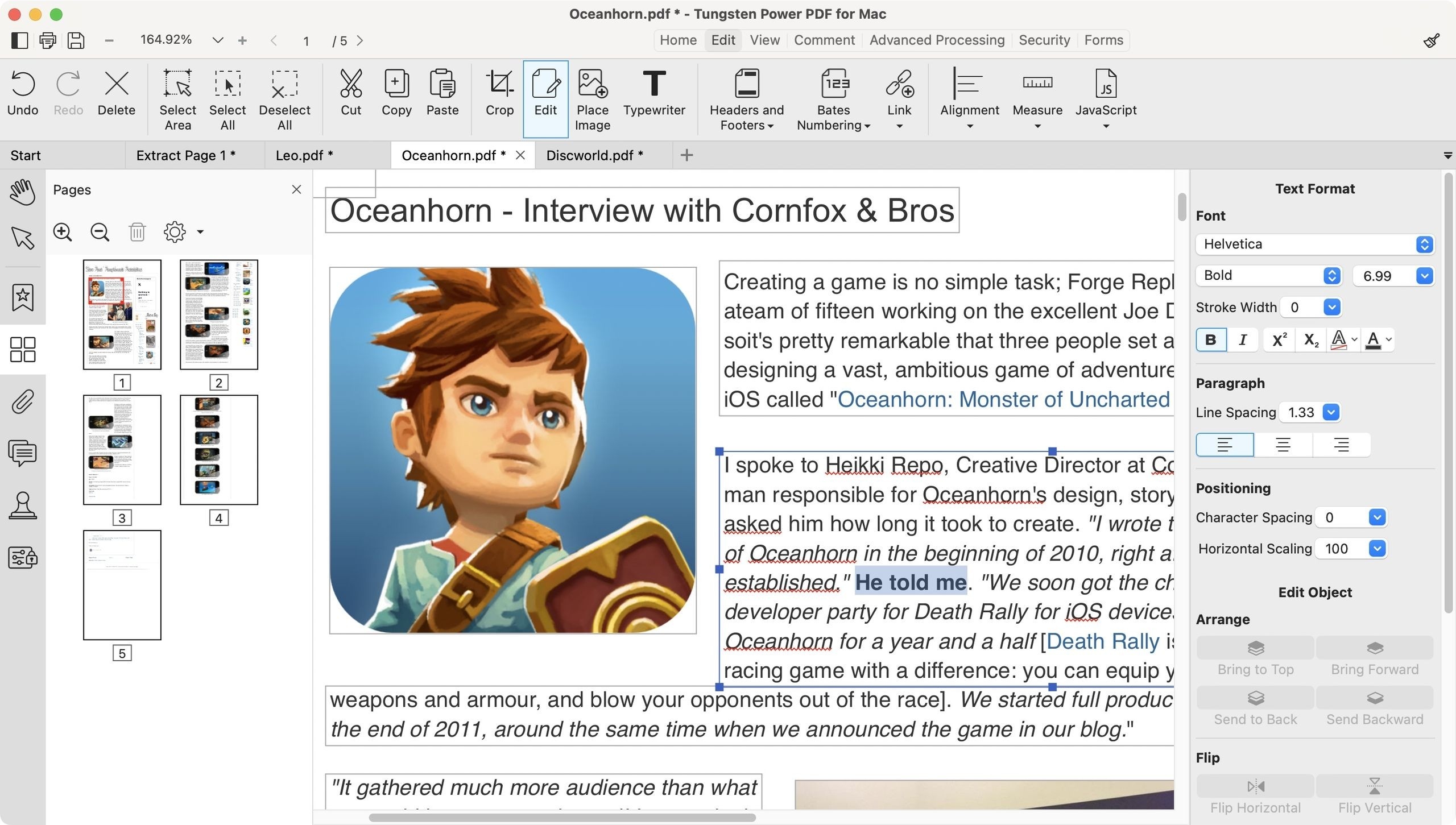
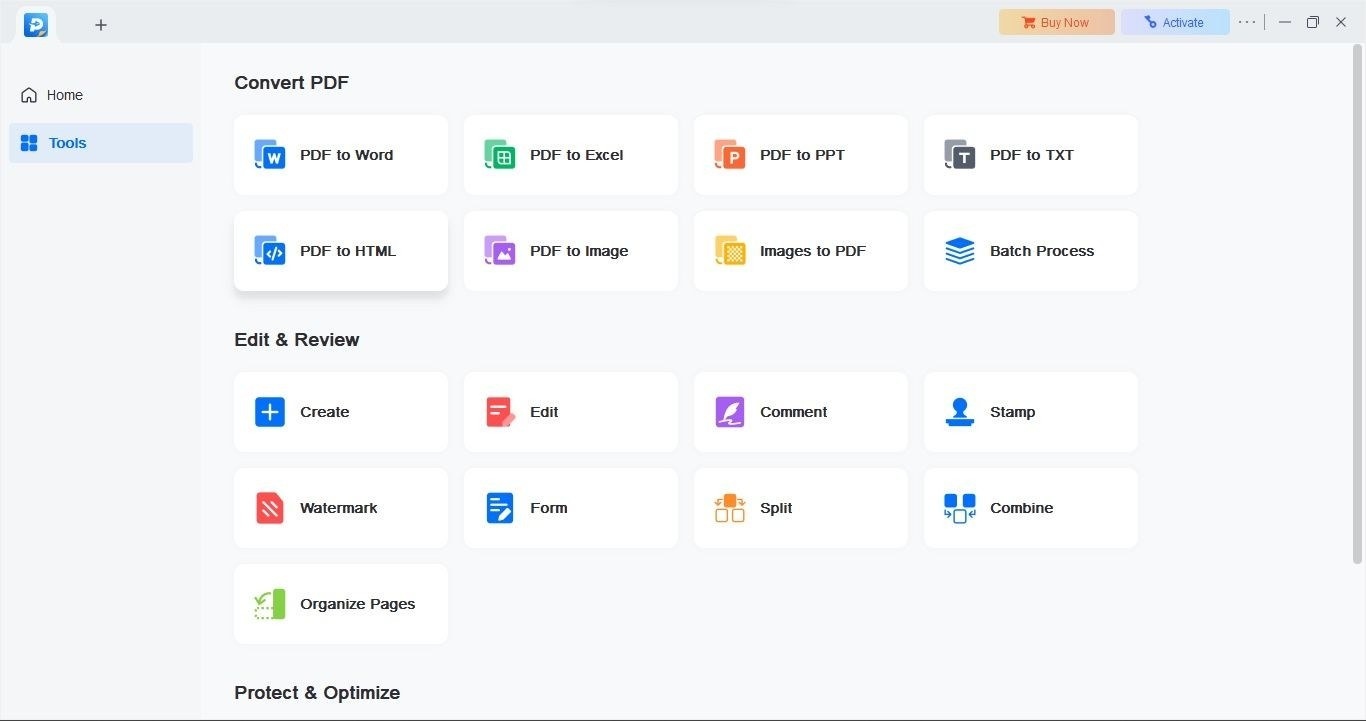
The TechRadar review describes Tungsten Power PDF as an application for converting documents, modifying existing PDF content, and adding annotations. It also covers optical character recognition, which is relevant when a scanned page contains an image of text rather than searchable characters. These are different operations, so match the needed workflow to the available tools rather than treating every PDF editing feature as interchangeable.
Check platform differences and the resulting file
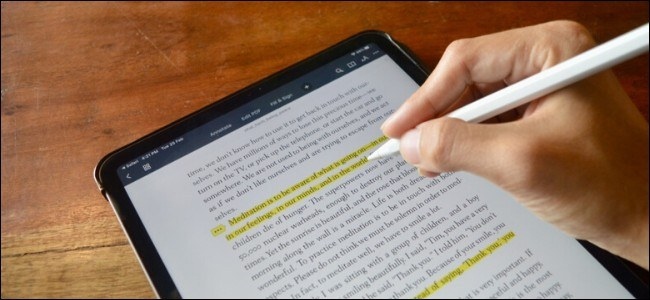
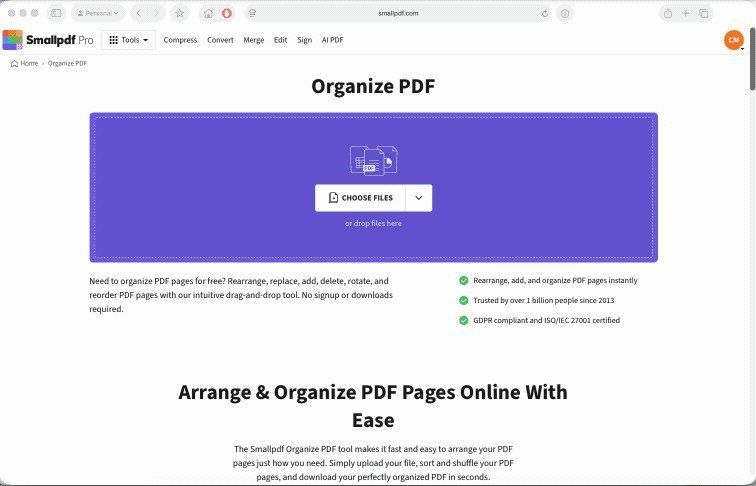
The review notes that the Mac application and the Standard and Advanced Windows editions do not contain identical feature sets. Confirm the OCR and review tools in the version you intend to use. After recognizing a scan, test search and inspect important passages, especially where the original page is unclear. Page organization and annotation can then support the review process, while the original scan remains useful as a reference for checking recognition errors.




Comments
0