 DocumentFlow Desk
Configure scanning for the document in front of you
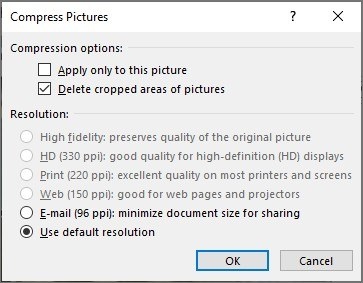
Adobe describes selecting the connected scanner and choosing options such as front or both sides, image quality, and output destination. The output can be a new PDF, an addition to an existing file, or multiple files. Choose those settings deliberately so the scan produces the right document structure. Quality controls balance image detail with file size, while the scanner’s own capabilities determine which capture options are available.
Recognize the text and check the result
The Recognize Text setting converts text images into searchable, selectable characters. Adobe provides language and output settings, and the recognition dialog can specify a page range after scanning. Search for a known phrase in the resulting PDF and compare key passages with the scan, particularly on faint or complex pages. Save the recognized file in the intended location while retaining a reliable reference when accuracy matters.




Comments
0