 DocumentFlow Desk
Open the file and choose a suitable annotation tool
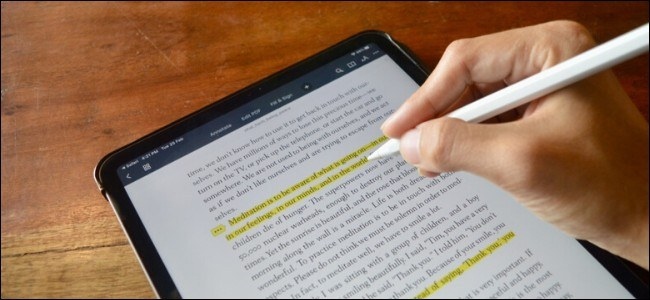
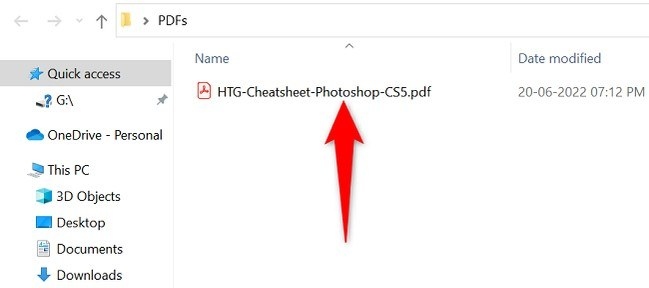
The source demonstrates dragging a local PDF into Chrome and opening the drawing controls from the PDF toolbar. Supported versions expose a pen, highlighter, and eraser, with choices for color and size. These tools add visual feedback to the displayed page; they should not be confused with a full PDF text editor. Confirm that the installed browser includes the described controls before planning the review around them.
Save the copy containing the intended changes
Use the eraser or undo controls to correct unwanted marks, then review the pages before downloading. The guide describes a choice between saving with or without the annotations, making that final selection important. Keep the marked copy identifiable so that recipients receive the feedback rather than an unchanged original. Browser annotation offers a convenient review route when its tools match the task, while more complex editing may require a dedicated application.




Comments
0