 DocumentFlow Desk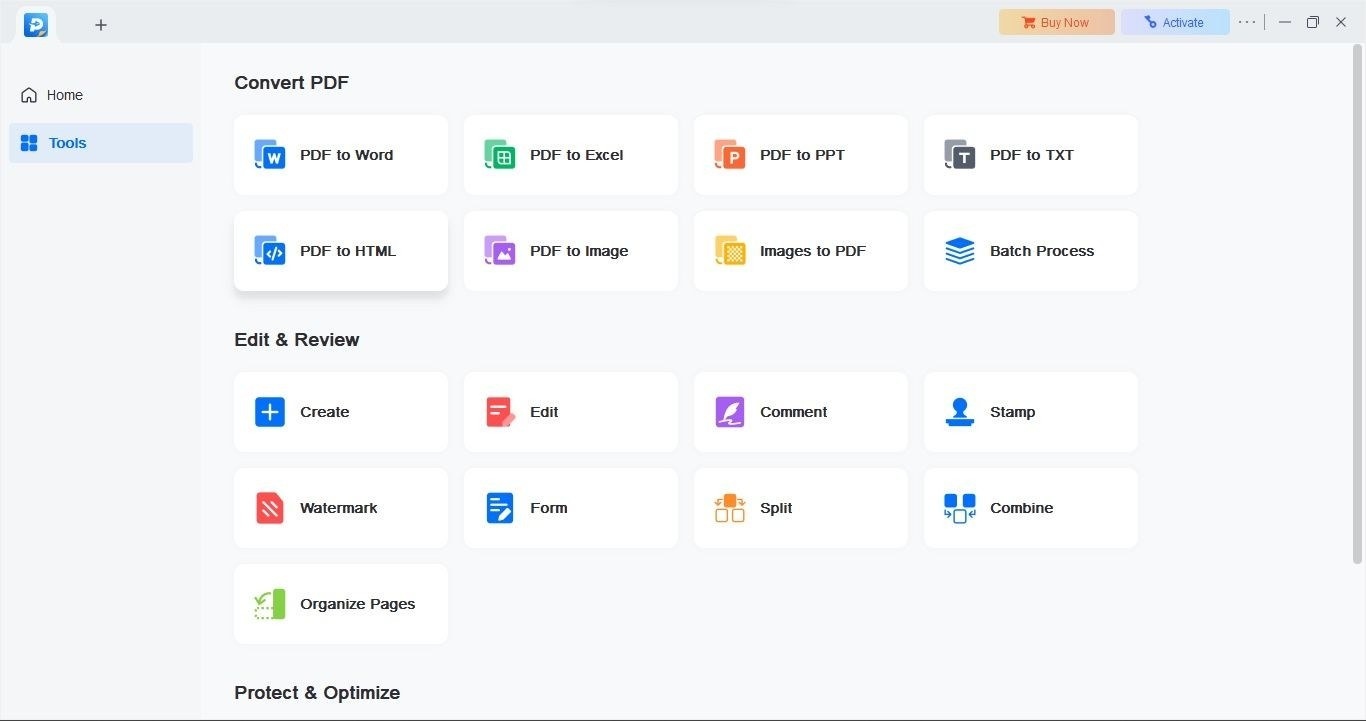
Prepare the image as a PDF before recognition
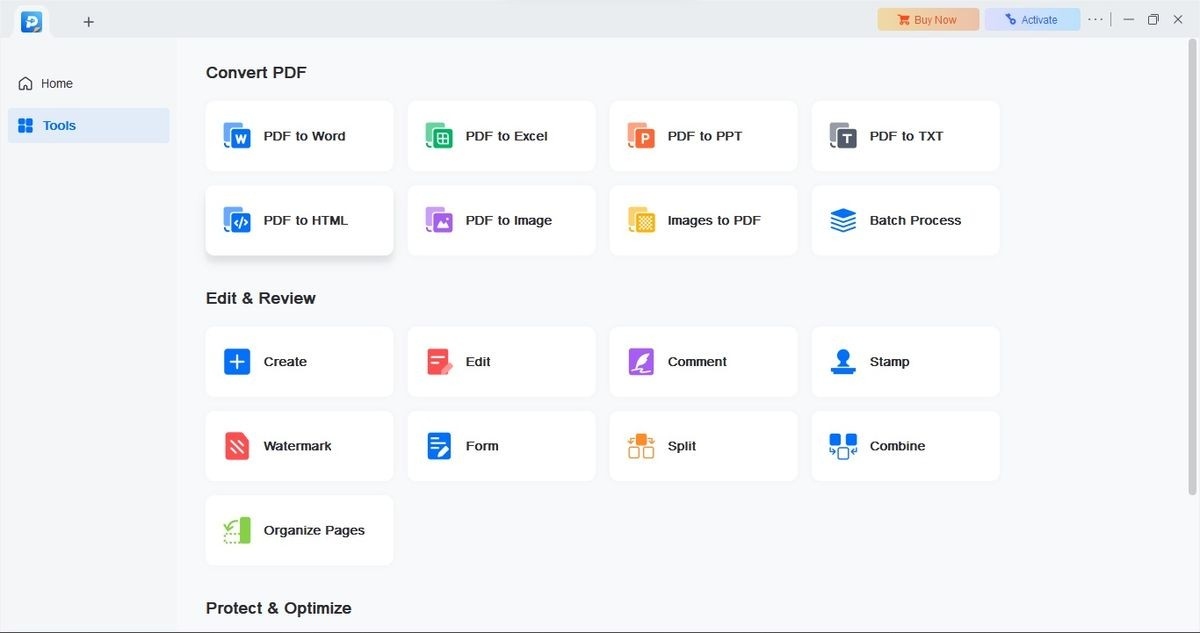
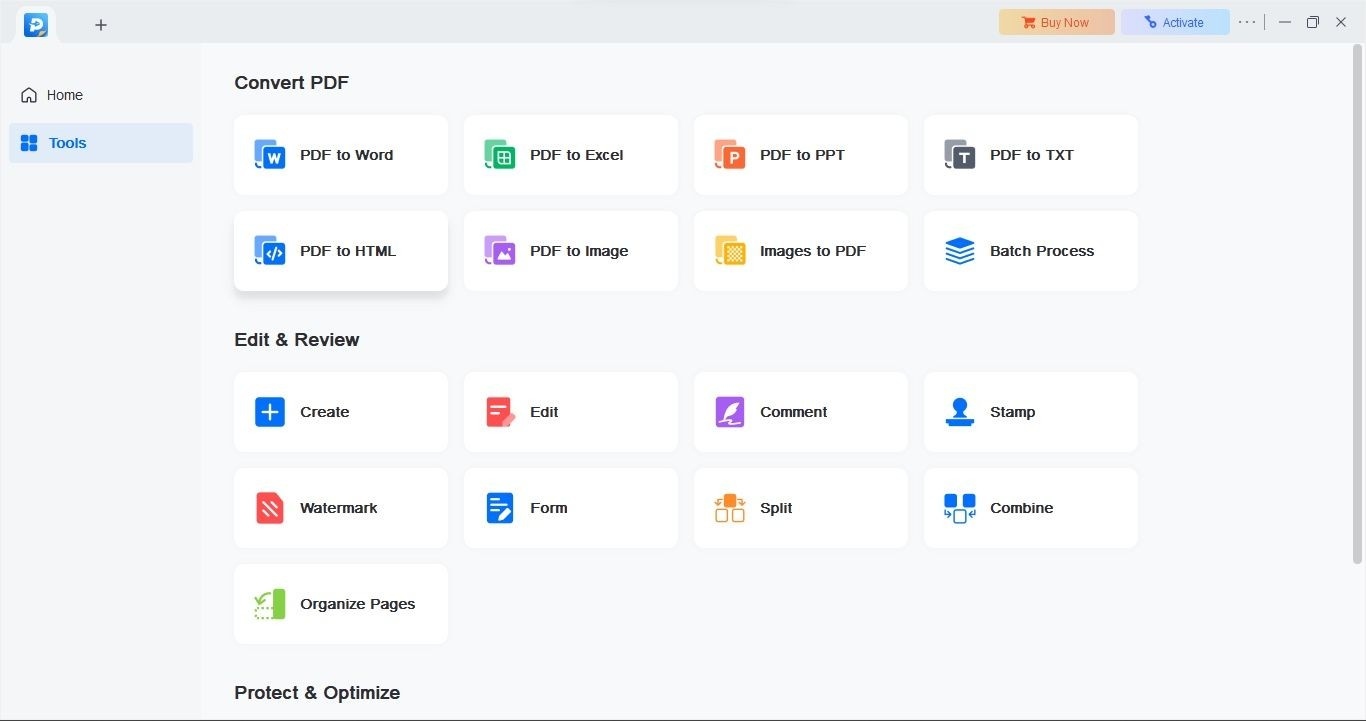
The TechRadar review explains that an image needs conversion into a PDF before the application’s OCR workflow can process it. Once the PDF is ready, select the recognition tool and choose an appropriate language. This step distinguishes an image that merely displays text from a document whose characters can be searched or reused. Work from a clear scan, and keep the source available for comparison after recognition.
Choose and inspect the recognized output
The review describes output choices including PDF, Word, and text, depending on the intended use. Select the required format before starting recognition, then check important wording and layout in the resulting file. The reviewed application is for Windows, and the review notes restrictions such as watermarked free exports. Confirm the installed edition’s behavior before committing a large batch, rather than assuming every available download provides the same unrestricted output.




Comments
0