 DocumentFlow Desk
Import the PDF into the annotation workspace
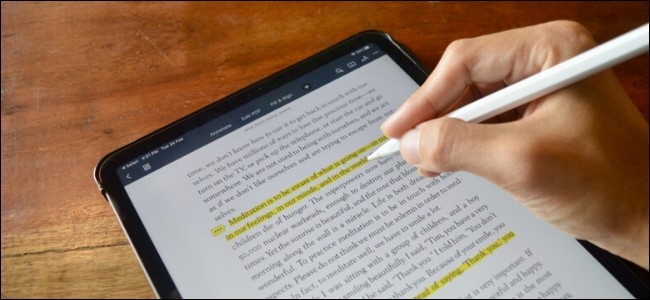
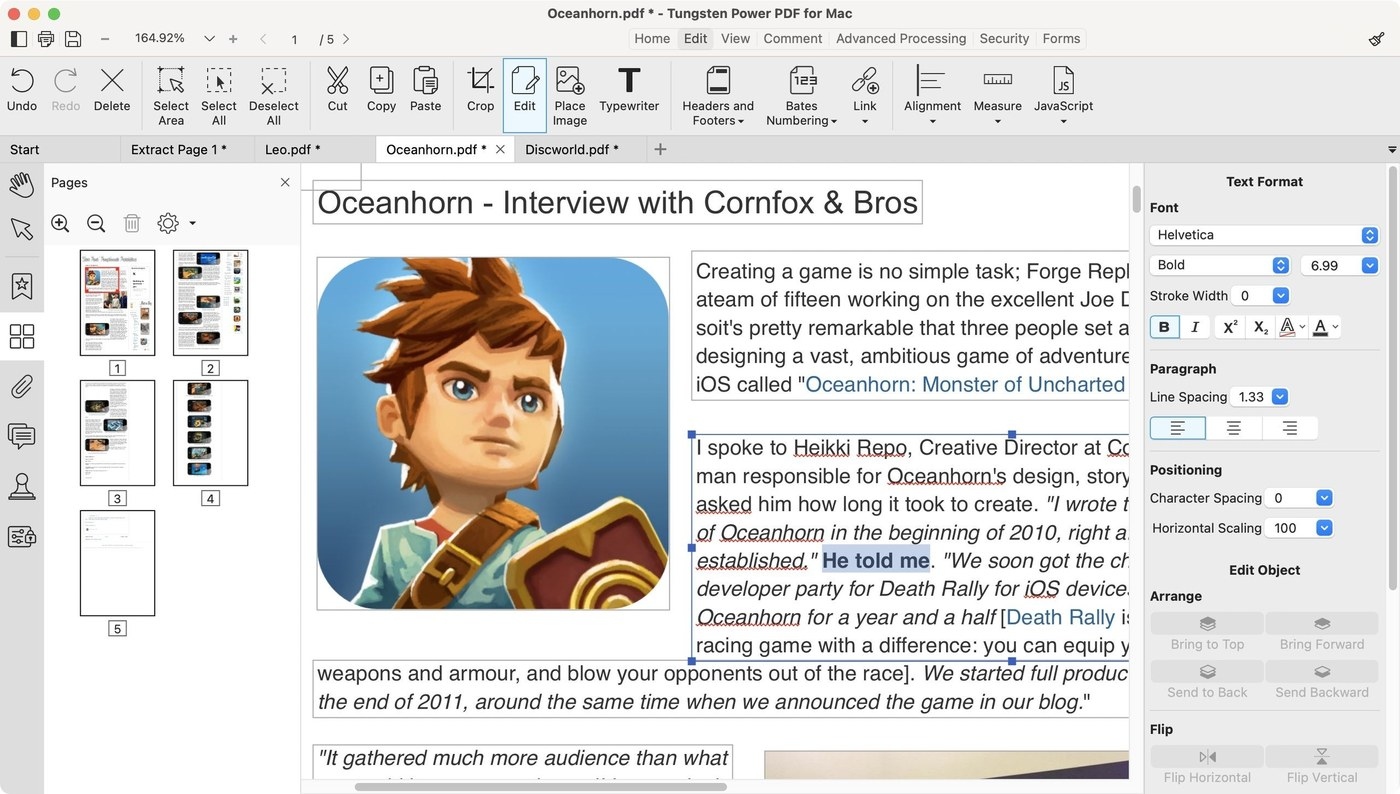
The source demonstrates PDF Expert on iPad, using the system Share sheet to copy a PDF into the application. Once imported, choose its annotation tools rather than assuming that ordinary reading mode exposes every editing control. The guide distinguishes highlighting and note-taking from more extensive text or page editing, which may depend on the product version or subscription.
Choose the mark that communicates the feedback
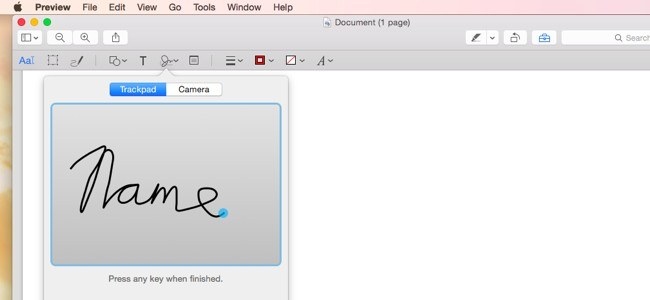
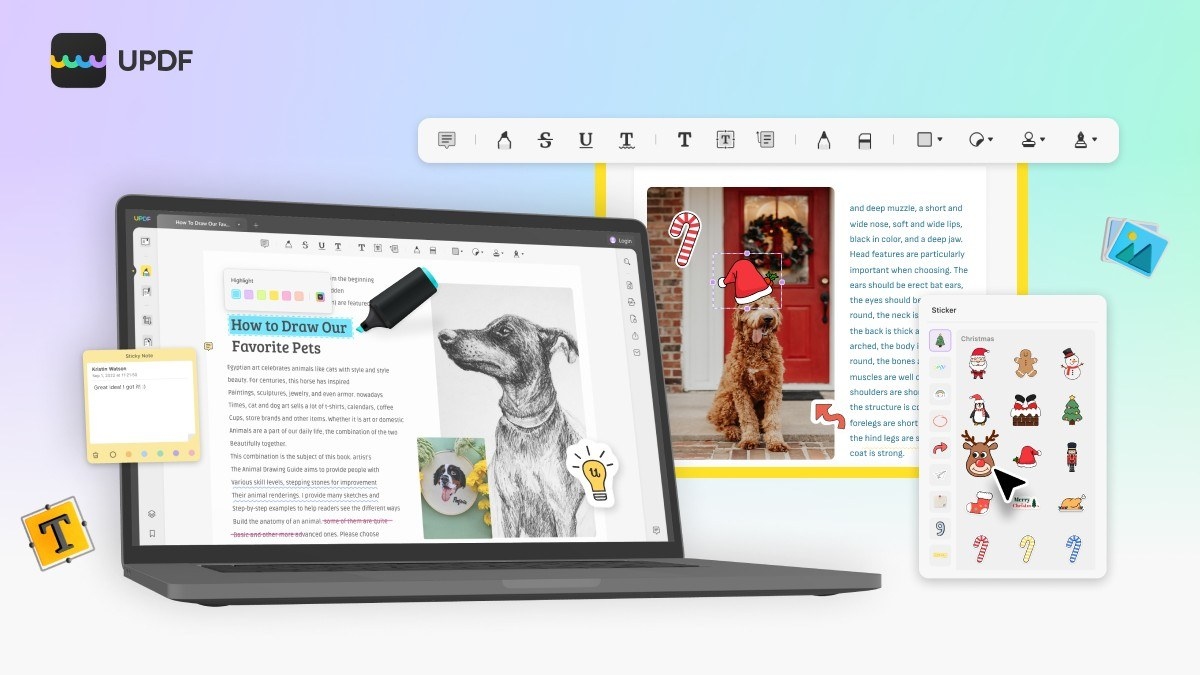
A highlight emphasizes an existing text passage, while underlining, text notes, and drawing tools communicate other kinds of feedback. Set the desired color or tool before marking the page, using a finger or supported stylus where appropriate. Review the annotations in context so that a recipient can understand what they refer to. These additions support document review while preserving the distinction between commenting on a PDF and changing its underlying wording.




Comments
0