 DocumentFlow Desk
Choose a method that fits the device
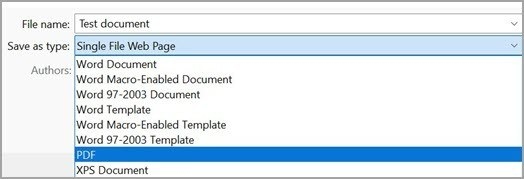
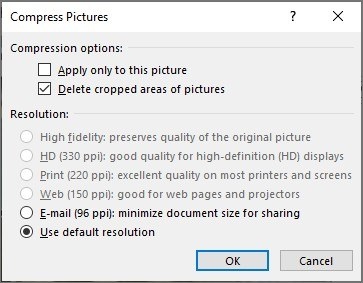
The guide describes a Windows compression utility with selectable quality levels and the built-in Preview export controls on macOS. In Preview, the Reduce File Size Quartz filter provides one route to a smaller PDF. These choices can affect the appearance of images and other content, so size reduction should be evaluated alongside the document's intended use rather than treated as a goal without trade-offs.
Save and inspect the compressed result
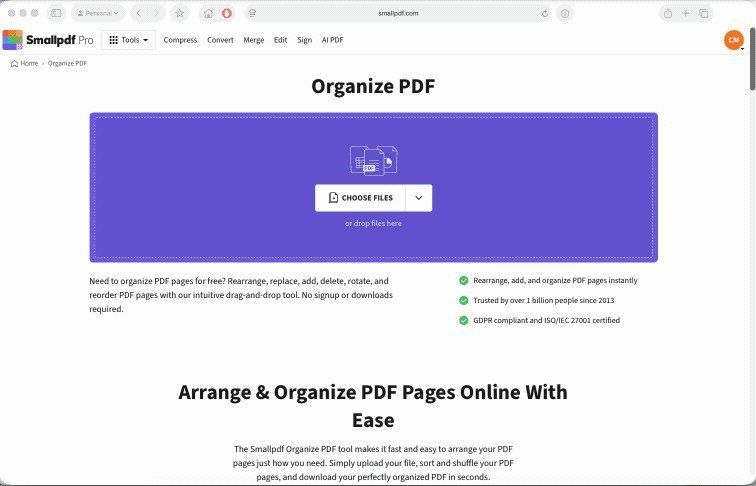
Keep a separate original before exporting or compressing, particularly when an application may replace a file at the chosen destination. Compare the new document with the source and check the pages that contain important graphics or fine text. Browser-based compression is another option described in the reference, but it involves transferring the document to a service. Choose the route that fits both the file and the workflow, then retain the version that remains readable.




Comments
0