 DocumentFlow Desk
Open the PDF through Word or the file browser
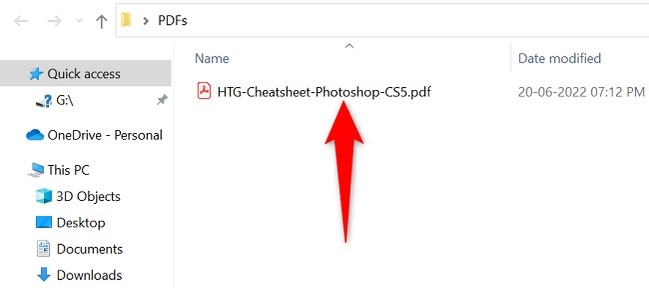
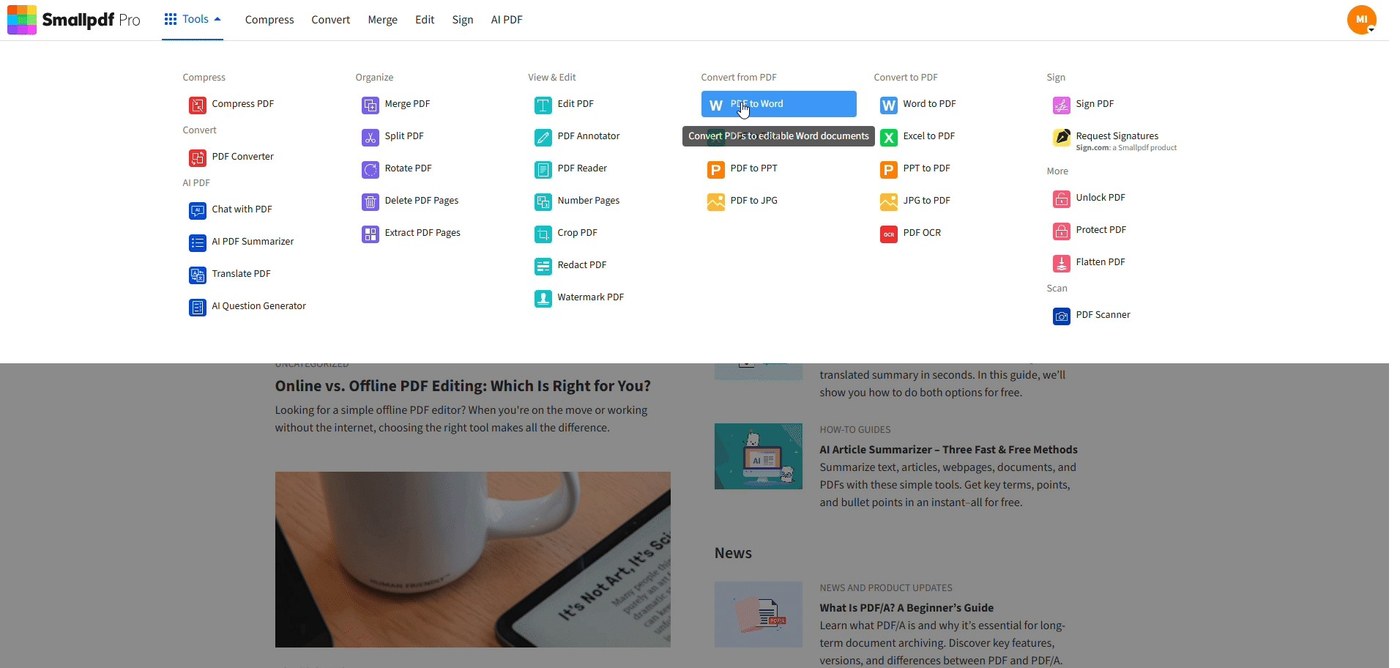
A PDF can be opened from Word using File, Open, and Browse, or through the operating system’s Open With command. Word then warns that it will convert the PDF into an editable document. This is more than simply viewing a fixed page: the application is reconstructing material in a form that its word-processing tools can change. A document that opens successfully therefore still needs a visual check.
Keep conversion separate from the original PDF
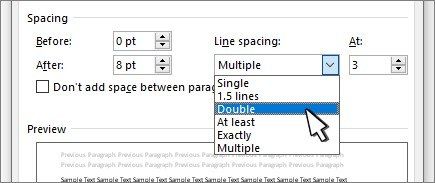
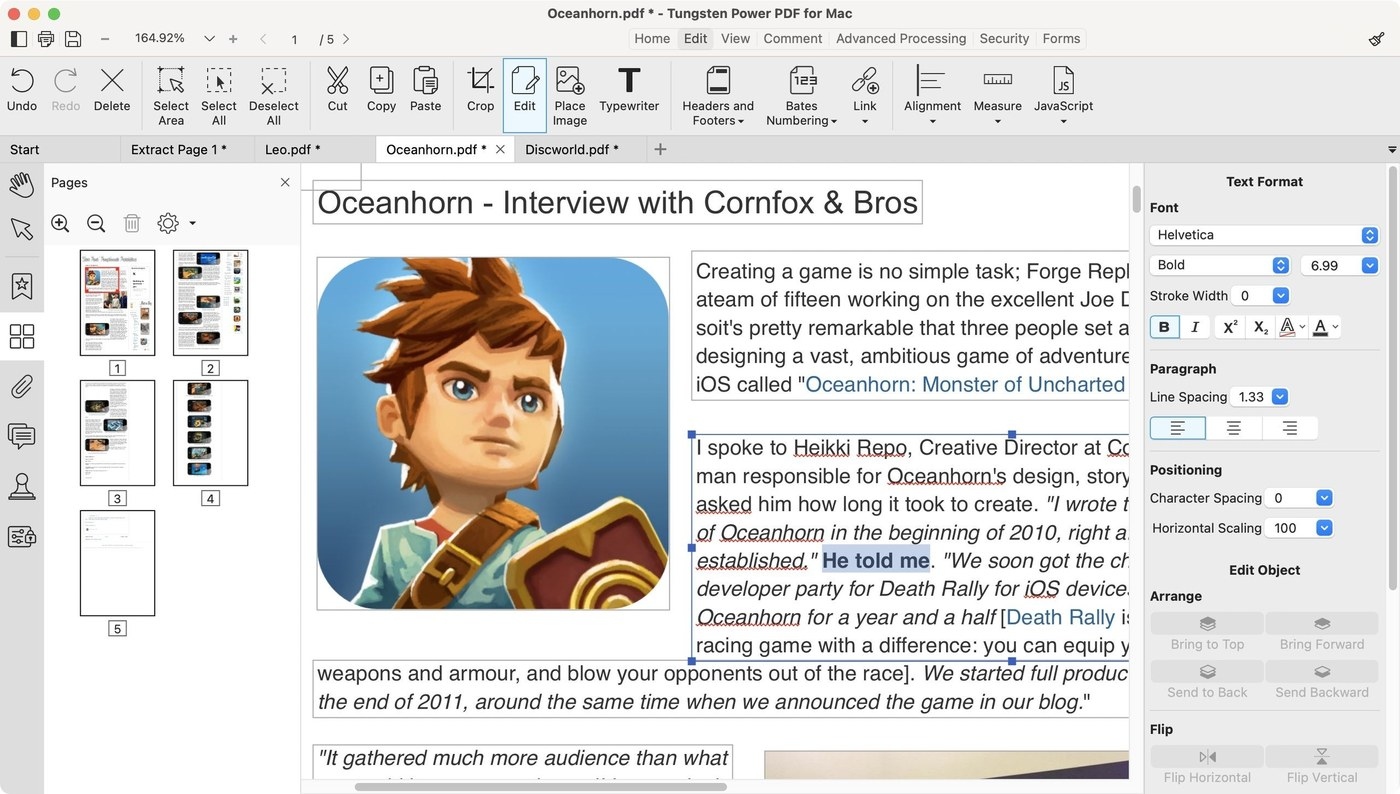
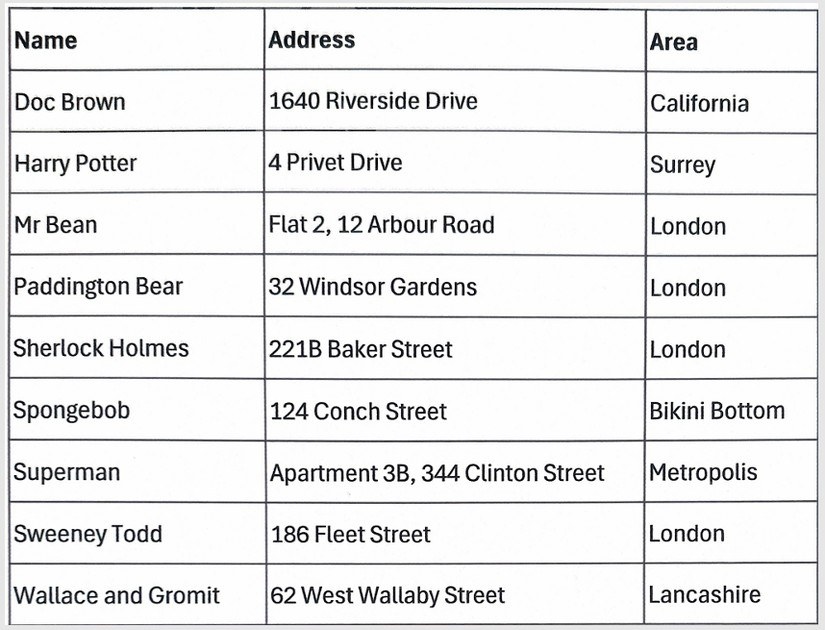
The guide explicitly notes that some formatting may be lost during conversion. Review tables, spacing, and page layout before relying on the editable result. Keep the original PDF available for comparison, and use an identifiable working copy for changes. If the purpose is merely reading, a PDF viewer avoids the unnecessary conversion step; if editing is required, plan time to inspect the converted pages before exporting another PDF.




Comments
0