 DocumentFlow Desk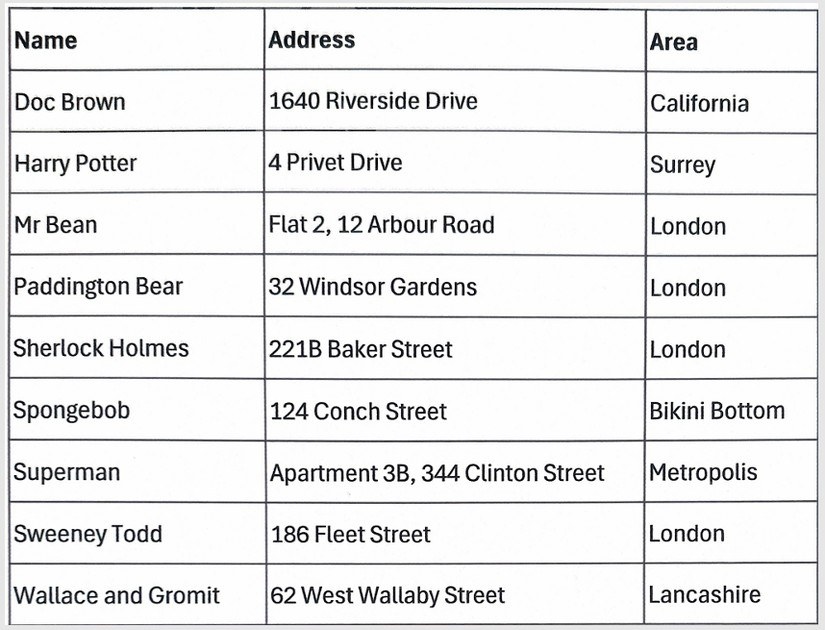
Prepare an image that the recognition tool can read
The guide emphasizes a clear picture, legible text, ordinary fonts, and a suitable supported image format. Shadows, blur, or decorative lettering make recognition less reliable. It also discusses scanned PDFs, whose visible characters may be image data rather than selectable text. Understanding that difference explains why copying directly from the original does not always work.
Review the extracted content before reusing it
Google Drive's recognition workflow opens the uploaded material as editable content through Google Docs. The resulting text can then be moved into the required destination, including a spreadsheet when the source contains data. Formatting is not guaranteed to survive the conversion, so inspect names, numbers, and layout before treating the result as final. OCR reduces manual retyping, but checking the extracted information remains part of a useful document-conversion workflow.




Comments
0