 DocumentFlow Desk
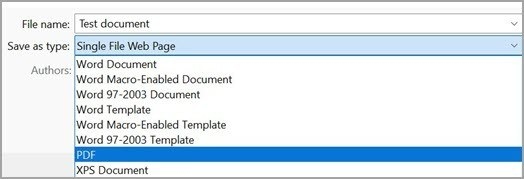
Microsoft's mobile guide describes saving an Office file through the print interface. Open the file menu, choose Print and select Save as PDF as the destination. Then choose a location and confirm the saved file's name.

Another supported interface provides Export followed by PDF from the three-dot menu. The available route depends on the application and device, so use the controls shown in the installed version and verify where the finished document was saved.





Comments
0