 DocumentFlow Desk
Select an appropriate compression setting
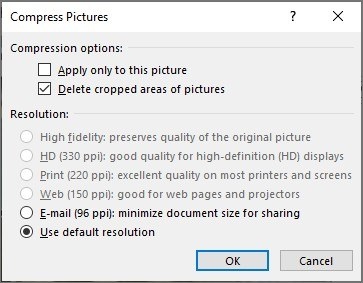
The Windows workflow in the source uses a desktop PDF compressor with several quality presets. Choose the input file, set an output destination, and select a preset intended for the document's use. If the result is unsuitable, compare another setting rather than assuming that the strongest reduction is always best. A smaller file remains useful only when its text and important images are sufficiently clear.
Treat Word conversion as a separate trade-off
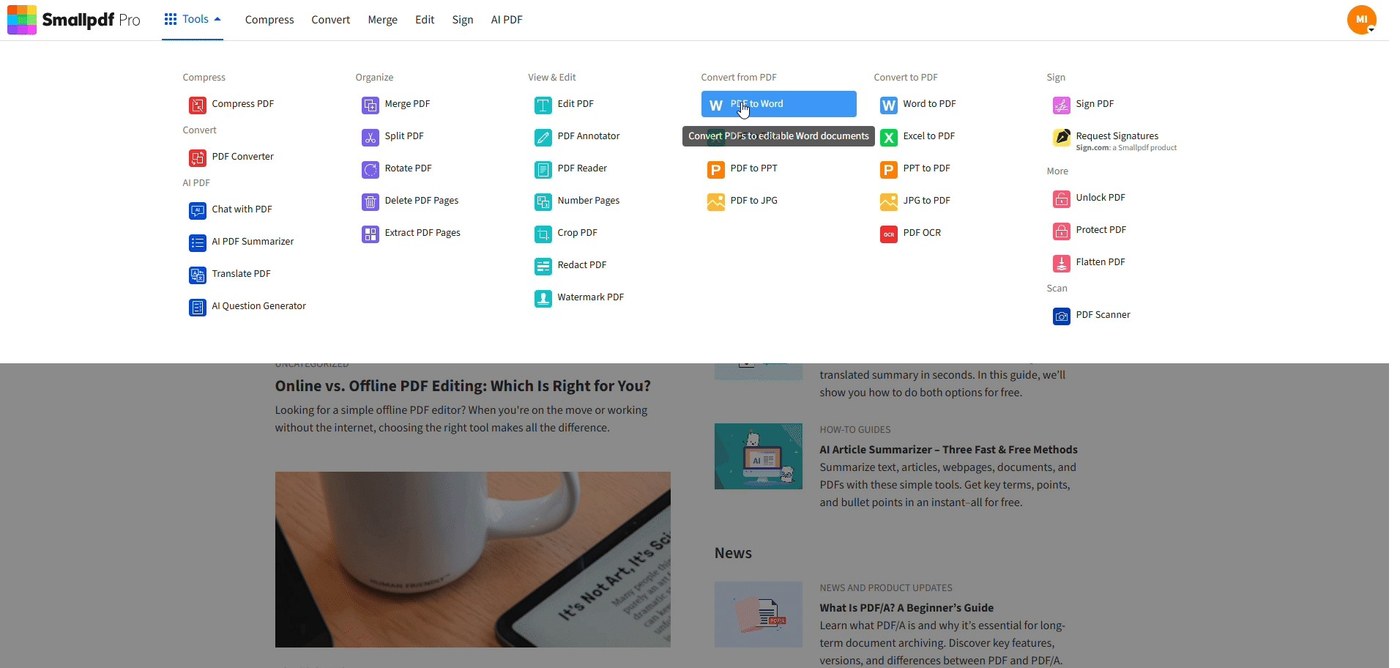
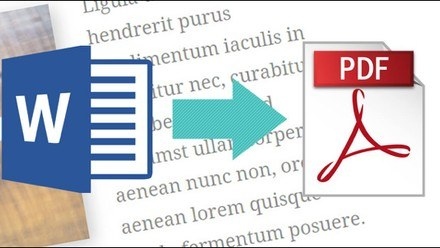
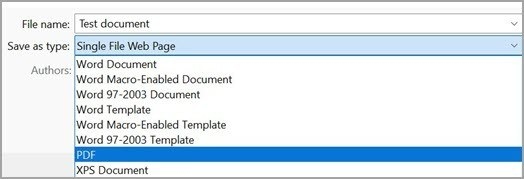
The guide also describes opening some PDFs in Word and exporting with the Minimum Size option. Because Word converts the PDF to an editable document first, complex formatting may change. This route is better considered for simpler material whose layout can be checked carefully. Preserve the original and inspect the exported copy, especially when the file contains tables, carefully positioned graphics, or another design that should remain unchanged.




Comments
0