 DocumentFlow Desk
Create a fixed-layout distribution copy
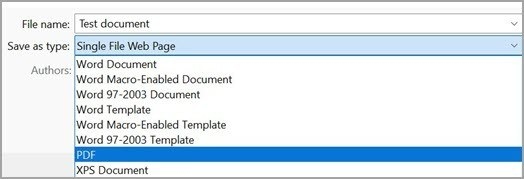
The guide describes saving a Word document as PDF through Save As or a PDF print option. Its main reason is presentation consistency: a PDF stores page objects in a fixed layout, reducing dependence on the recipient’s Word version or installed fonts. That makes it a useful delivery format for material whose arrangement matters, including documents containing pictures, tables, and carefully positioned text.
Balance compatibility with file size and future editing
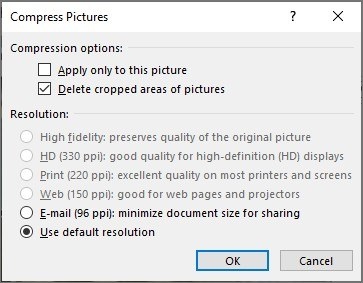
The article notes that embedded fonts help preserve appearance, but complex or large fonts can increase file size. Check the exported PDF on the device or viewer likely to be used by recipients, especially when a size limit applies. Keep the original Word document for substantive revisions and create a fresh PDF after changes. A fixed layout makes accidental changes less likely during reading, but it does not make the content impossible to edit with other software.




Comments
0