 DocumentFlow Desk
Choose PDF from the application's sharing options
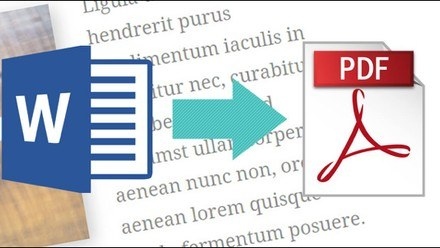
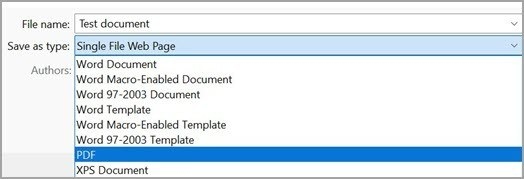
The source describes using Share in Word, Excel, or PowerPoint and selecting a PDF copy. The exact menu differs depending on whether the original is stored locally or in OneDrive, and between Windows and Mac. The common purpose is to prepare a PDF version from the current authoring document rather than first searching for a separately exported file.
Review the prepared message and attachment
The application can open an email composition window with the PDF already attached. The subject field and other defaults differ across platforms, so review them along with the recipients and message. This is a preparation workflow rather than evidence that the resulting PDF is protected from further editing. Inspect the attachment when appearance matters, and retain the editable source for future corrections instead of relying on the shared copy as the only version.





Comments
0