 DocumentFlow Desk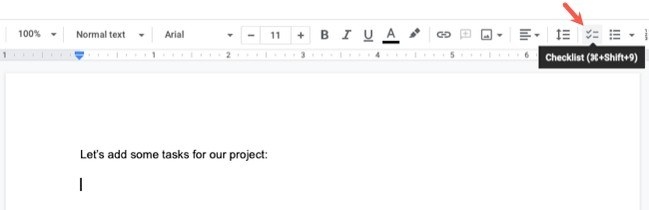
Build the checklist before assigning work
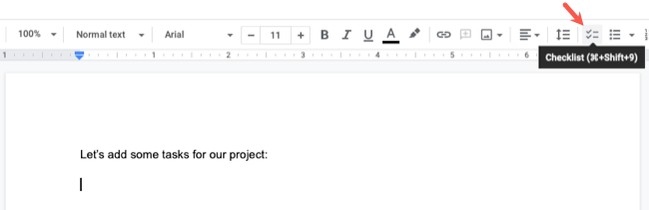
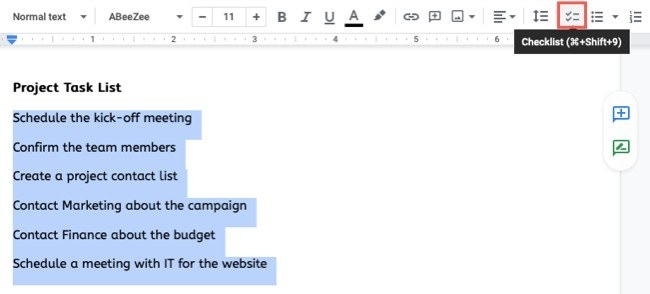
A shared checklist is easier to act on when each responsibility has an owner. How To Geek describes creating a checklist in Google Docs from new items or existing selected text, then using the assignment control beside an item. Choose the person responsible and add a due date when appropriate. Access to task assignment depends on the account and available Workspace features, so confirm that the option appears before designing a process around it.
Review assignments as the task changes
If the document is not already shared with the assignee, the assignment workflow may prompt you to grant access. Assigned items display the person's icon, and hovering over it provides details and editing options. The guide also describes changing the assignee or due date and removing an assignment when necessary. Completion can be marked from the checklist, with eligible integrations showing the task in Google Tasks. A reusable checklist should distinguish the underlying steps from the particular people and dates assigned for one project.







Comments
0