 DocumentFlow Desk
Search for a layout with the right purpose
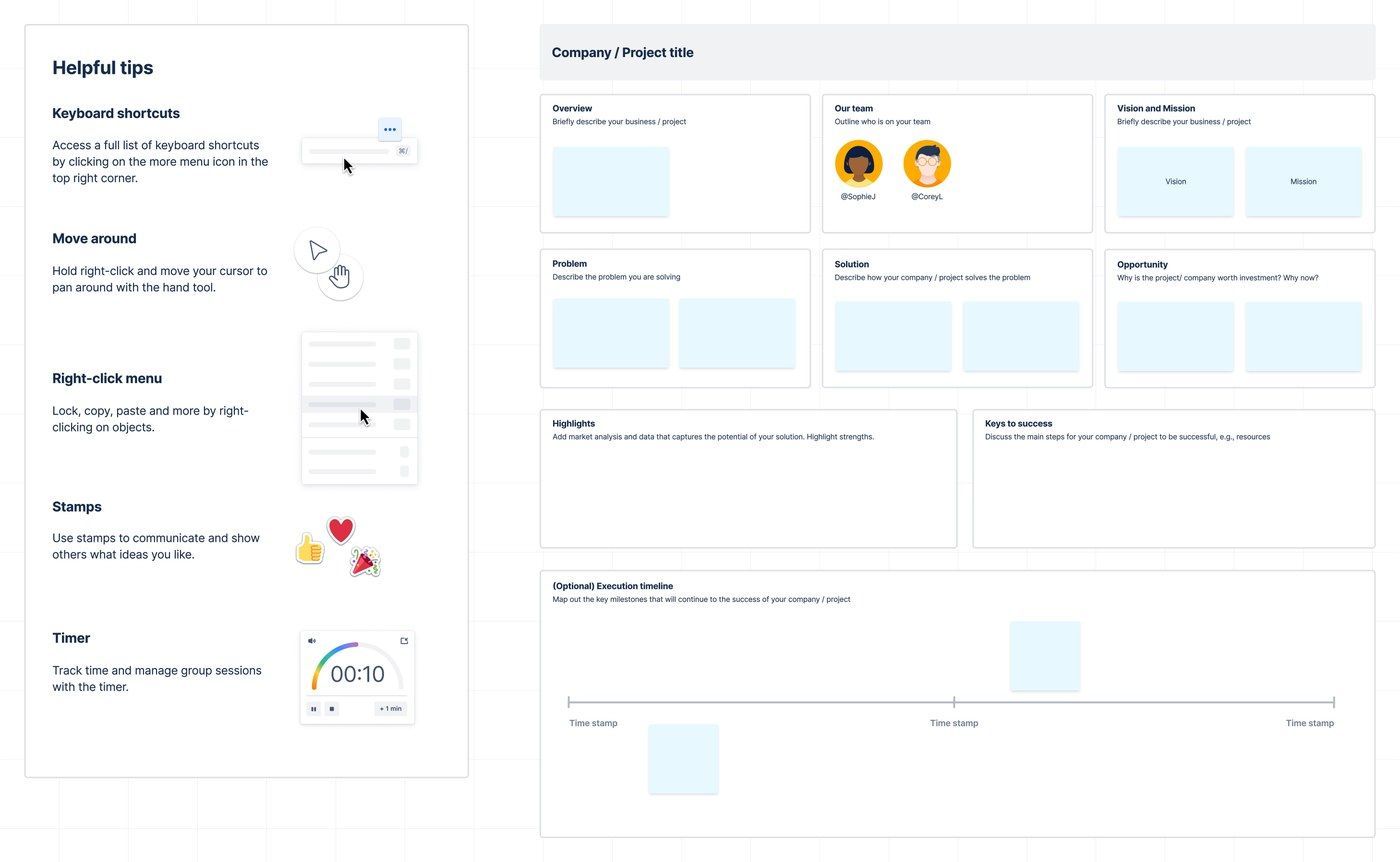
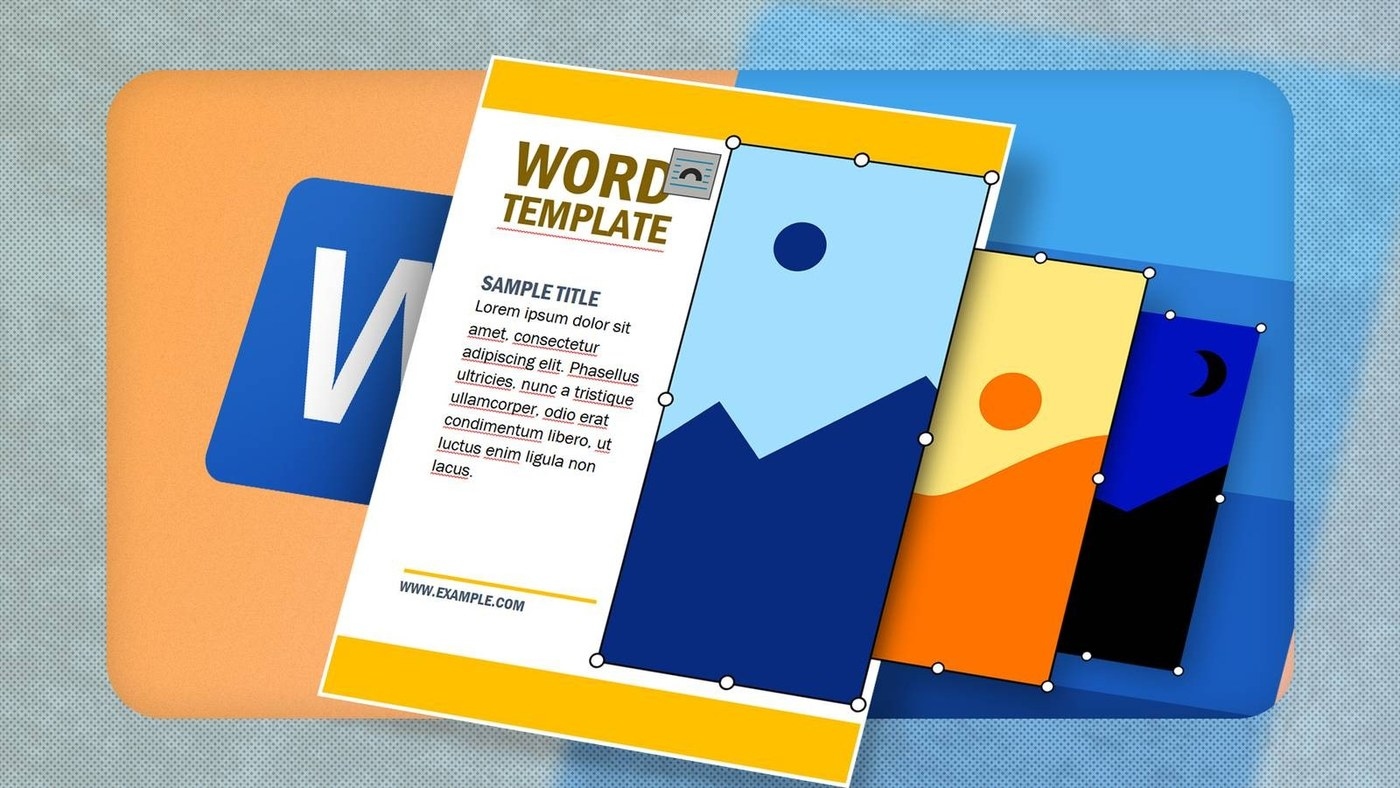
Microsoft Create brings together templates associated with several Microsoft applications. A search can surface a Word newsletter alongside a presentation layout or another type of creative project. The practical advantage is being able to explore a starting structure before building every page from scratch. Check which application a result belongs to, because a visually relevant design is not necessarily a Word document. The collection spans PowerPoint presentations and Clipchamp video projects as well as Word papers, so searching by purpose should be followed by checking the application label.
Adapt the template rather than treating it as finished work
Opening a chosen result takes the design into its supported application, where its text and other elements can be customized. A useful template supplies a layout and reusable structure, but the content still needs to suit the intended audience and document. Review the sections and visual hierarchy before replacing the sample material. This keeps the template a starting point for consistent work rather than allowing its defaults to dictate every decision.








Comments
0