 DocumentFlow Desk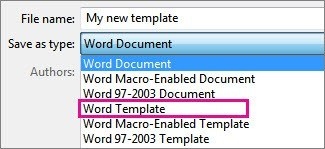
Choose the correct template file format
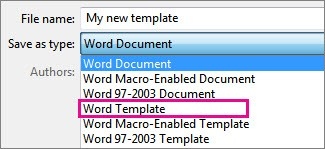
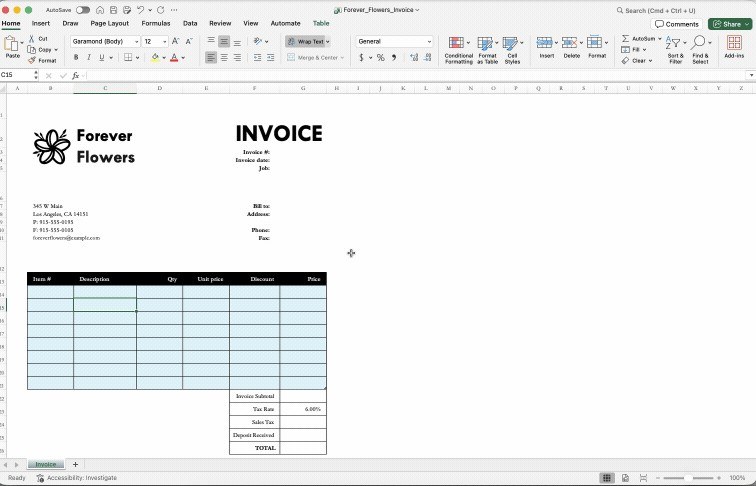
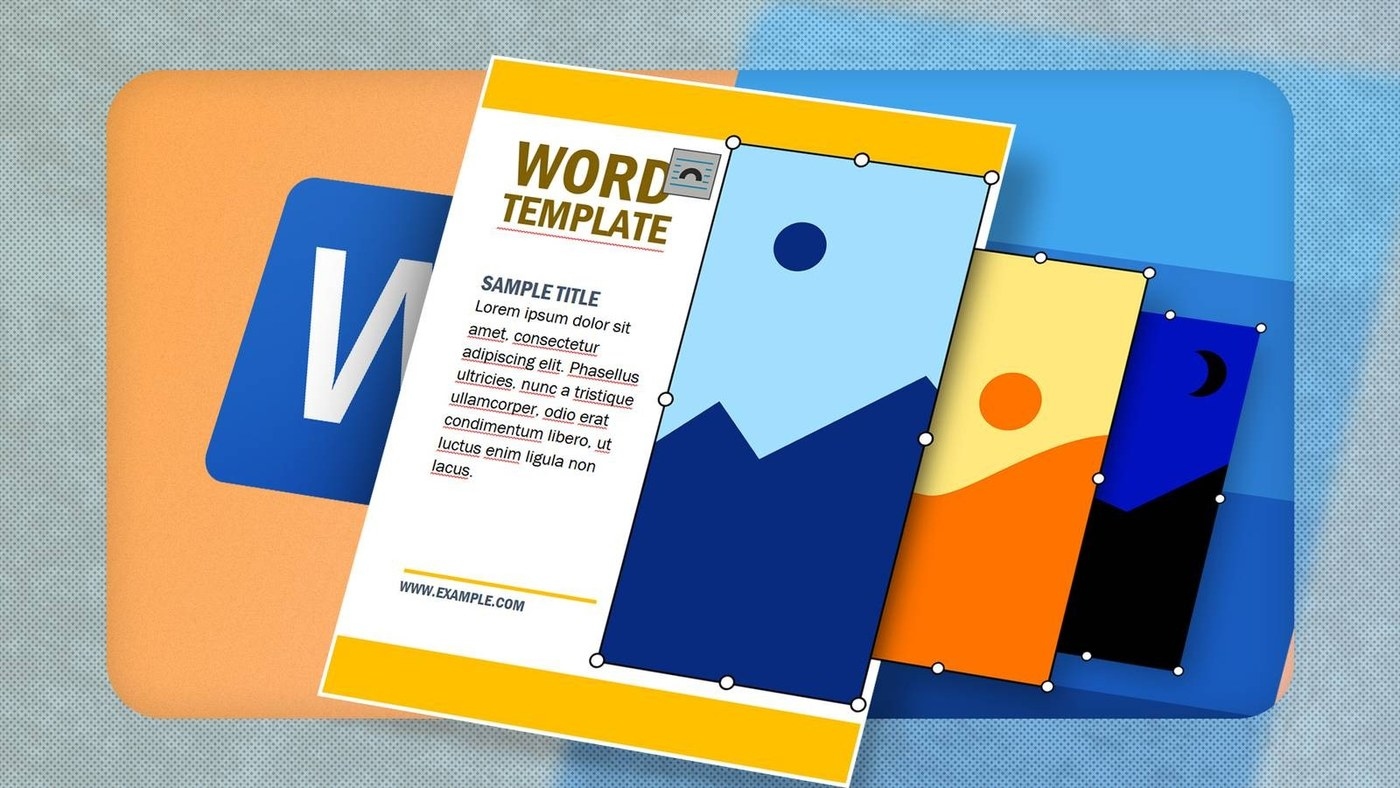
Begin with a completed layout, a customized Microsoft template, or another suitable document. Use Save As and select the template format rather than saving another ordinary document copy. Word templates normally use DOTX, while a template that intentionally contains macros requires the macro-enabled alternative. The Custom Office Templates location helps Office make the design available when a new file is created.
Update the reusable file separately from its outputs
Open the actual template through File and Open when its standard content or layout needs changing. Save and close that reusable file after editing it. To create a fresh output, choose the template from the Personal or Custom area under New. Keeping these two actions distinct protects the standard structure while allowing each new document to contain its own project details, dates, and other changing information.








Comments
0