 DocumentFlow Desk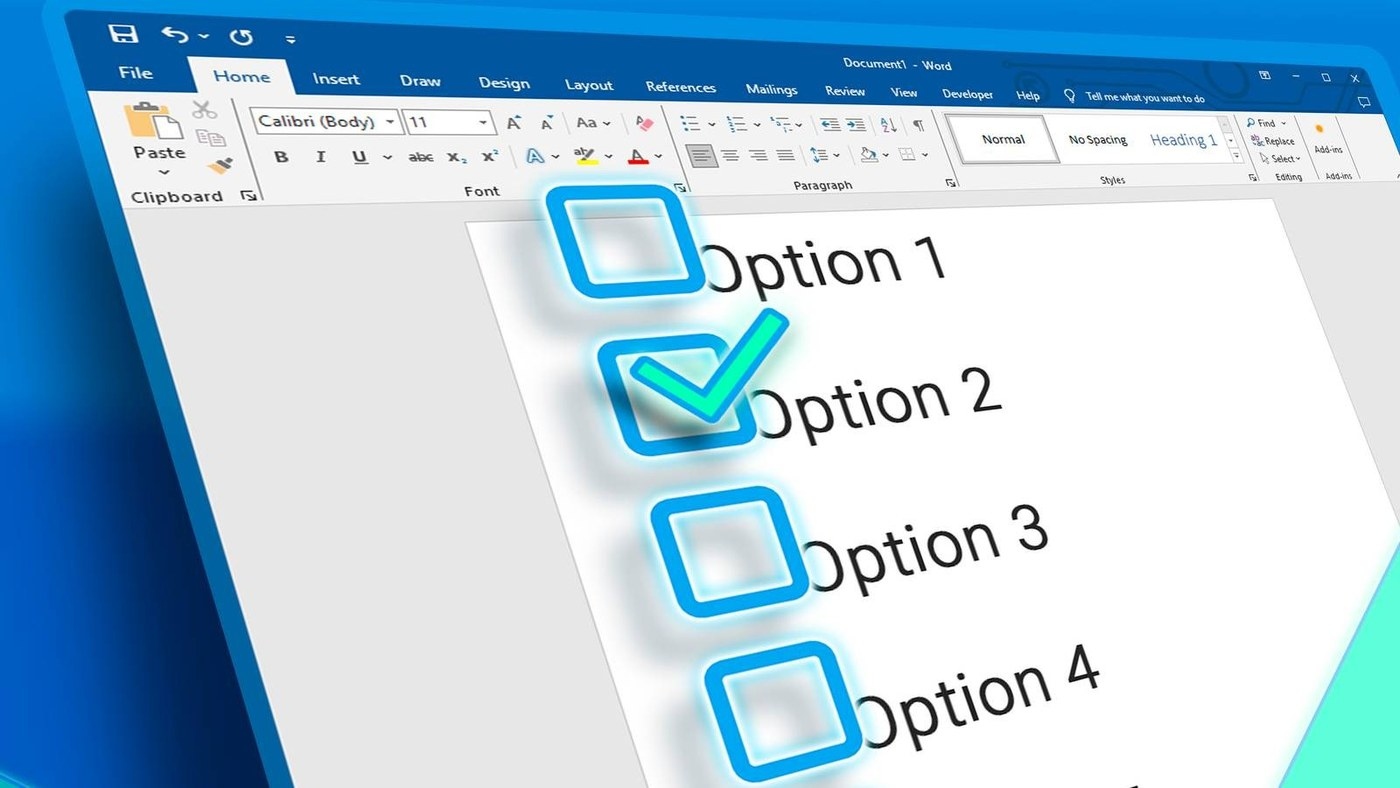
Use content controls for digital completion
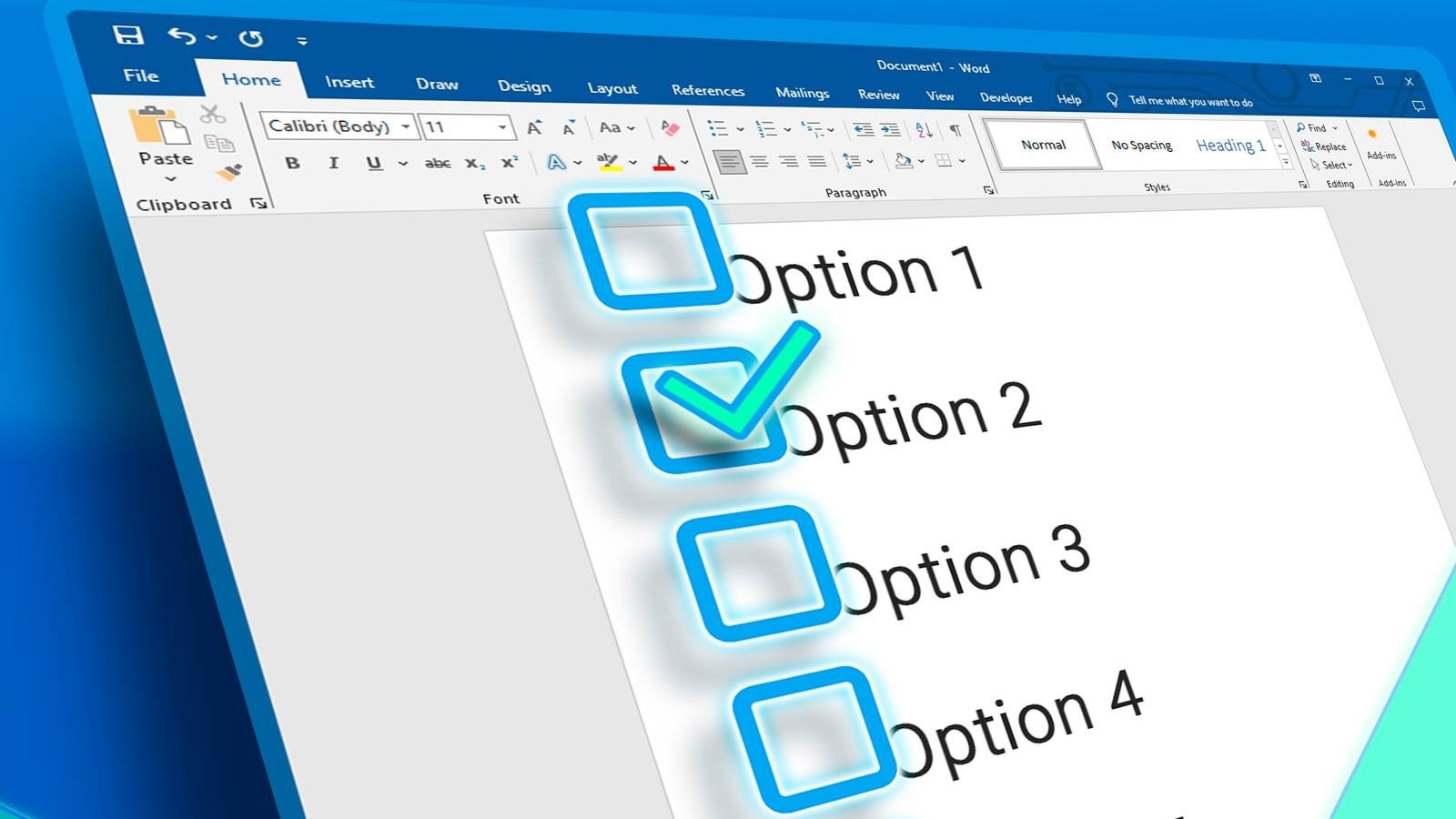
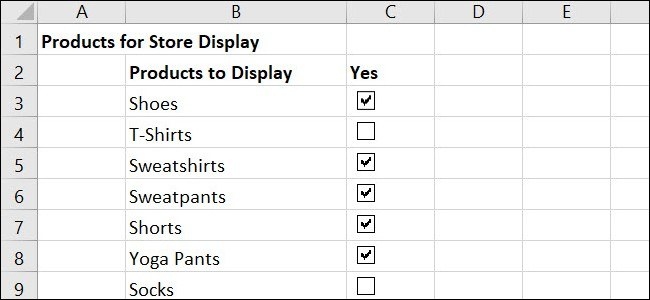
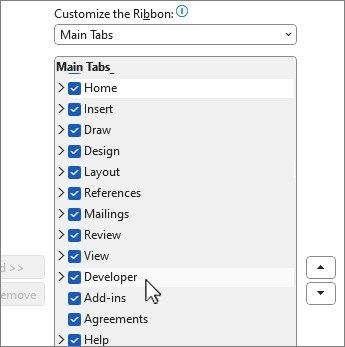
A Word checklist needs a different kind of box depending on how people will use it. How To Geek describes enabling the Developer tab and inserting Check Box Content Controls when users should tick items inside the document. Place a control beside each step and test it in the intended Word environment before sharing the template. Interactive controls suit a checklist that remains a digital working document.
Use box symbols for a paper checklist
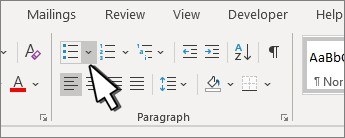
For a printed procedure, a custom bullet symbol can supply an empty square without adding a form control. Open the bullet options, choose Define New Bullet and select an appropriate box from a symbol font. Word then repeats that symbol as each new list item is added. These symbols are visual marks for paper use and cannot be checked like interactive controls inside the document. Choosing the correct method at the start avoids giving users a checklist whose appearance suggests an interaction it does not support.










Comments
0