 DocumentFlow Desk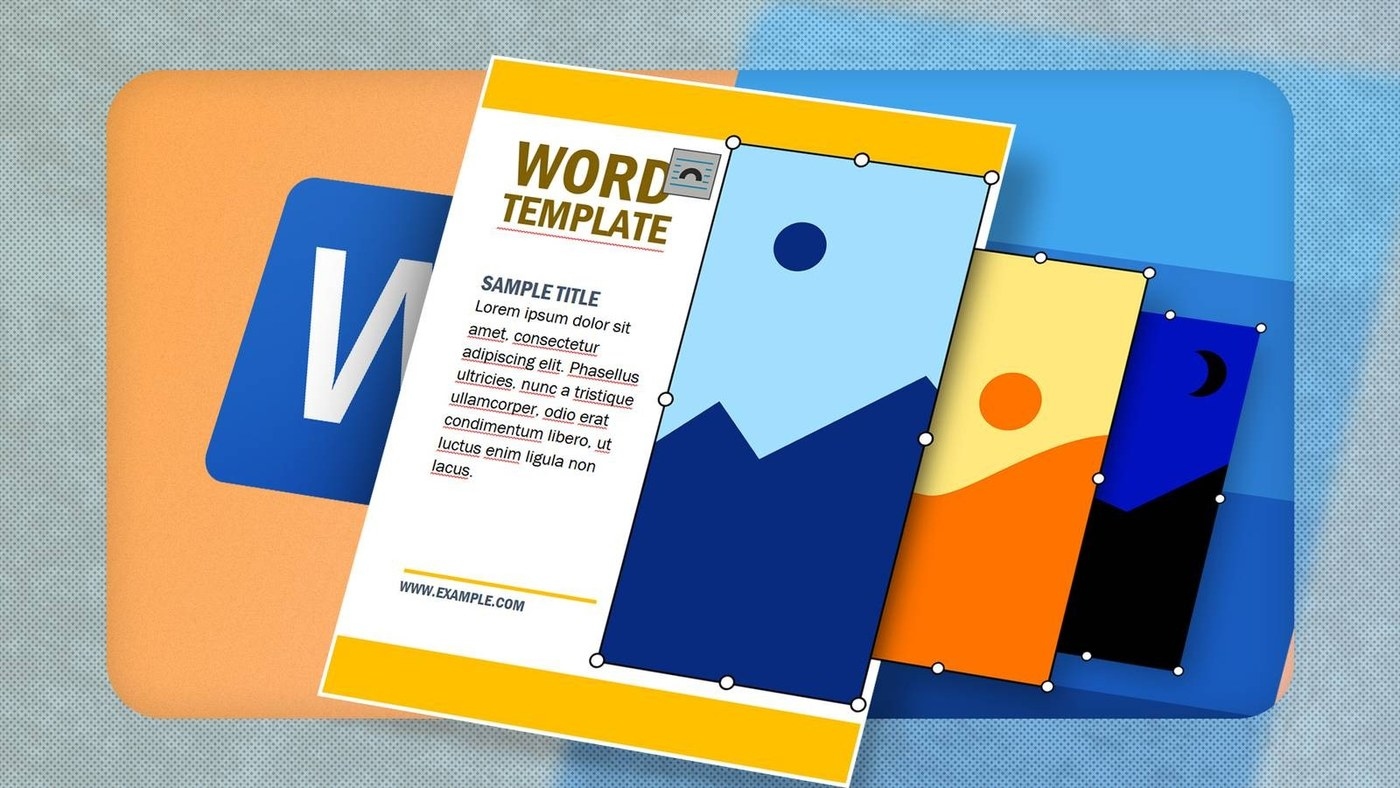
Reveal the structure behind the design
Word templates may arrange text and pictures inside tables whose borders are not printed. Before replacing an image, turn on the paragraph marks from the Home tab, then show table gridlines from Table Layout where a table is present. These viewing aids expose the cells and paragraph structure without becoming part of the printed document. Understanding that framework makes a complicated layout easier to modify.
Distinguish a single layout from repeated items
A newsletter or poster uses a different arrangement from a page containing repeated business cards. Identify which kind of template is being edited and where each picture sits before deleting or replacing content. A picture inside a table cell needs to remain compatible with that cell's layout. Working with the existing structure reduces the chance of disrupting a design that initially looked straightforward on screen.











Comments
0