 DocumentFlow Desk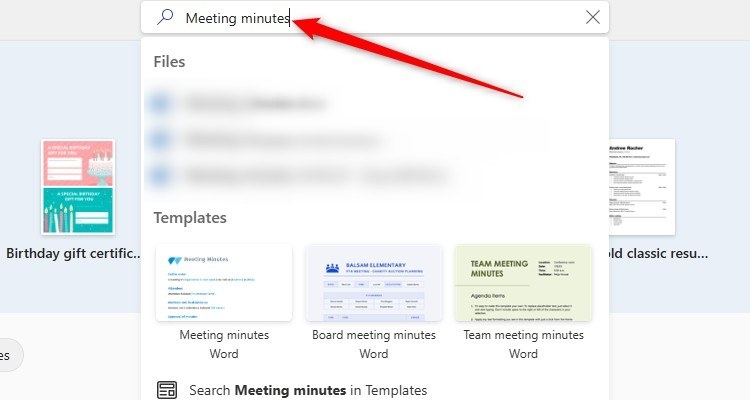
Reuse a structure that fits the meeting
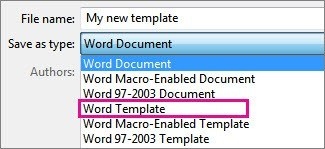
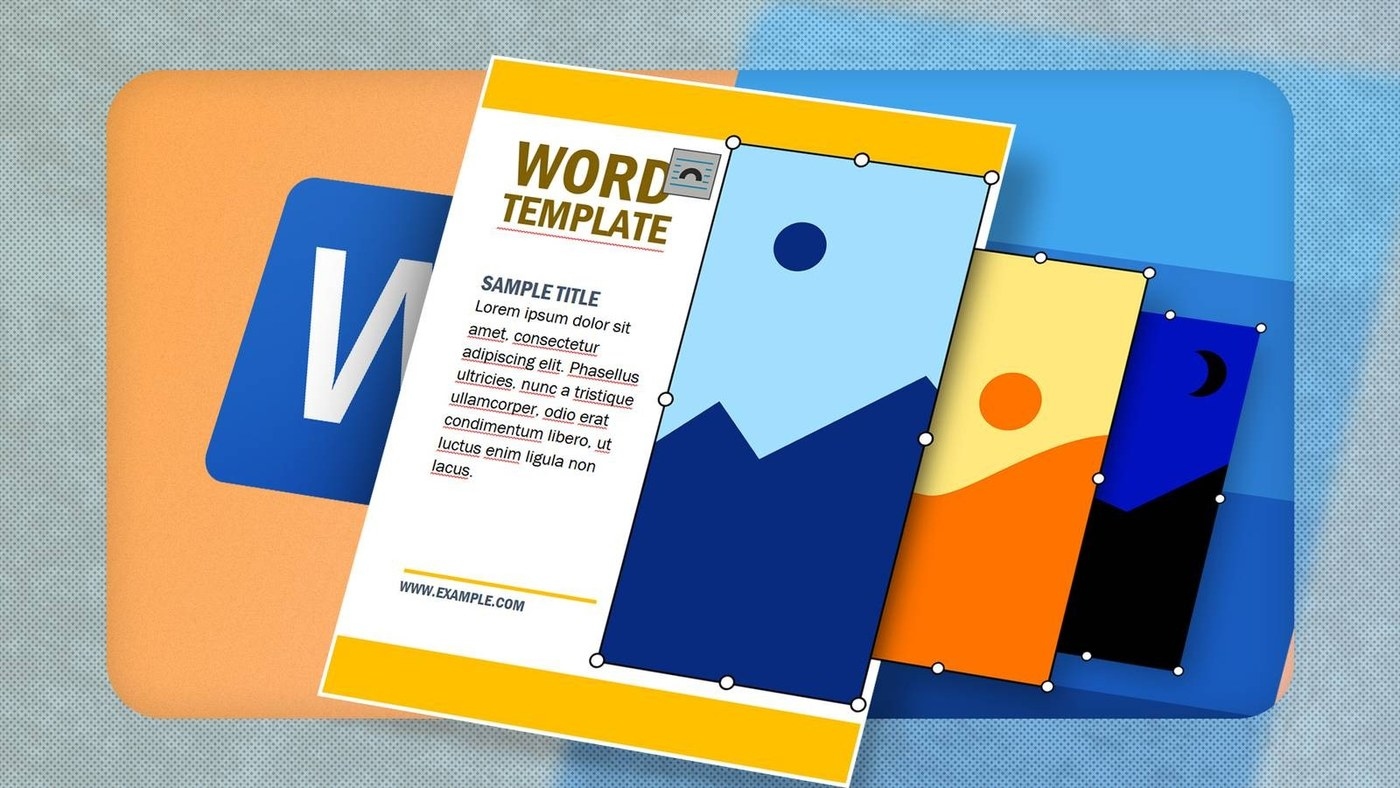
A meeting minutes document is easier to complete when its layout is ready beforehand. How To Geek recommends using a built in Word template or creating a reusable design that matches the group's usual meetings. Search for meeting minutes in Word's template options, then adjust the sections to suit the agenda. A custom template can preserve the same headings and familiar layout each time new minutes are created.
Review the record before distribution
The guide also describes Word's transcription tools, where available, as a way to support note taking from a recording or uploaded audio file. Review speaker labels and transcribed wording carefully rather than treating the automatic output as a finished record. Organize the final notes under agenda headings and distinguish action points from deadlines. A concise summary may serve the meeting better than a full transcript. Choose an appropriate sharing format and keep any audio access intentional when distributing the finished minutes.







Comments
0