 DocumentFlow Desk
Create a repeatable hierarchy
A Mac becomes difficult to search when documents and screenshots land in unrelated places. How To Geek suggests a consistent folder structure with a recognizable starting location and subfolders that reflect the material inside. A course folder might contain individual topics, while a work folder could contain separate projects. Rename downloaded items when their default titles do not explain their contents, making later searches less dependent on memory.
Use Finder's supporting tools
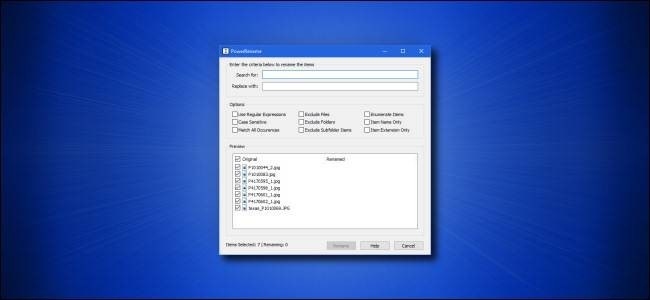
Finder tags can connect related documents across different folders without requiring the same directory location. Smart Folders provide saved views based on search criteria; they do not relocate the underlying files. Desktop Stacks can group visible clutter by type, date or tag, while the Downloads folder still benefits from regular filing. For similarly named groups, Finder's batch rename options can add text, replace text or apply a numbered format. Review the result before committing changes to important material.











Comments
0