 DocumentFlow Desk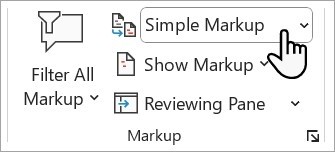
Distinguish a clean view from a resolved document
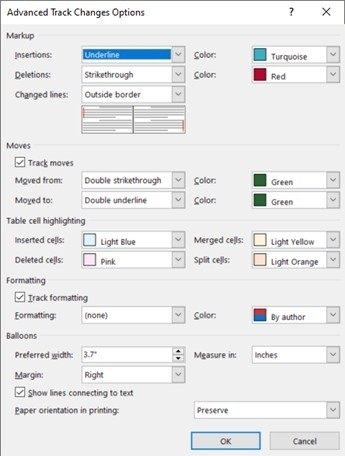
Microsoft notes that colored insertions and deletions can remain even when Track Changes is no longer enabled. They record earlier suggestions rather than only the current editing state. Simple Markup or All Markup can reveal those revisions, so do not assume that turning tracking off has removed them. Review the document's existing changes before sharing a final copy. A presentation that looks clean in one view can still contain unresolved suggestions that another reader sees when choosing a different markup display.
Review each proposed change in its surrounding context
The Previous and Next controls move through revisions without deciding them. Accept makes a proposed change part of the retained document, while Reject discards it. Read the surrounding sentence before acting, especially when a deletion and insertion together represent a rewritten phrase. The correct decision concerns meaning as well as appearance. Moving sequentially through the document helps avoid overlooking an isolated revision in a later section. Keep an original review copy when the revision history still needs to be consulted during approval or disagreement resolution.
Use bulk decisions only when their scope is understood
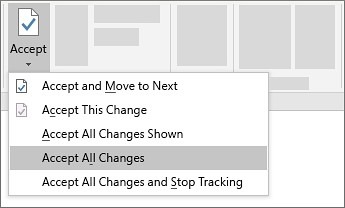
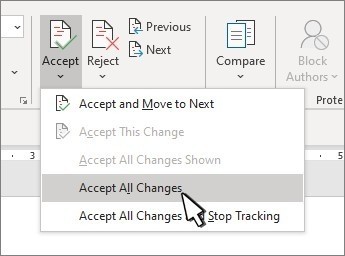
The source describes Accept All Changes and Reject All Changes through the relevant button menus. These apply a broad decision rather than evaluating each proposal separately. Choose them only after the contents and intended scope have been reviewed. Comments are distinct from tracked edits and may need their own deletion action, including thread options for modern comments. Inspect the resulting document again to confirm both the final wording and remaining review material. A completed revision pass should leave the chosen content clear and the document in the intended state for its recipient.
Begin by identifying proposals rather than editing their visual marks
An insertion and a deletion can work together to express one proposed rewrite. Read the sentence as a whole before deciding either part. Accepting a deletion while rejecting its replacement can leave a different result from accepting or rejecting the intended rewrite together. The colored marks provide a way to locate the proposal, but the decision must concern the retained wording and its meaning.
Use Previous and Next when context needs to be gathered without making an immediate decision. Those controls move through the review record rather than resolving it. This distinction is useful when one change depends on another section or requires clarification from the author. Keep an unresolved proposal visible in the review copy until its intended meaning is understood, then make the appropriate explicit decision.
Check the tracking state separately from earlier revisions
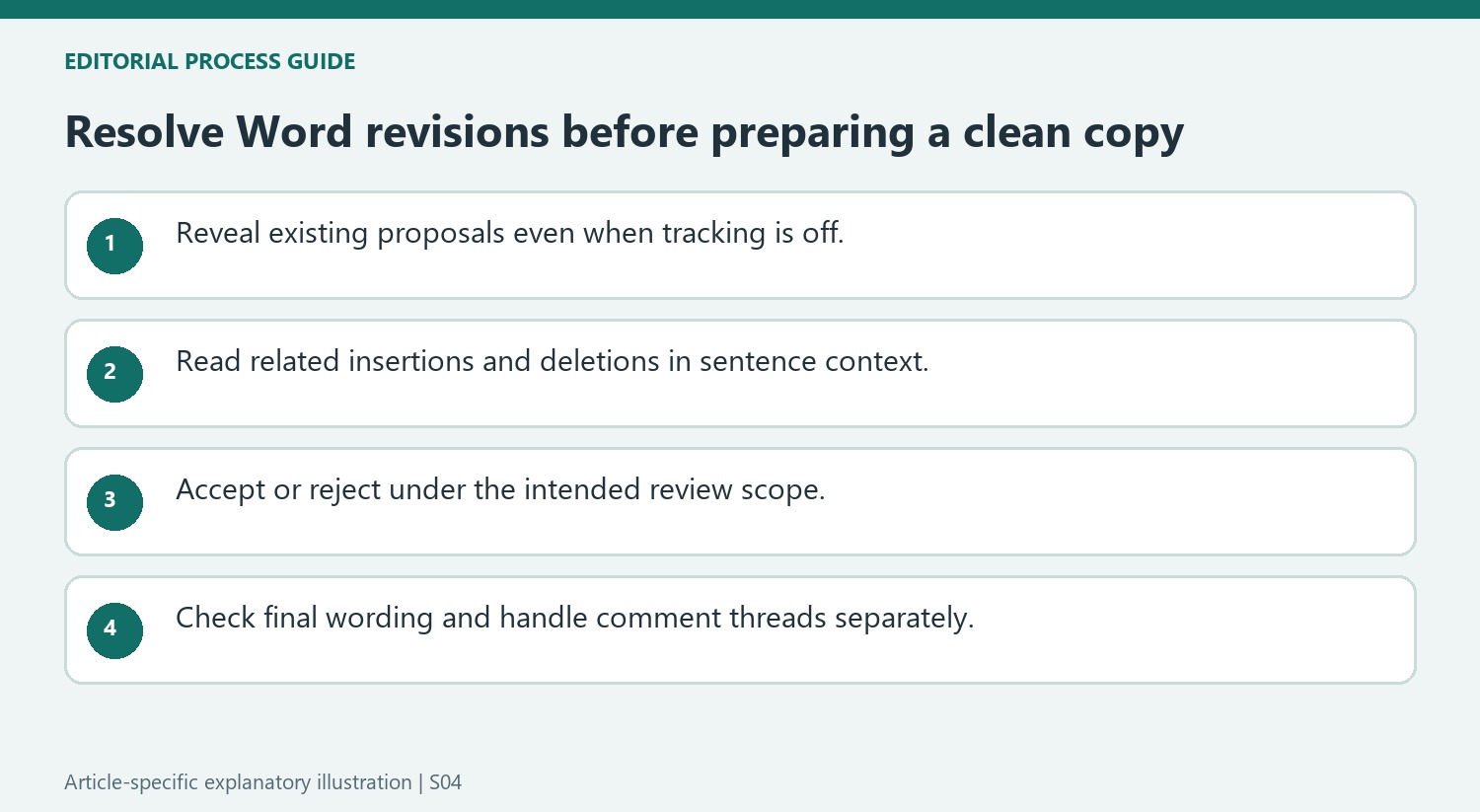
Turning Track Changes off stops later edits from being marked under that setting; it does not discard the insertions and deletions already stored. If the file still shows underlines or strikethrough, inspect the existing proposals instead of repeatedly toggling tracking. Likewise, a less detailed markup view changes presentation and should not be mistaken for completion of the review process.
Preserve the review version when the record of earlier proposals remains useful. Then inspect the intended final version through a view that exposes unresolved revisions. A reader can choose a different markup display, so a clean-looking editing screen is not enough to establish that the file contains only resolved wording. The final state should follow decisions, not a temporary preference about what is shown.
Use an all-changes command only after evaluating its effect
Accept All Changes retains every proposal in its applicable scope, while Reject All Changes discards those proposals. Neither command evaluates whether an individual suggestion improves the document. Review the scope and the expected final wording before applying a bulk decision. Afterward, inspect representative revised sentences and handle comments separately through their available controls. Modern comment threads can require their own action menu. A completed text-revision pass therefore still needs a check for discussion material that is independent of the tracked edits themselves in the exact document version being prepared for its recipient.
References
- Accept tracked changes. support.microsoft.com.


Comments
0