 DocumentFlow Desk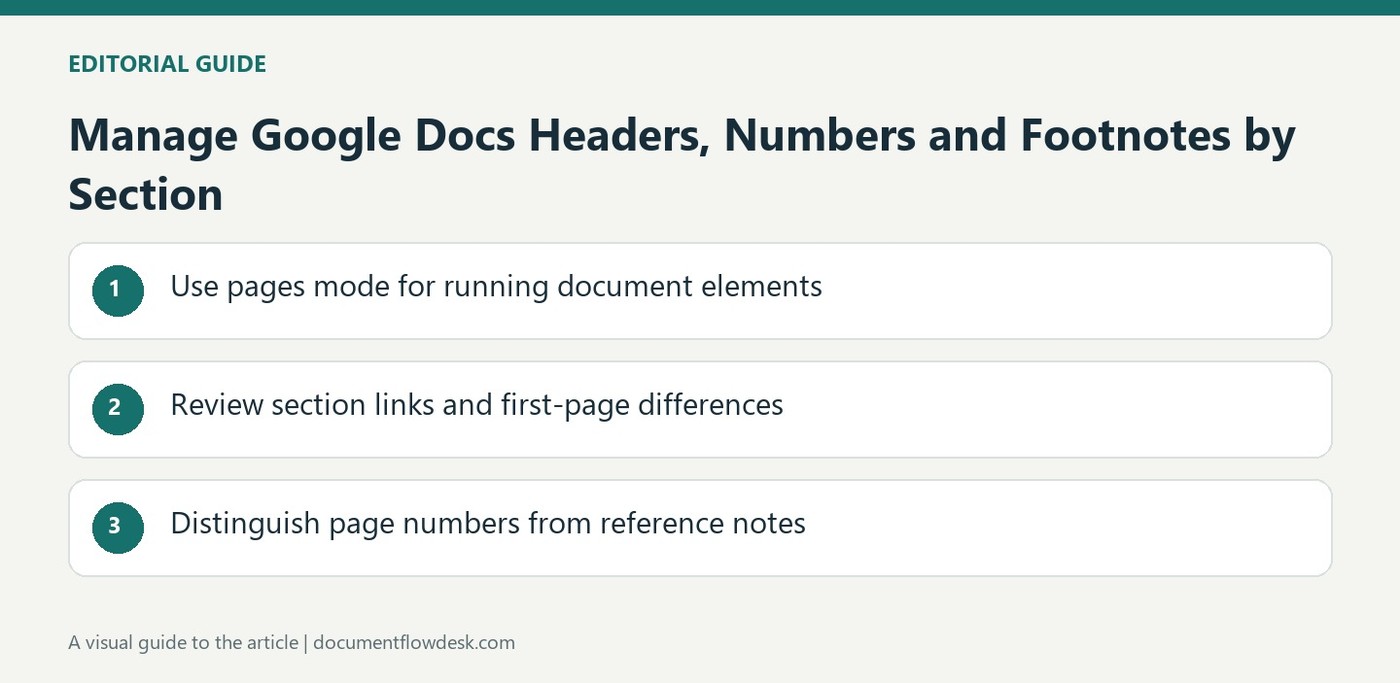
Use pages mode for running document elements
Google explains that headers, footers and page numbers require pages format. Insert them through the page-element controls and enter the intended content in the appropriate area. If a document is switched to pageless, existing headers and footers are no longer visible there; that does not mean they were necessarily deleted. Confirm the mode before rebuilding them. Keep a running heading concise and useful, and inspect it on several pages so its purpose remains clear when the main text moves into another section or the document is printed.
Review section links and first-page differences
Different first page can give an opening page a distinct header or footer. Link to previous controls whether a section continues the preceding section's element. Uncheck it only when the current section should differ, and add a section boundary when the required scope does not yet exist. The source also describes different odd and even layouts and section-specific margins. Check Apply to before accepting a change. A local header edit can affect more pages than expected when sections remain linked, so inspect both the current and neighboring sections afterward.
Distinguish page numbers from reference notes
Page-number options can control placement and application to particular sections, while Page count inserts the total at the cursor. Review the numbering sequence after section changes and verify any deliberately omitted first-page number. Footnotes serve a different purpose by attaching reference text to a location in the document. Google notes that they appear together at the end in pageless format. Choose the document mode with that reading behavior in mind and check the final view so the references, running elements and numbering support the intended way readers will navigate the document.
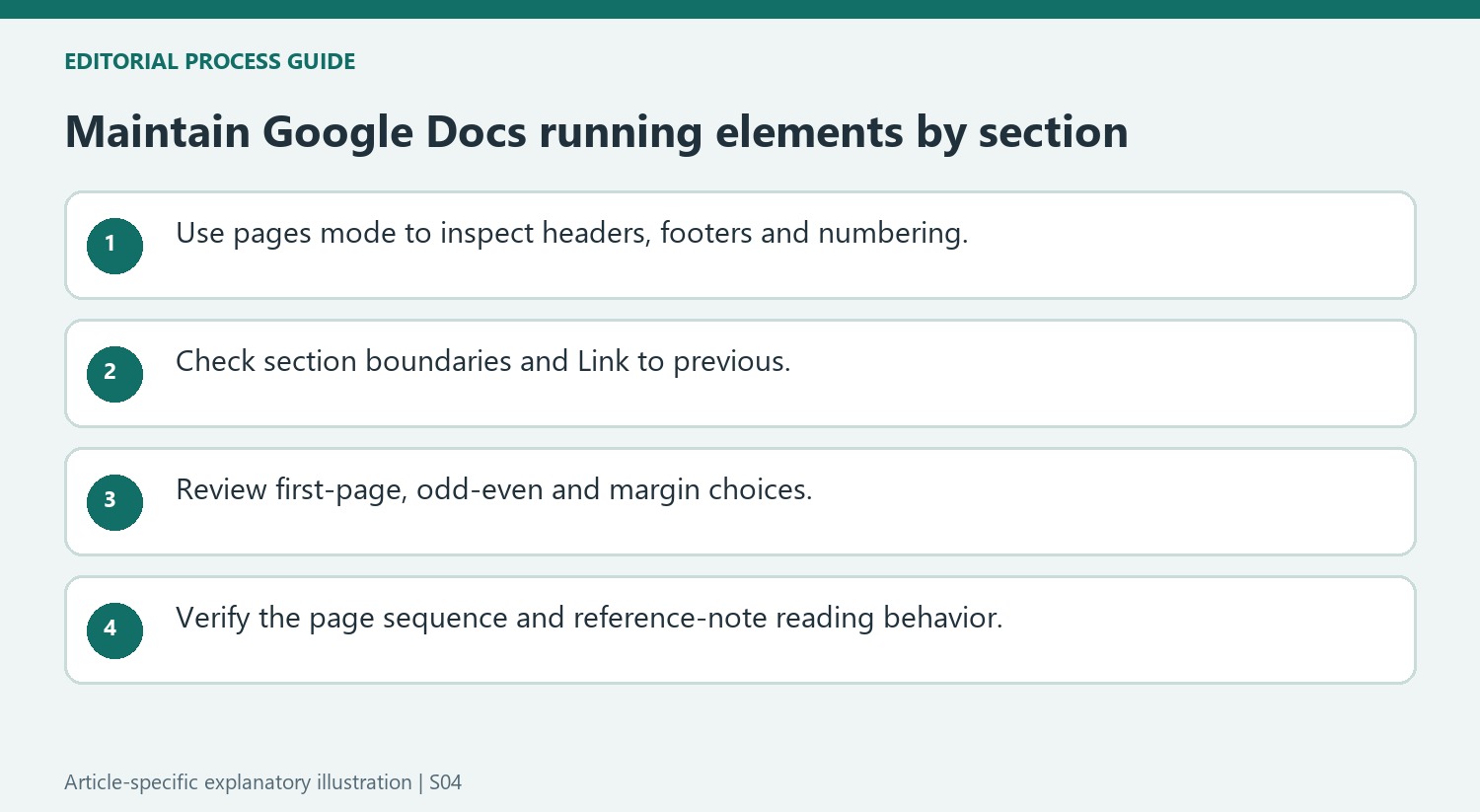
Inspect running elements in the document mode that displays them
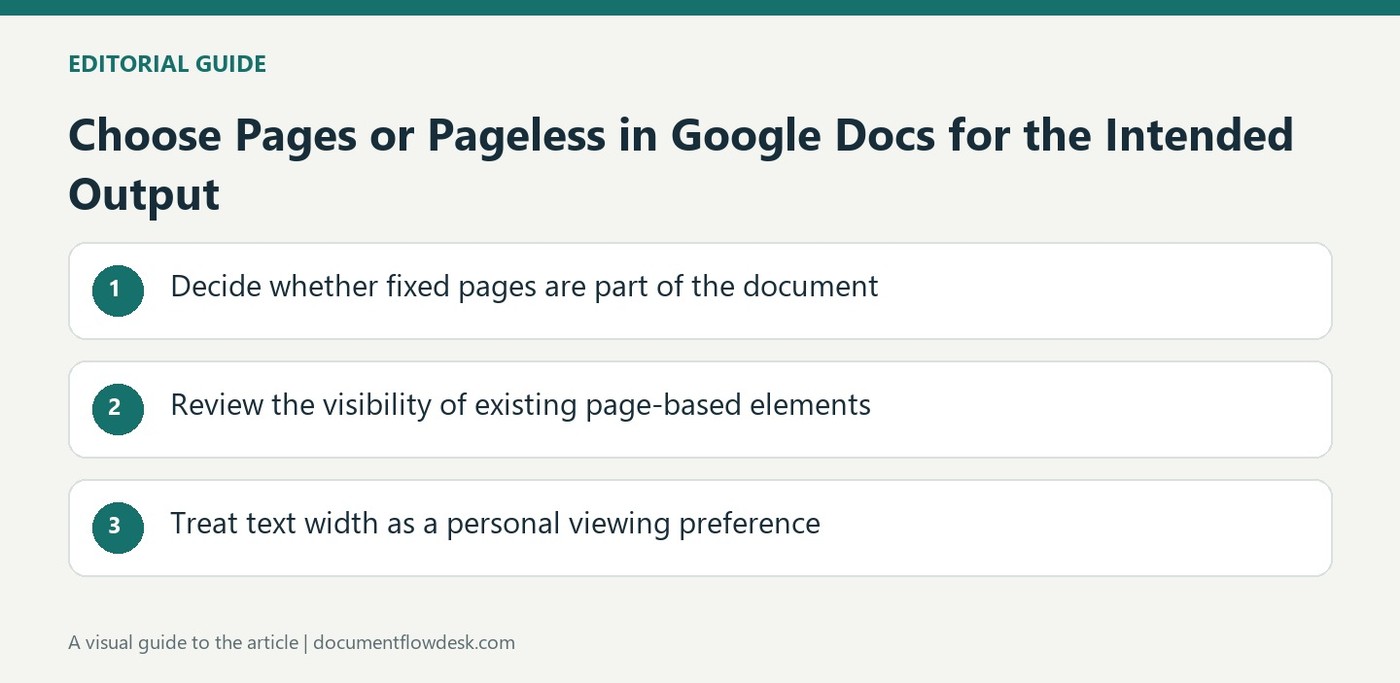
The source states that headers and footers are not visible after switching a document to pageless format. Before recreating an apparently missing running element, return to pages mode where appropriate and inspect the existing content. Duplicating a header in the body can create conflicting information when the document later returns to its paginated view. Confirm the actual state before adding another version.
For the intended printed report, review several ordinary pages as well as the opening one. A concise running heading can help identify the file, but its wording should remain appropriate when the main text enters another section. A section-specific heading needs an intentional boundary and link state. Keep these distinctions clear so a report title is not accidentally reused where a different section label is required.
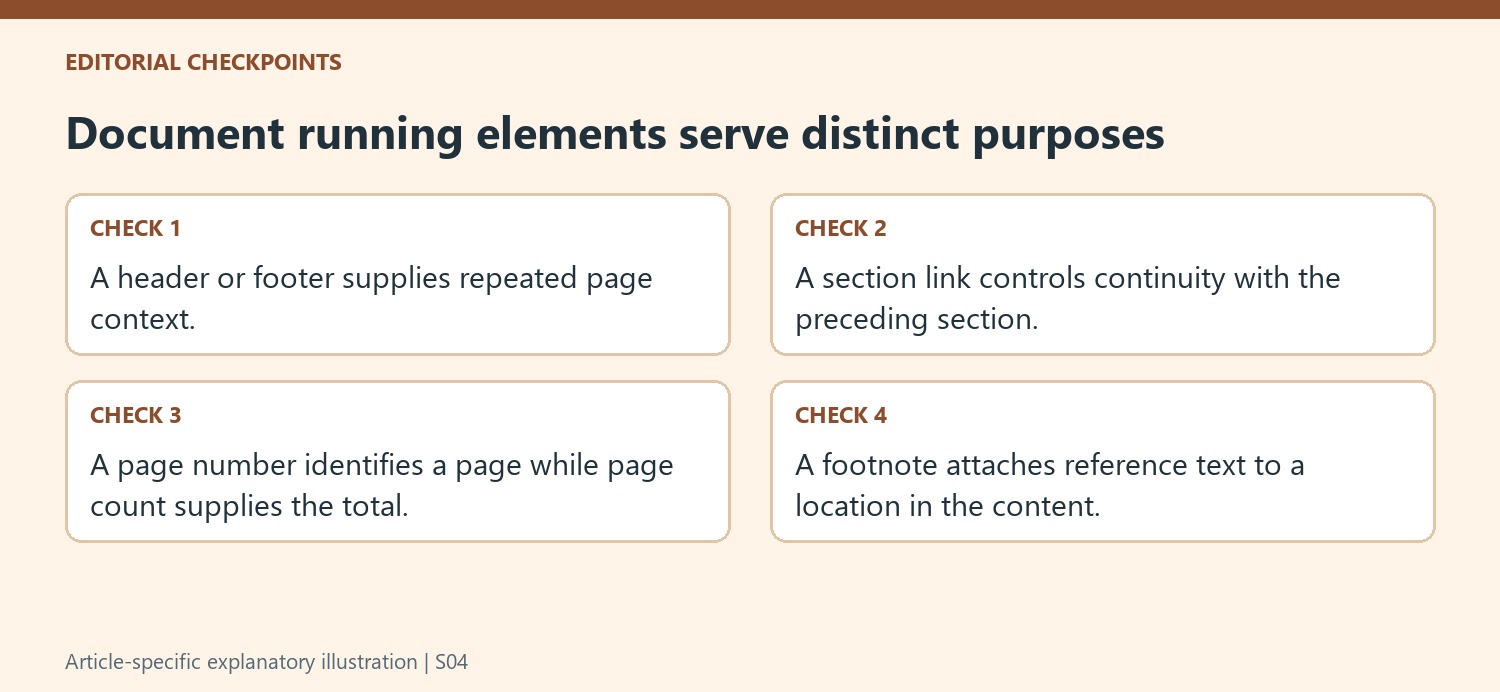
Test linkage before editing a section-specific header or footer
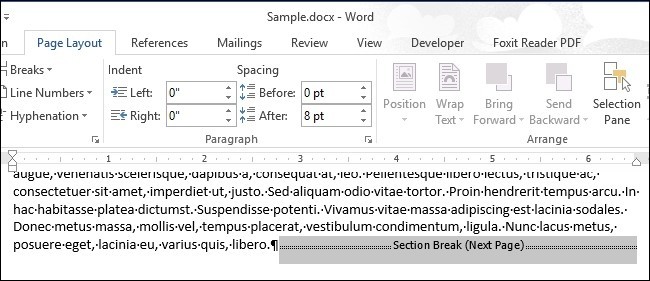
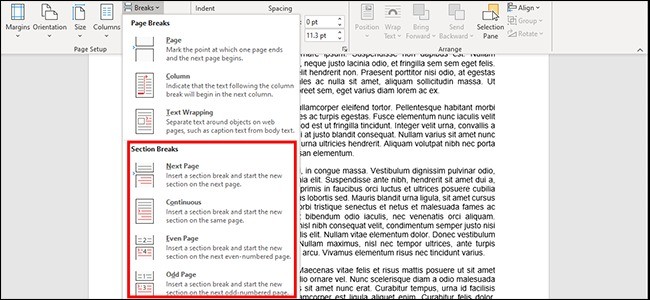
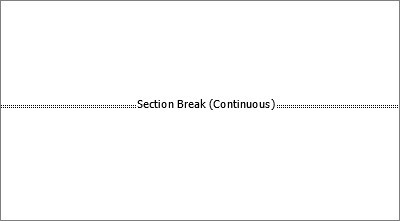
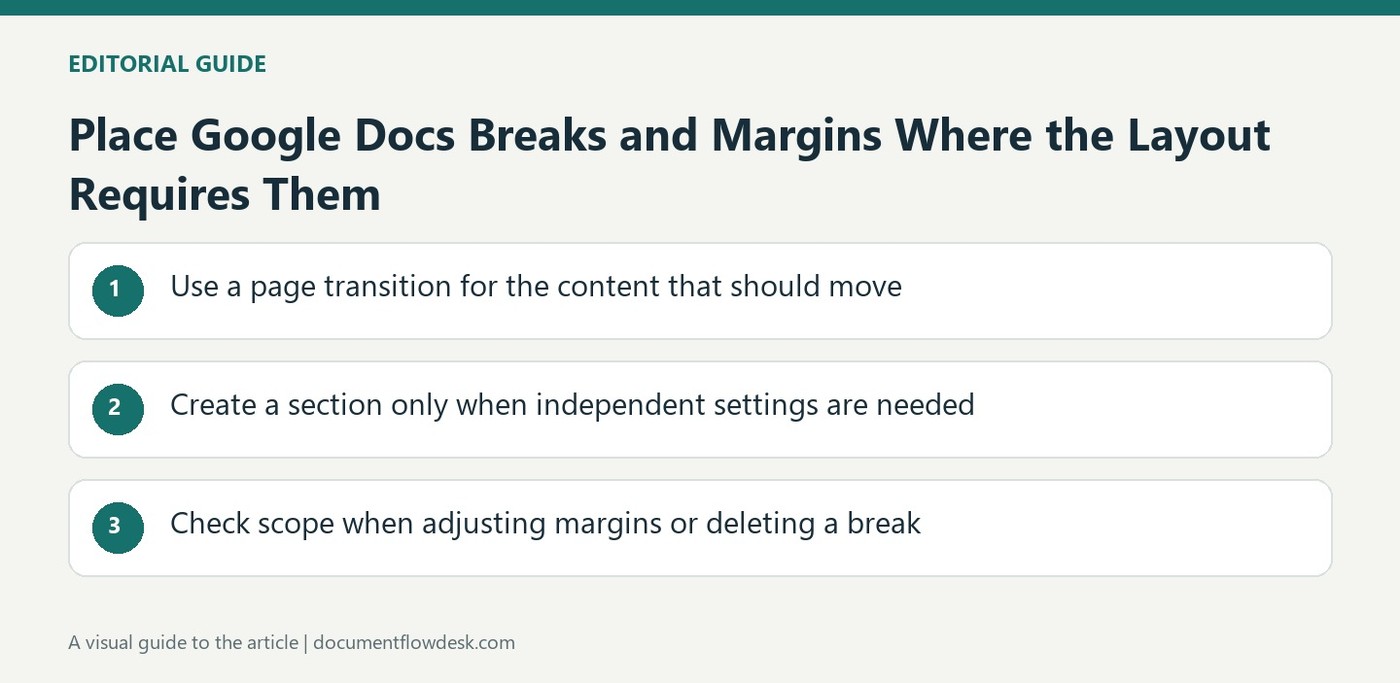
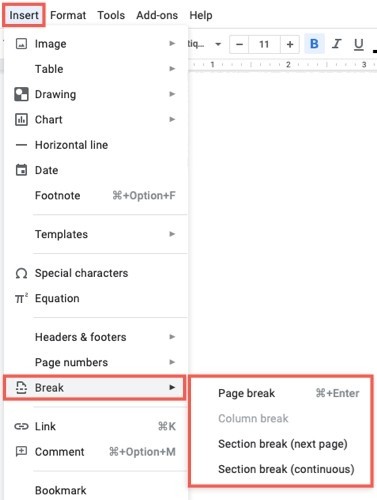
Link to previous determines whether the current section follows the preceding section. Inspect that setting before changing text intended to be local. The source says to add a section break if the required section option is not available. A line or page break that merely moves content is not a substitute for the section context needed by the header or footer workflow.
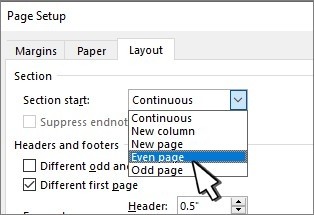
Different first page and different odd and even layouts serve other purposes. Review the relevant pages after selecting them, including any intentionally omitted first-page content. Header and footer margins also have their own Apply to scope. An acceptable first page can coexist with an unintended change later in the file, so inspect both sides of section boundaries rather than relying only on the editing page.
Review numbering and reference notes as separate systems
A page number identifies a page within the document, while page count supplies the total at its insertion position. Check the resulting sequence when numbering begins later or differs by section. Footnotes instead attach reference text to a particular location in the content. In pageless format, the guidance places them together at the end. Choose that mode with its reading behavior understood, and inspect references in the same final view readers will use. Running elements, navigation numbers and notes should each serve their own clear purpose.
References
- Use headers, footers, page numbers & footnotes. support.google.com.


Comments
0