 DocumentFlow Desk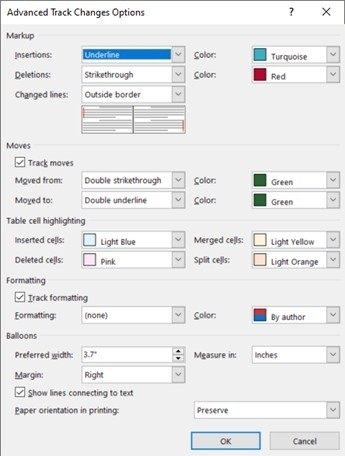
Use revision colors as display aids rather than fixed labels
Microsoft explains that Word can assign colors by author, but the mapping is chosen automatically and may change when the file is reopened or viewed on another computer. Do not document a review process that assumes one person is always represented by a particular color. Inspect the reviewer information instead. If a single-color display improves readability, the advanced controls can apply a fixed color to an edit type. That changes presentation on the local computer rather than permanently assigning a shared visual identity to each contributor.
Set the appearance of each revision type deliberately
Through the Tracking dialog and Advanced Options, the source describes separate controls for insertions, deletions, moved text, formatting changes and table-cell changes. These choices help distinguish what happened, provided the combinations remain readable. Check the meaning of underline and strikethrough settings before changing them, especially in a document already using those formats for another purpose. A quieter display can support reading, but removing too many distinctions can make it harder to understand whether a marked passage was inserted, removed or moved from another location.
Review notes, margins and printing after the change
Advanced options also address formatting-note width, margins, connecting lines and printing orientation. Test the result on a representative page with several revision types rather than only on an isolated edit. Confirm that annotations do not crowd the main text and that a printed review copy remains understandable. Microsoft notes that these color preferences belong to the current computer, so collaborators may see a different palette. Keep written reviewer names and explicit acceptance decisions central to the process, using customized appearance to support that review rather than substitute for it.
Identify reviewers through metadata rather than a remembered palette
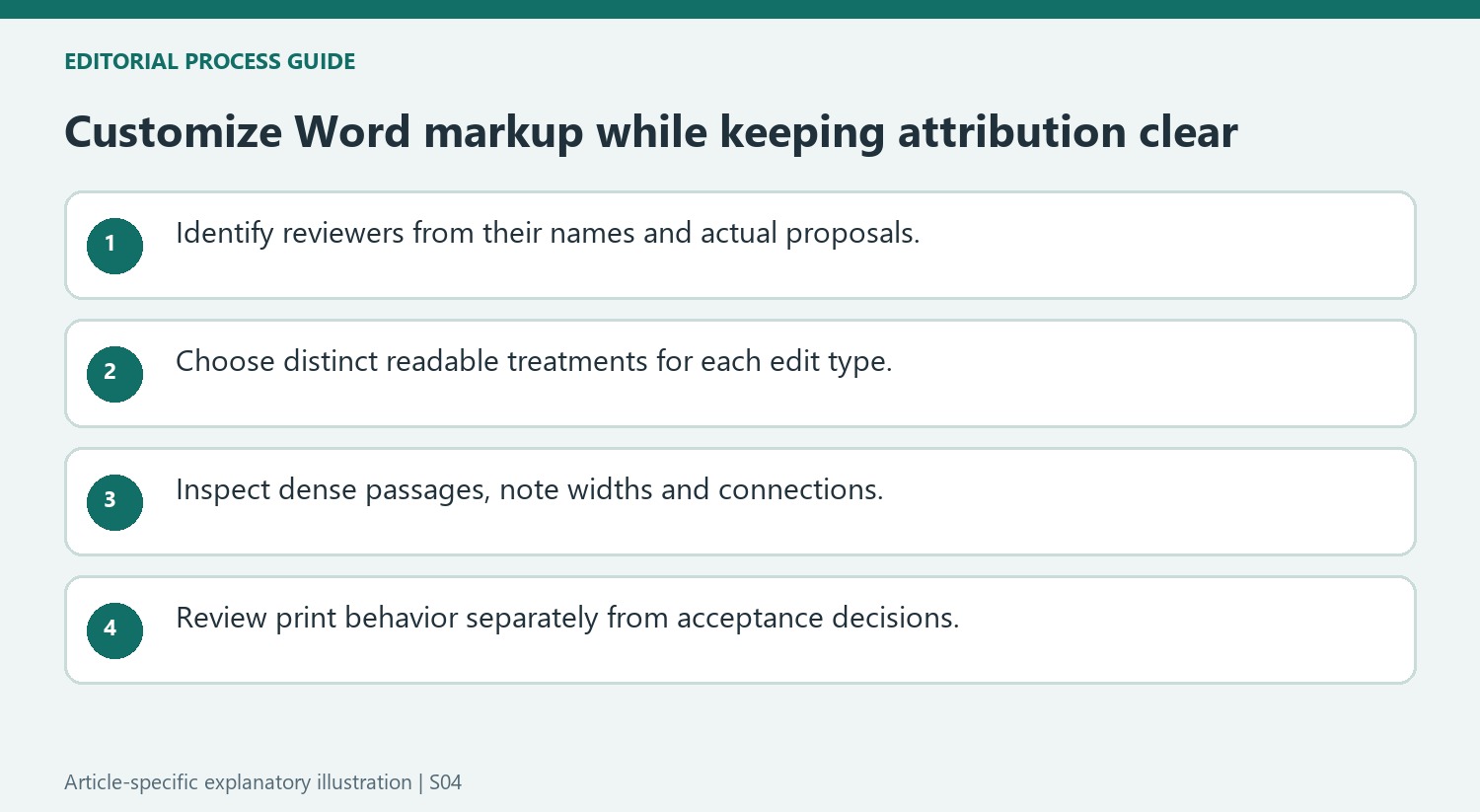
By author assigns display colors automatically, and Microsoft says the mapping can change between sessions or computers. Check the actual reviewer information when attributing a proposal. A note such as the green edits are approved is fragile if another reader sees the same author in a different color. Refer to names or specific proposals when recording review decisions.
A fixed color can make one type of change more visually consistent on the current computer. For example, a chosen insertion color can apply across contributors instead of identifying each author. That is a presentation preference, not a reassignment of authorship. Keep the difference clear when a document is used by several people with their own markup settings.
Preserve the distinction between edit types when simplifying appearance
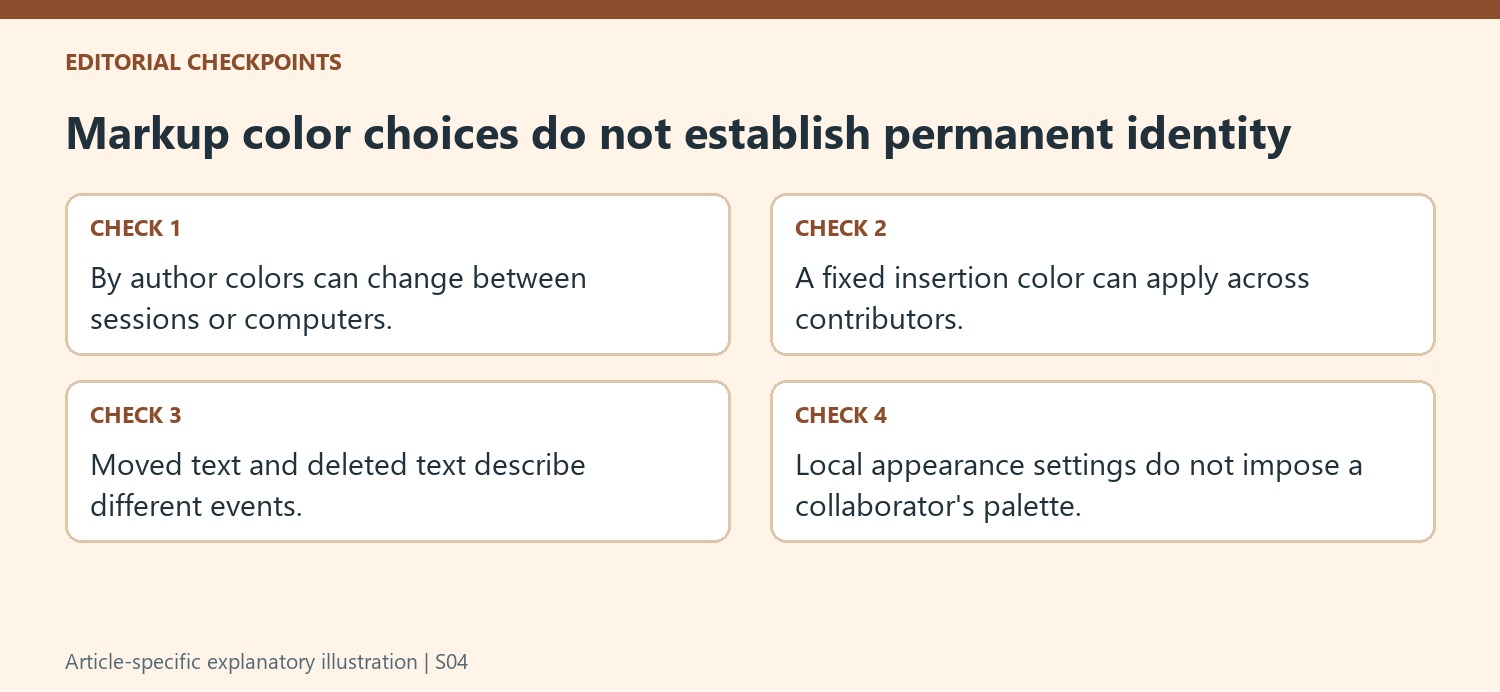
Insertions, deletions, moved-from text and moved-to text have separate appearance options because they describe different events. Review a passage containing several types before adopting a quieter design. If every kind of mark looks the same, the reader may struggle to reconstruct the proposed sentence or see that text was moved rather than independently deleted and added.
Formatting changes and table-cell changes also have their own controls in the source. Check whether the chosen colors and line treatments remain understandable beside the document's ordinary emphasis and table styling. A border or underline already used for content can resemble markup under some combinations. Test representative material instead of assuming that one attractive sample insertion establishes readability for the complete review file.
Check margin notes and printing as part of the display review
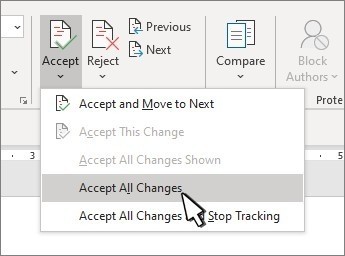
Preferred note width, margin side and connecting lines affect how annotations relate to the text. Inspect a dense page with several nearby revisions, then review the print result using the selected orientation behavior. These options can improve the local review experience without changing the collaborators' computer preferences. Accept or Reject still determines which proposals become retained content. Keep that decision process separate from color customization, and verify that reviewer names and the distinction between proposed and final wording remain clear even when the palette differs on another device. After changing several options, reopen a representative review passage and compare the actual proposal types with their new displayed treatments.
References
- Change the track changes color. support.microsoft.com.



Comments
0