 DocumentFlow Desk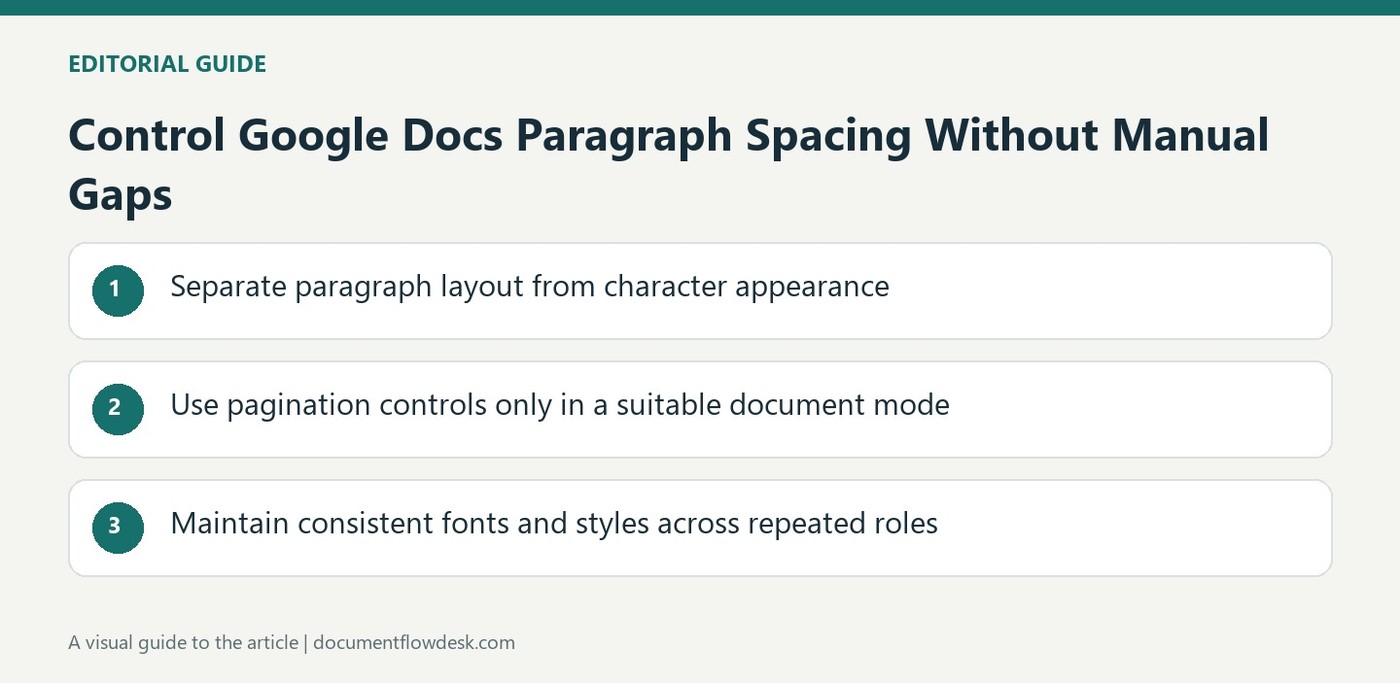
Separate paragraph layout from character appearance
Google's guidance provides alignment and indentation controls for paragraphs alongside font controls for selected characters. Select one or more intended paragraphs before changing their alignment. Use Line and paragraph spacing for the space within and between paragraphs rather than inserting repeated blank lines. Custom spacing can define the exact before and after amounts. Review the edited passage with the surrounding sections so its appearance supports the document's hierarchy. A change that looks appropriate in isolation can create uneven rhythm or unintentionally separate related material elsewhere on the page.
Use pagination controls only in a suitable document mode
The source describes Keep with next for a heading and following text, Keep lines together for a paragraph, and Prevent single lines for awkward page-boundary fragments. These controls are unavailable in pageless format. Check the document mode before looking for them, and choose pages when the task requires a stable paginated layout. Apply the setting to the relevant paragraphs rather than broadly without inspection. Keeping too much content together can produce unexpected space, so review the next page and the surrounding section after making the adjustment.
Maintain consistent fonts and styles across repeated roles
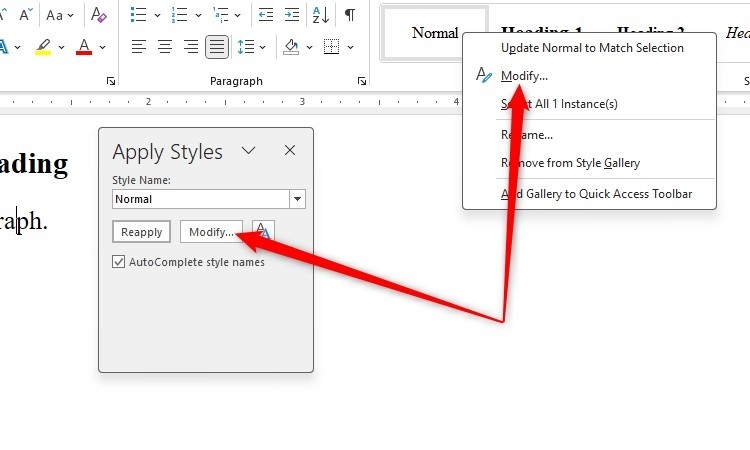
For recurring paragraph roles, apply a style instead of changing font appearance manually each time. The source explains updating Normal text or another style to match selected formatting, as well as choosing fonts, sizes and colors through the toolbar or menus. Select the scope carefully and keep the text readable at the intended viewing size. Borders and shading can distinguish a paragraph when useful, but they should have a clear purpose. Finish by inspecting headings, body text and lists together to ensure consistent roles rather than merely matching isolated visual details.
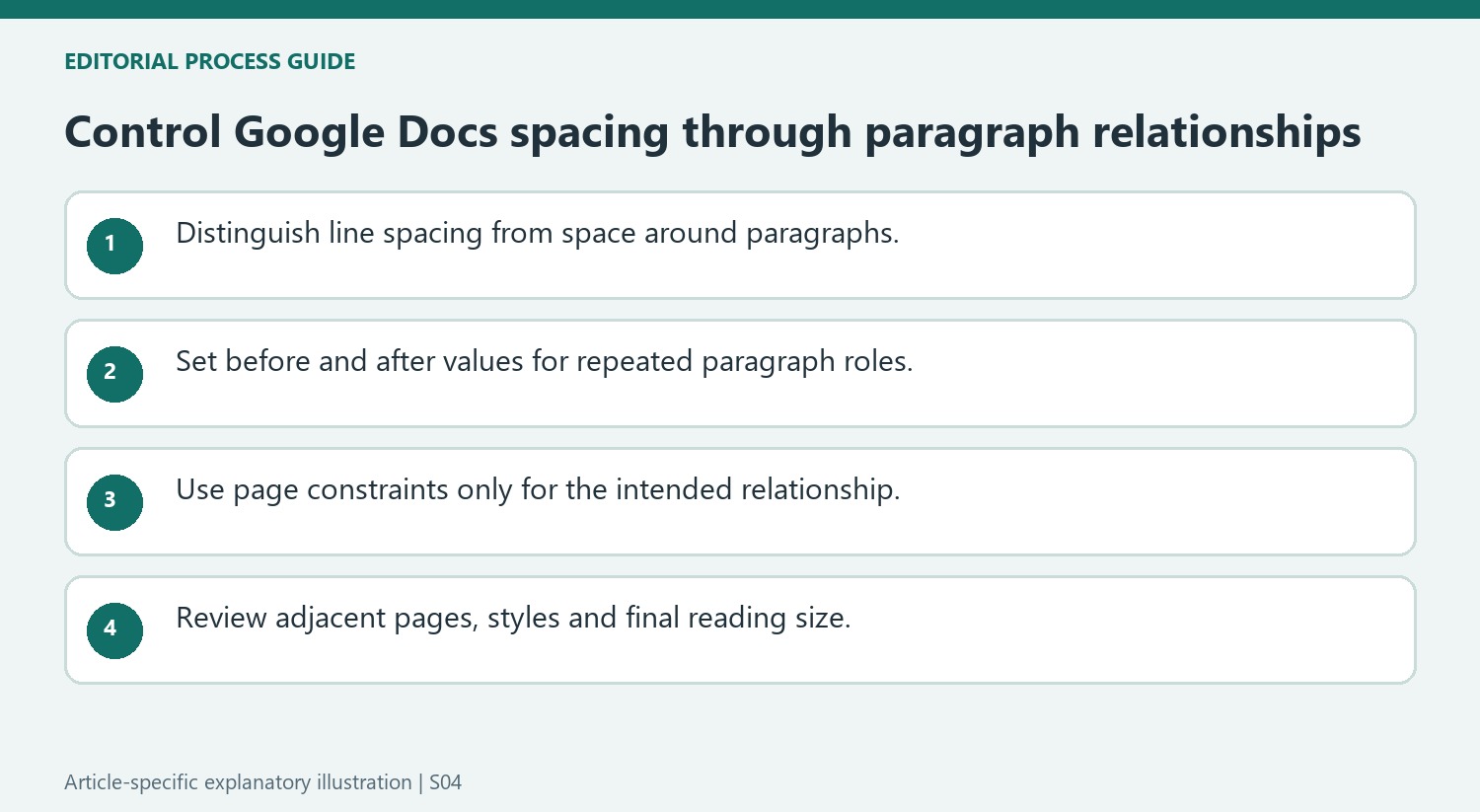
Diagnose the kind of spacing before selecting a control
Line spacing affects the lines within a paragraph, while space before or after separates paragraph blocks. Review the paragraph boundaries before changing either setting. A large gap can come from repeated empty paragraphs rather than the spacing value under inspection. Adding another blank line may temporarily imitate the desired appearance but leaves more characters to manage when the text later moves.
Use custom spacing when a defined before-and-after relationship is needed. Compare a heading followed by body text with two ordinary body paragraphs so their different roles remain clear. A document-wide setting should be tested on these representative combinations before it is adopted broadly. The aim is a consistent reading rhythm, not an identical gap between every possible kind of paragraph.
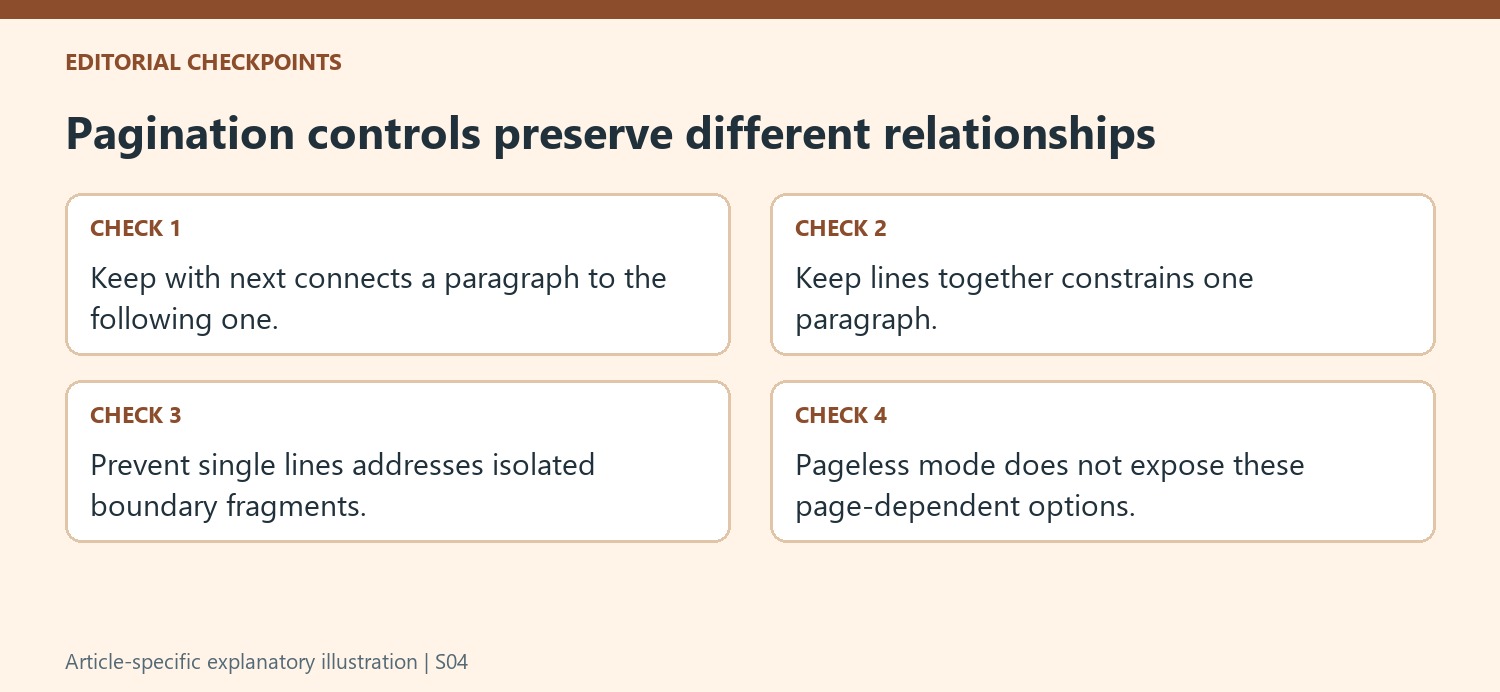
Apply pagination constraints only where their relationship is useful
Keep with next can preserve a heading with the paragraph that follows it. Keep lines together concerns the lines within a single paragraph. Prevent single lines addresses isolated fragments at page boundaries. These controls serve different relationships, so inspect the setting that matches the problem instead of enabling every option on all selected text.
Review the next page after applying a constraint. A large block that is required to stay together can leave substantial space on the preceding page. That space may reflect the chosen rule rather than an unexplained formatting defect. In pageless mode there is no equivalent page-boundary situation for these controls, and the source explicitly says the options are unavailable there. Confirm pages format if the task requires that kind of pagination.
Review recurring text roles after a style change
For repeated roles, update a style through a representative example and inspect other paragraphs using it. A local font choice can have broader consequences when saved into a shared definition. Borders and shading should identify a meaningful callout or paragraph group rather than compensate for unclear headings. Check padding, contrast and neighboring text after applying them. Finally, review the document at its intended reading size, where headings, body text and lists should form a coherent hierarchy and the spacing should support their relationships without requiring extra manual line breaks.
References
- Change how paragraphs & fonts look. support.google.com.


Comments
0