 DocumentFlow Desk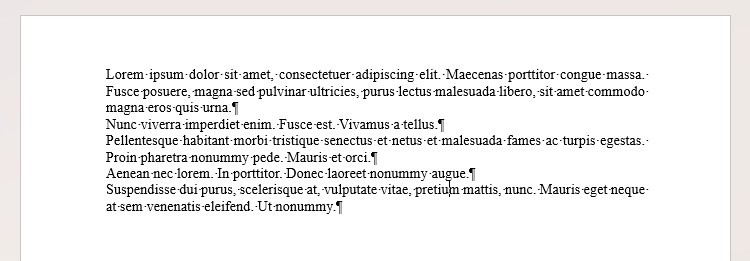
Use paragraph spacing instead of empty paragraphs
The article warns that pressing Enter twice to create space can leave inconsistent gaps when text moves across pages or the font size changes. Use the paragraph spacing settings to define the intended space before or after a paragraph. Apply a consistent style where the same relationship repeats. Turn on Show/Hide when diagnosing the layout so paragraph marks, spaces and tabs become visible. These marks help distinguish an intentional formatting setting from extra characters that happen to imitate the same appearance in the current version of the document.
Keep numbering and page transitions under Word control
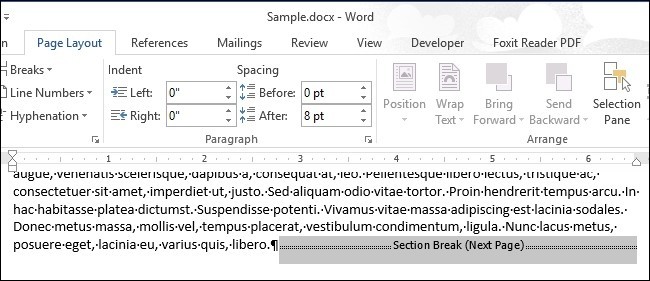
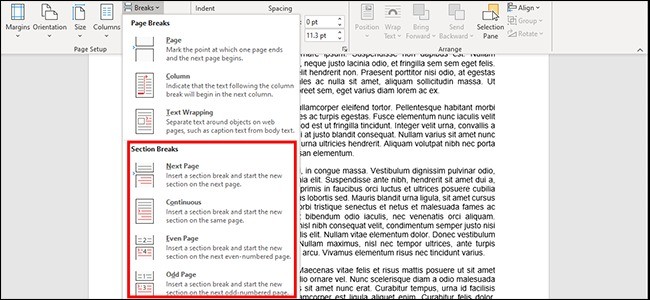
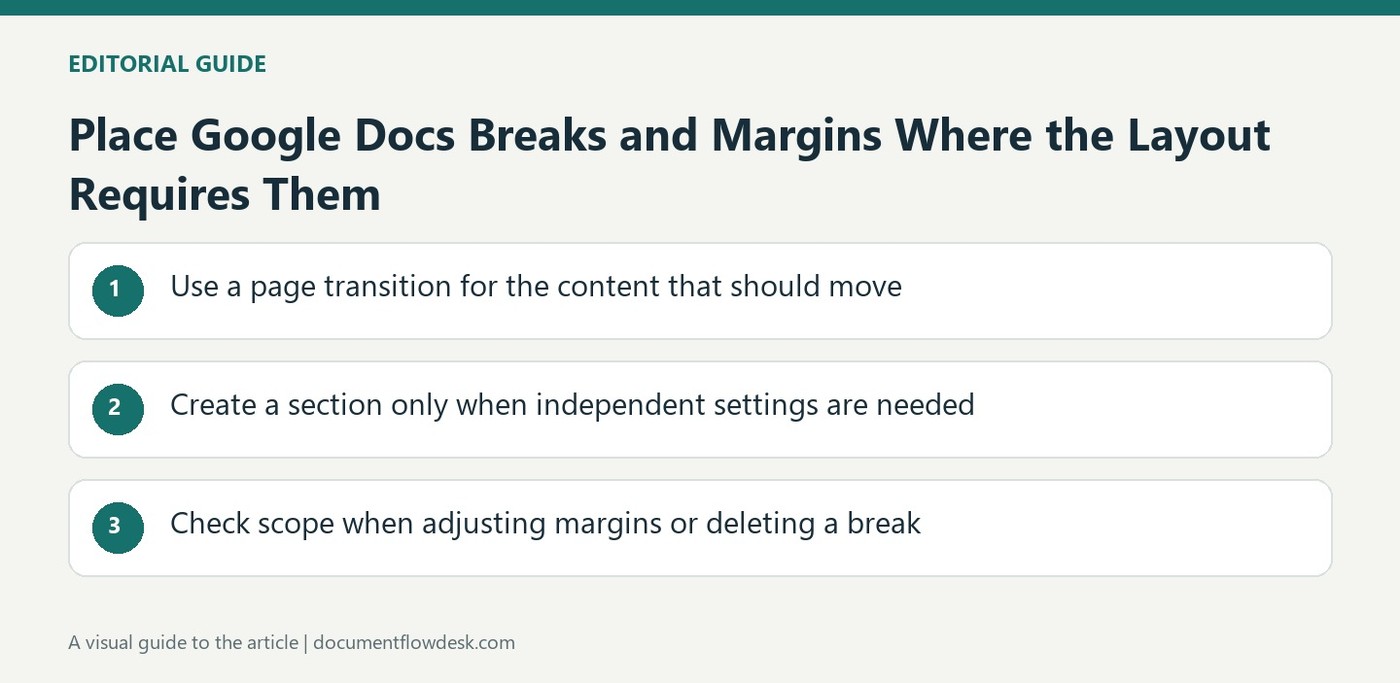
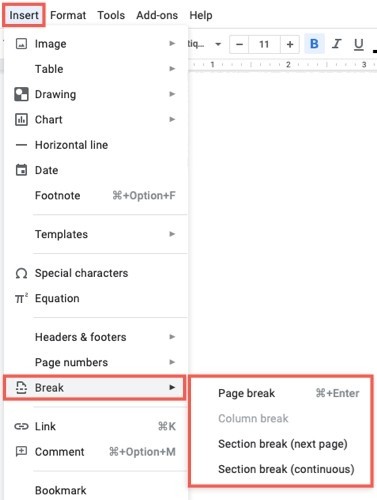
A multilevel list can maintain numbering when sections are inserted or rearranged, unlike numbers typed as ordinary text. Choose a suitable preset or define the hierarchy deliberately, especially when it needs to correspond to heading levels. Use a page break to start the next page rather than pressing Enter repeatedly. Use a section break when a separate part needs independent layout settings. These controls describe the intended structure, allowing Word to respond more reliably when earlier content grows or shrinks and the pagination changes.
Build navigation and captions from their proper features
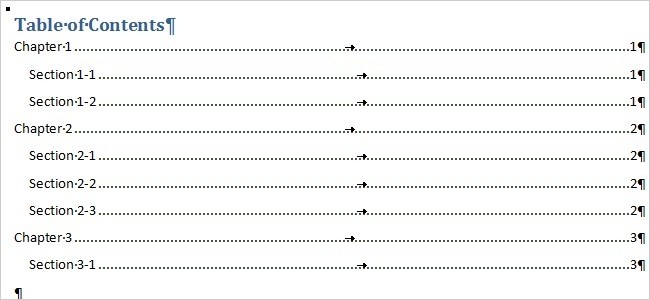
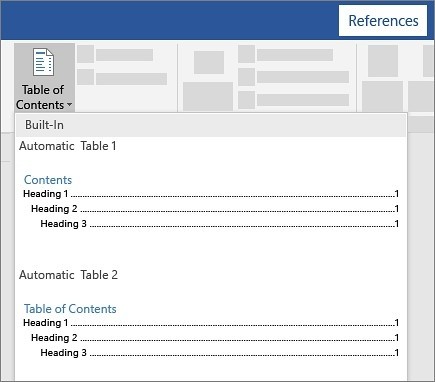
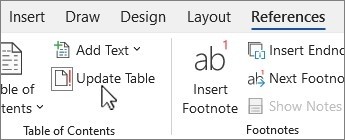
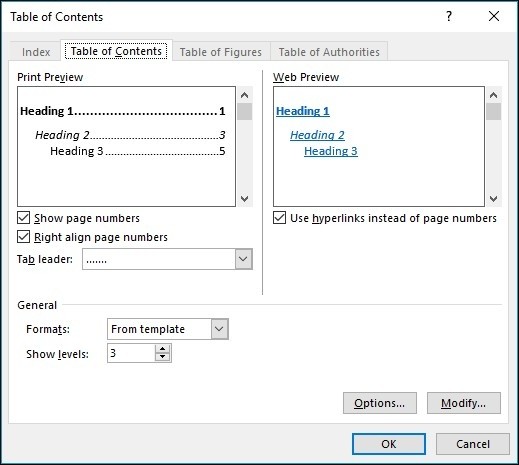
An automatic table of contents depends on correctly assigned heading styles and can be updated after revisions. Review its included levels and update the whole table when headings change, rather than changing page numbers by hand. The article also recommends using Word's caption tools instead of typing an unrelated line beneath each picture. Structured captions are easier to maintain and can support a table of figures. Review the final pagination after making these changes so headings, pictures, captions and navigation remain coherent at the document's intended reading and printing size.
Diagnose layout through nonprinting characters before repairing it
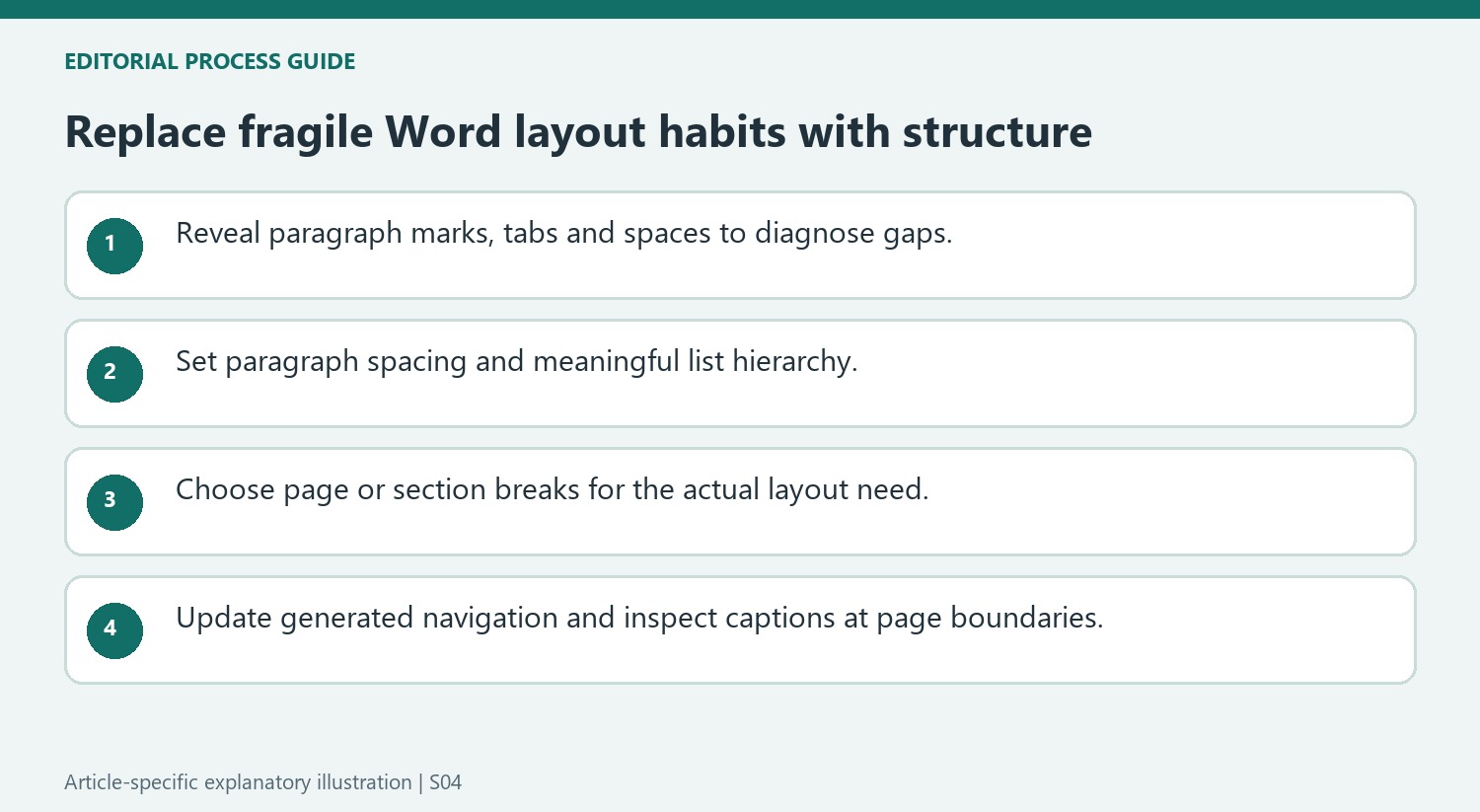
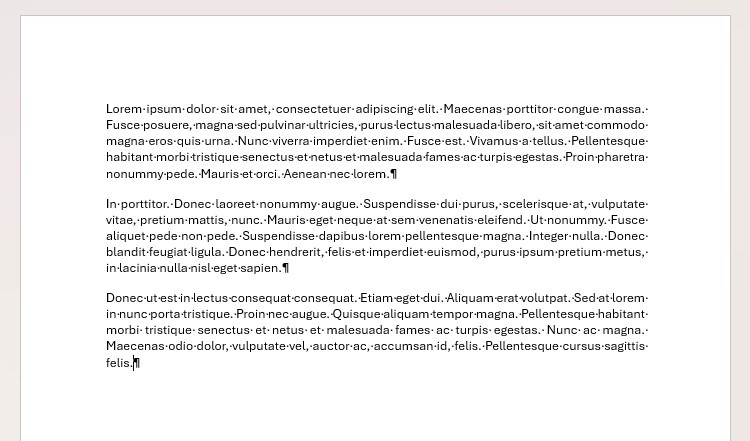
Show/Hide reveals whether a gap comes from empty paragraph marks, tabs or ordinary spaces. That distinction guides the repair. Removing repeated blank paragraphs can address one problem, while changing the paragraph spacing addresses another. Inspect the actual cause before applying a broad cleanup so intended breaks or carefully chosen exceptions are not removed along with accidental spacing.
After replacing manual spacing with paragraph settings, add a short test passage earlier in the document and inspect how the layout responds. Restore the intended wording afterward. A structural solution should continue to express the same relationship as content moves. A layout that works only at the original text length remains difficult to maintain, even if the current page looks evenly spaced.
Keep hierarchy and numbering connected to the document plan
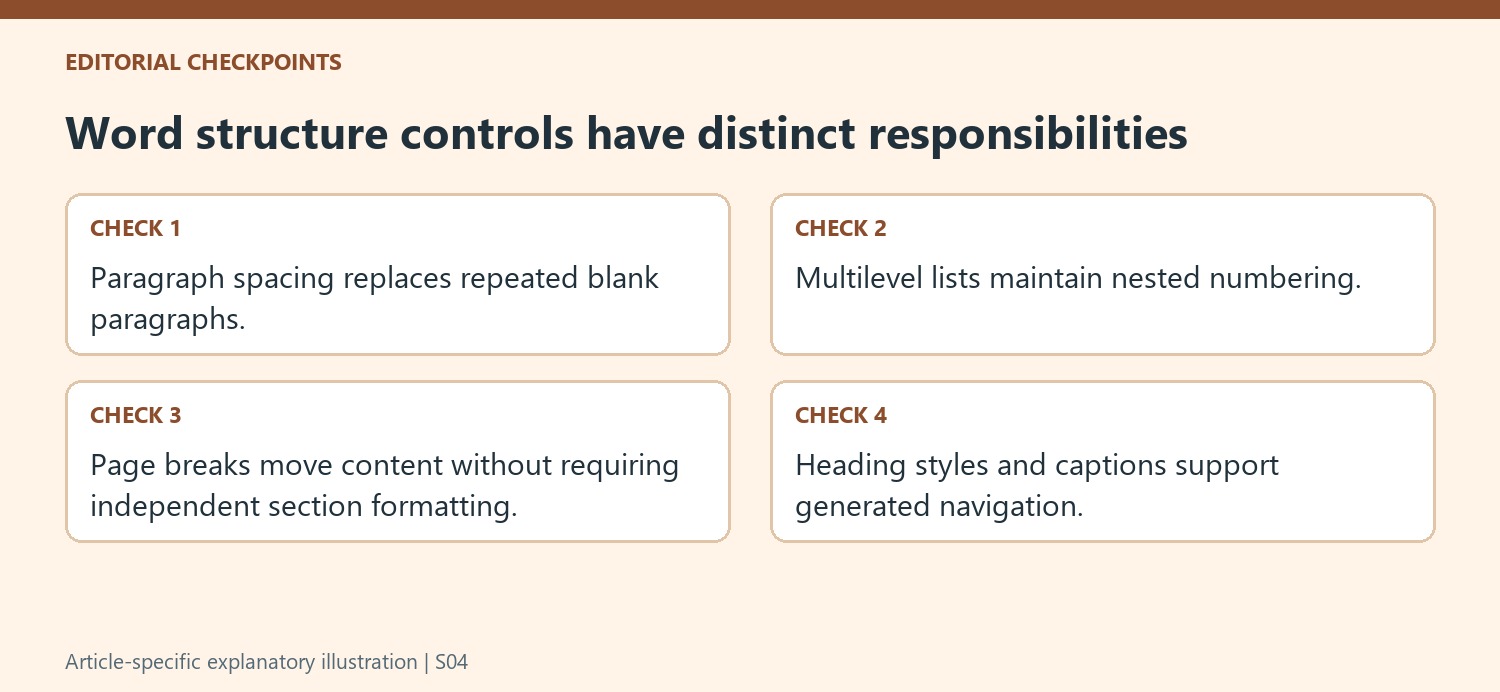
A multilevel list describes nested levels, so decide what each level represents before choosing a preset. Where the numbering belongs to headings, use an arrangement tied to the intended heading styles. An inserted section should then participate in the hierarchy instead of requiring every later number to be typed again. Review a later level as well as the first one when testing the setup.
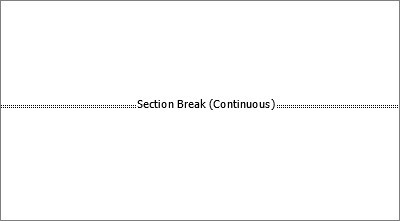
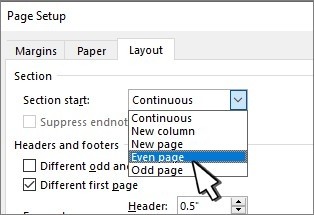
A page break and a section break solve different problems. Starting the next content on a new page does not necessarily require independent layout settings. Use a section boundary when the later part needs its own page-format context, then inspect both sides. Avoid accumulating stronger boundaries merely because they appear to move the text to the same visible place in the current draft.
Update generated navigation and review figure relationships
An automatic table of contents can update its page numbers or its complete contents. When headings have been added, renamed or reordered, review the whole table rather than updating page numbers alone. Captions likewise need to be maintained with the actual illustrations they describe. Word caption tools provide numbering and support a table of figures, but the final pagination still deserves inspection. Check a picture near a page boundary and confirm that its explanatory caption remains associated with it. The structural features reduce repetitive editing while leaving the document author responsible for a readable final arrangement.
References
- 6 Ways to Improve Your Microsoft Word Formatting. How-To Geek; Tony Phillips.


Comments
0