 DocumentFlow Desk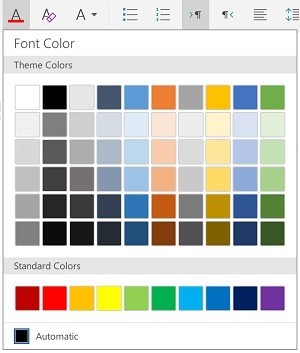
Select the intended text before changing its appearance
Microsoft describes touch gestures for selecting a word, a block of words or a paragraph in Word on tablets. Double-tap a word, then adjust the selection handles when a larger passage is needed. Inspect the highlighted range before changing a font, size, color or emphasis. A nearby insertion point is not the same as selecting existing content. Tablet layouts also vary by orientation and platform, so some controls may be grouped inside a Font menu rather than appearing as separate icons across the ribbon.
Treat paragraph structure separately from character styling
Bold and italic affect selected characters, while alignment, indentation and line or paragraph spacing concern the surrounding paragraph. Use the dedicated paragraph controls instead of adding repeated spaces to imitate alignment. Microsoft also describes built-in bullet and numbered lists, including available styles. These controls preserve a clearer structure when text changes later. Review the result with surrounding paragraphs so a local adjustment does not create inconsistent spacing or a list item that visually resembles the others but behaves differently when another item is inserted.
Choose a paste behavior that fits the destination
The source distinguishes paste options such as keeping source formatting, keeping text only and pasting a format where available. Select the destination carefully and decide whether incoming styling should be preserved or adapted to the current document. On iPad, the editing menu also provides actions such as comments and definitions. Use undo when an unexpected gesture or formatting choice affects the wrong selection, then inspect the paragraph boundaries before retrying. A final review should check both the visible appearance and the consistency of lists, indentation and spacing across the edited section.
Confirm the highlighted range after each touch adjustment
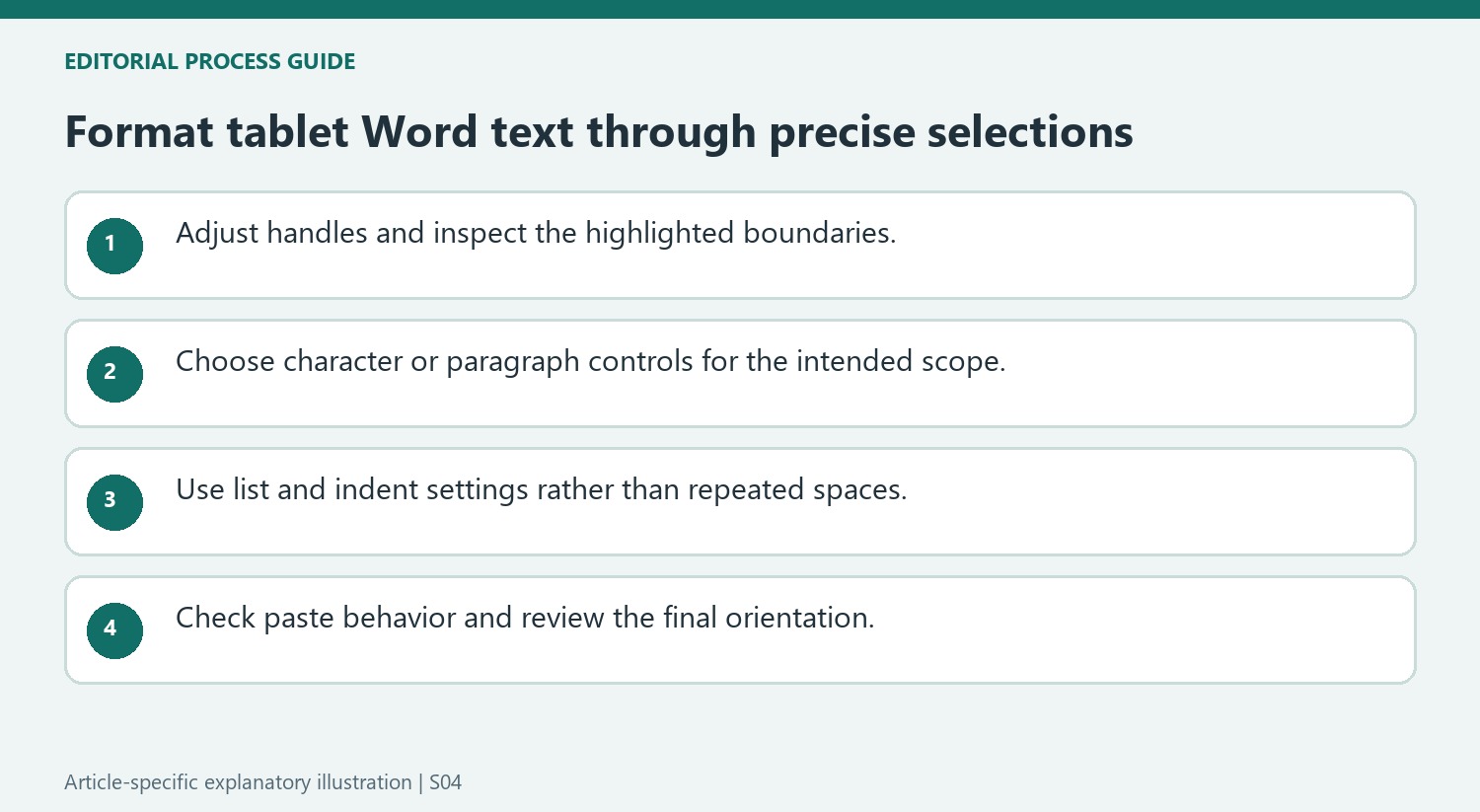
Selection handles make it possible to extend a word selection into a longer passage, but their position should be checked before applying a change. A nearby punctuation mark or the beginning of the next sentence can be included unintentionally. Zoom or reposition the view if the boundary is difficult to judge, and verify the highlight after the final handle movement rather than assuming the first gesture selected the intended block.
Apply one recognizable formatting change and inspect the result before making several more. If the wrong words changed, use the available undo control and select again. This keeps a selection mistake from becoming mixed with later legitimate edits. A precise selection also matters for destructive actions in the editing menu, since deleting the wrong range affects the actual wording rather than just its appearance.
Use paragraph controls according to their scope
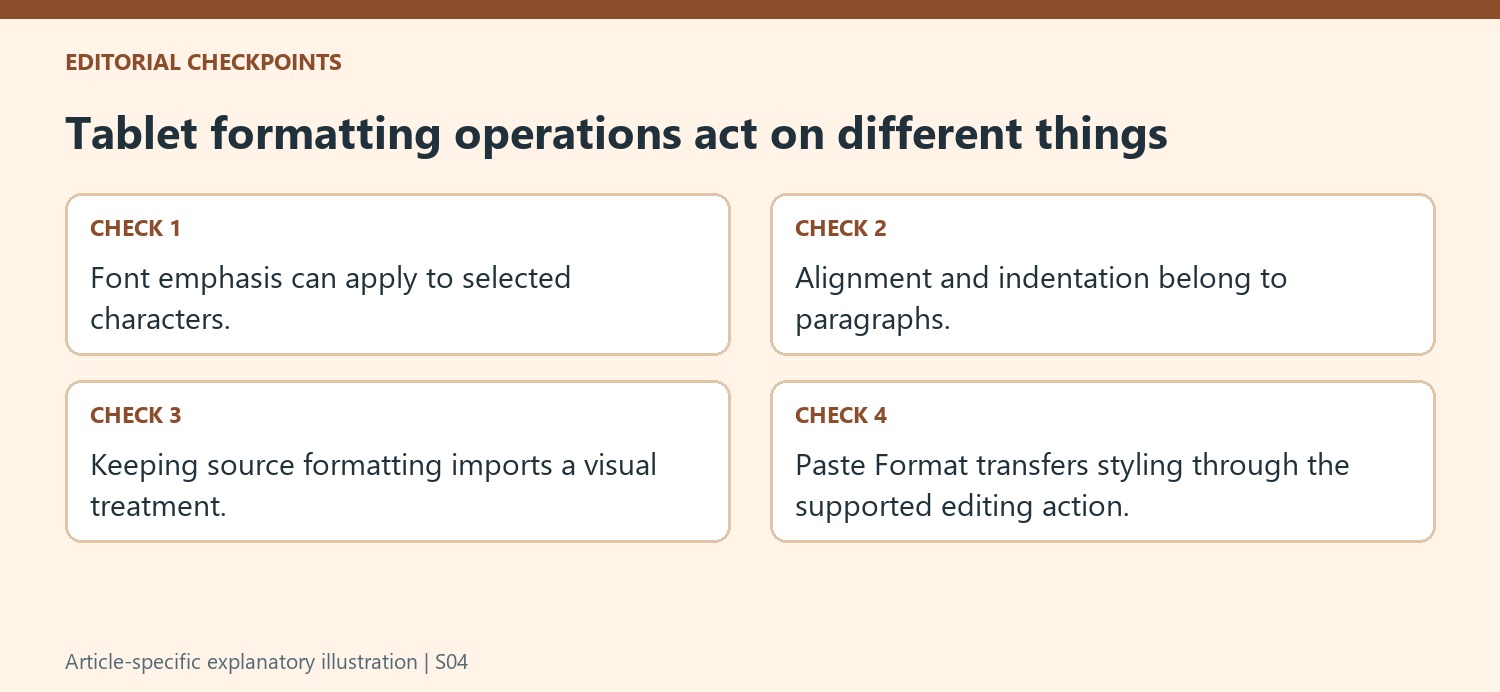
Indentation and alignment are properties of the paragraph containing the text, while bold or a font color can apply to a smaller character selection. Check the paragraph boundary when the cursor is inside a long block that wraps across several screen lines. A visual line on the tablet is not necessarily a separate paragraph. Repeated spaces used for alignment can drift when orientation or font size changes.
The source describes first-line and hanging-indent options where available, as well as list controls. Choose the intended structural behavior rather than approximating it with tabs and spaces. After creating a list, add or inspect a following item to verify that numbering and indentation remain coherent. Review neighboring paragraphs in the final orientation so the local change does not leave one section with an unexplained different rhythm.
Choose paste behavior before adopting incoming styling
Keeping source formatting preserves an incoming appearance, while keeping text only lets the destination determine more of its presentation. Paste Format transfers a formatting treatment rather than supplying the same kind of content insertion. Check which option the current platform exposes and inspect a short paste before importing a large section. Afterward, review lists, emphasis and paragraph spacing together. A passage can look acceptable in isolation yet carry a different structural or spacing convention that becomes visible only when the surrounding document is revised.
References
- Format your Word document. support.microsoft.com.


Comments
0